Police departments are moving away from outdated paper-based systems to digital platforms for managing policies. This shift addresses challenges like accessing procedures during emergencies, ensuring compliance, and reducing risks tied to outdated or inaccessible policies. Digital tools provide instant access to updated procedures, real-time notifications, and secure storage, improving efficiency and accountability. Here’s how departments can modernize their policy management:
- Policy Management Software: Tools like ResponderOne simplify access, updates, and compliance tracking.
- Secure Digital Storage: Role-based permissions and cloud storage protect sensitive documents.
- Offline-Ready Apps: Officers can access policies without internet connectivity.
- Instant Updates: Real-time notifications keep everyone informed of changes.
- Centralized Resource Hub: Cross-platform access ensures consistency and convenience.
- Admin Portals: Streamline updates, distribution, and compliance monitoring.
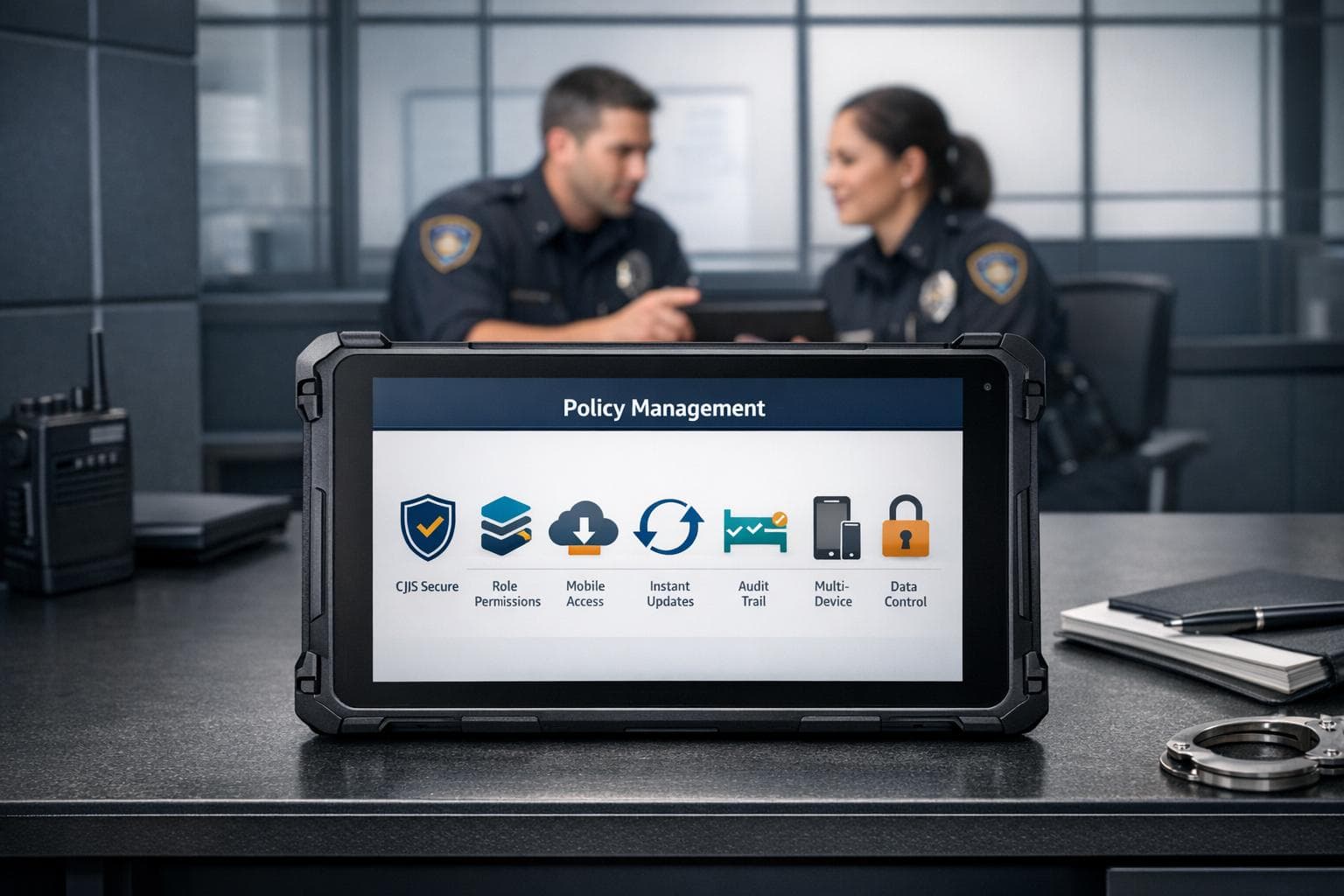
- Data Security: Encryption, audit trails, and CJIS compliance safeguard information.
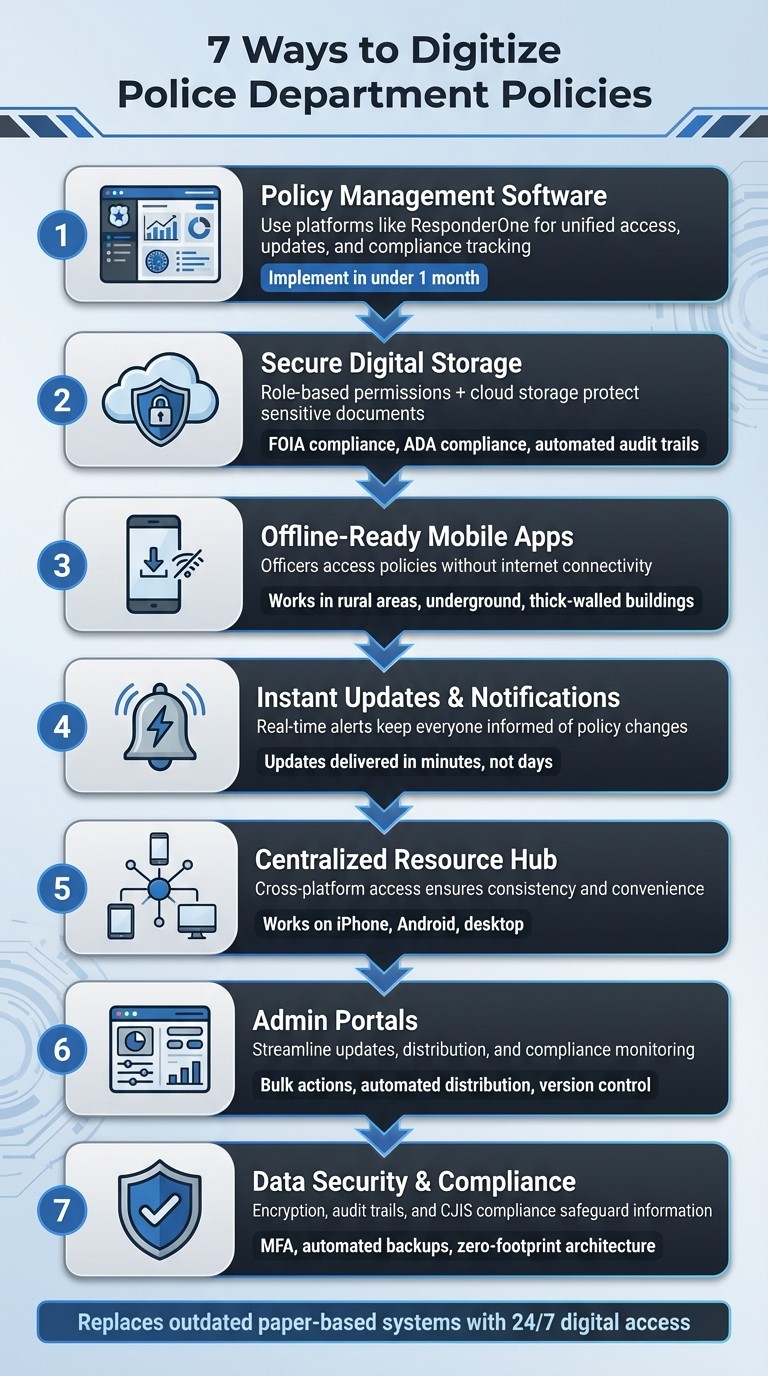
7 Ways to Digitize Police Department Policy Management
1. Use Policy Management Software like ResponderOne
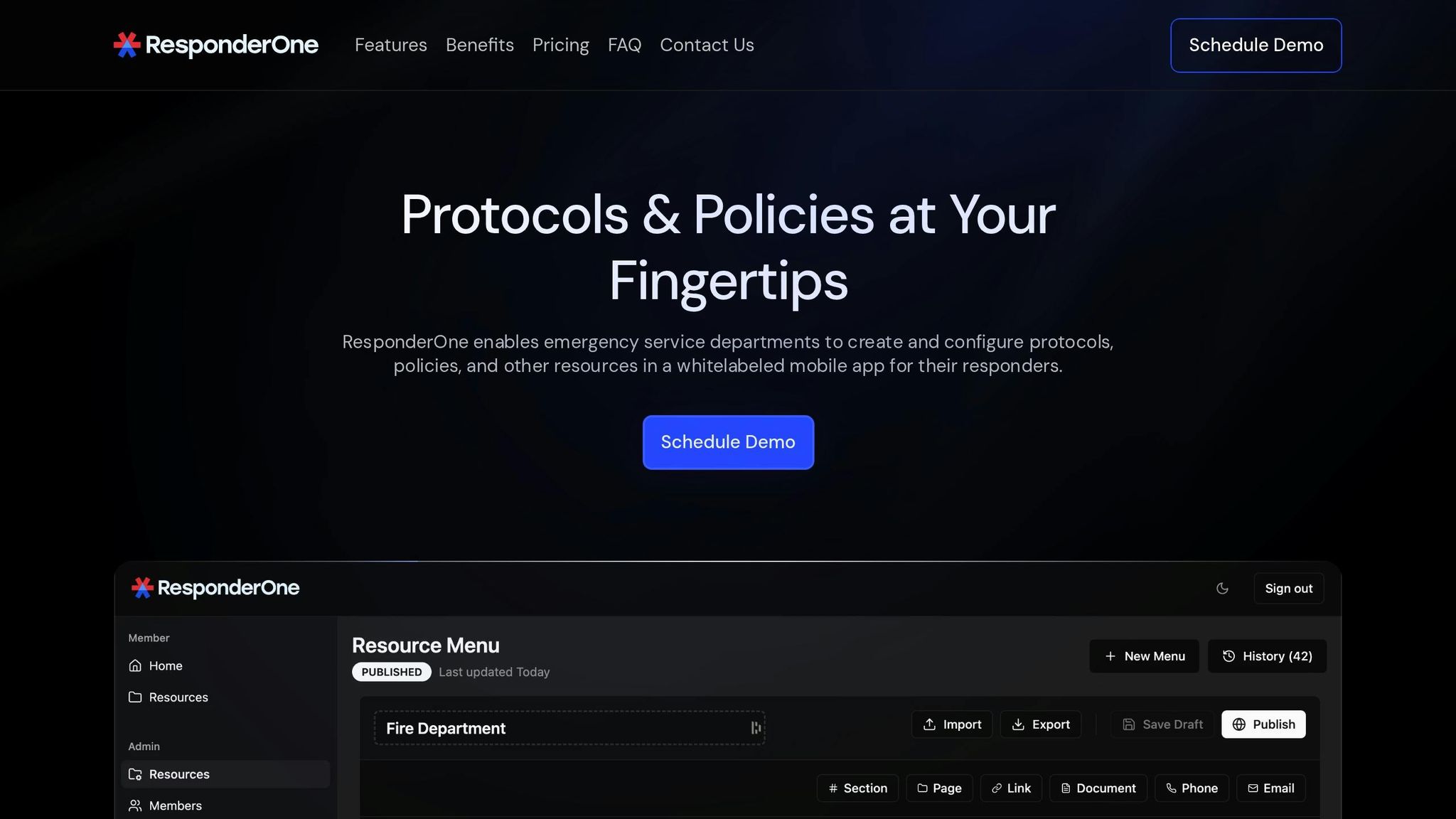
Purpose-built software can simplify policy management, and ResponderOne is a standout option for law enforcement agencies. It combines mobile apps, web portals, and admin tools into a unified platform, replacing outdated, paper-based systems.
Accessibility for Officers and Administrators
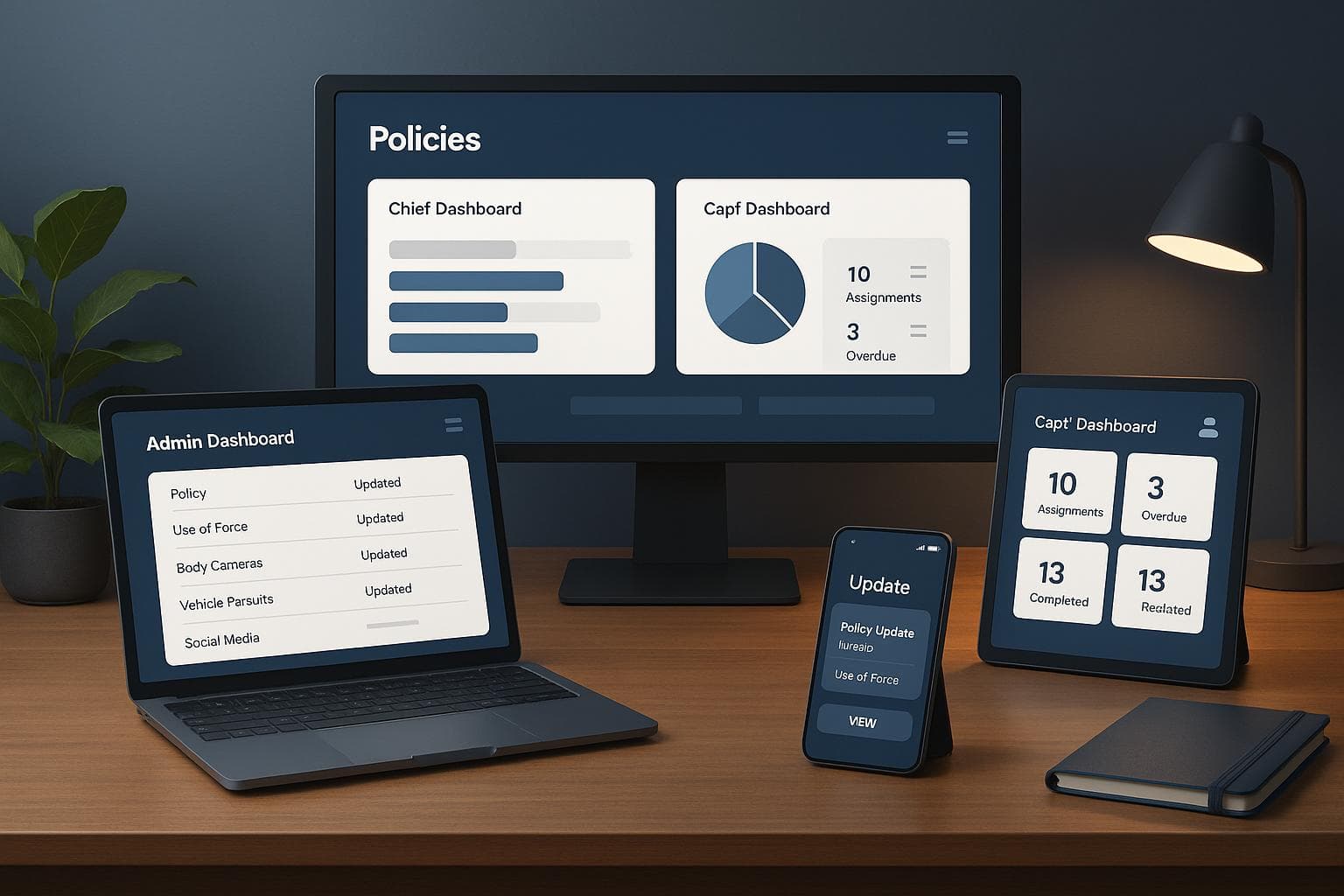
ResponderOne makes it easy for officers and administrators to access and manage policies. Officers can view policies through mobile apps or web browsers, whether they’re in the field or at the station. Meanwhile, administrators use a dedicated Admin Portal to control permissions, organize content, and track policy distribution. This setup ensures everyone is always working with the latest, most accurate information, improving coordination across the board.
Security and Compliance
Security is a top priority with ResponderOne. It uses role-based permissions to protect sensitive files and offers secure storage. The platform’s Menu History & Rollbacks feature provides an audit trail by allowing the restoration of previous policy versions, which is especially useful during legal reviews. For agencies managing larger policy libraries, the Enterprise plan offers unlimited storage and priority support.
Simplifying Policy Updates and Notifications
When policies - like use-of-force guidelines - are updated, officers are instantly notified through real-time alerts. This ensures everyone is on the same page quickly. A Planning & Research Analyst from the Wood Dale Police Department highlighted how this system significantly improved efficiency compared to older methods. Plus, agencies can fully implement the platform within a month, a fraction of the time traditional systems require.
Offline Access for Field Operations
ResponderOne also supports offline functionality, ensuring officers can access policies even in areas with poor connectivity. By syncing policies to their devices while on Wi-Fi, officers can retrieve crucial information during emergencies in remote locations or buildings with limited cellular coverage. This feature ensures officers always have the resources they need, no matter the circumstances.
2. Set Up Secure Digital Storage with Role-Based Permissions
Ease of Updating and Distributing Policies
Once security is in place, the next step is simplifying how policies are updated and shared. Digital workflows make it easier to revise policies and keep them up-to-date. These updates sync seamlessly with mobile devices, ensuring officers in the field always have access to the most current guidelines. A multi-tier approval process adds another layer of accuracy, requiring supervisors to review and sign off on changes before they are implemented. Version control ensures that outdated policies are archived, leaving only the latest version accessible.
To boost compliance, automated reminders can prompt staff to review new policies each week. Mobile e-signatures provide a timestamped record, offering proof that policies have been reviewed and acknowledged. Additionally, smart search functionality allows officers to quickly find the procedures they need, saving time and improving efficiency.
3. Deploy Offline-Ready Mobile Apps for Field Officers
Offline Functionality for Field Use
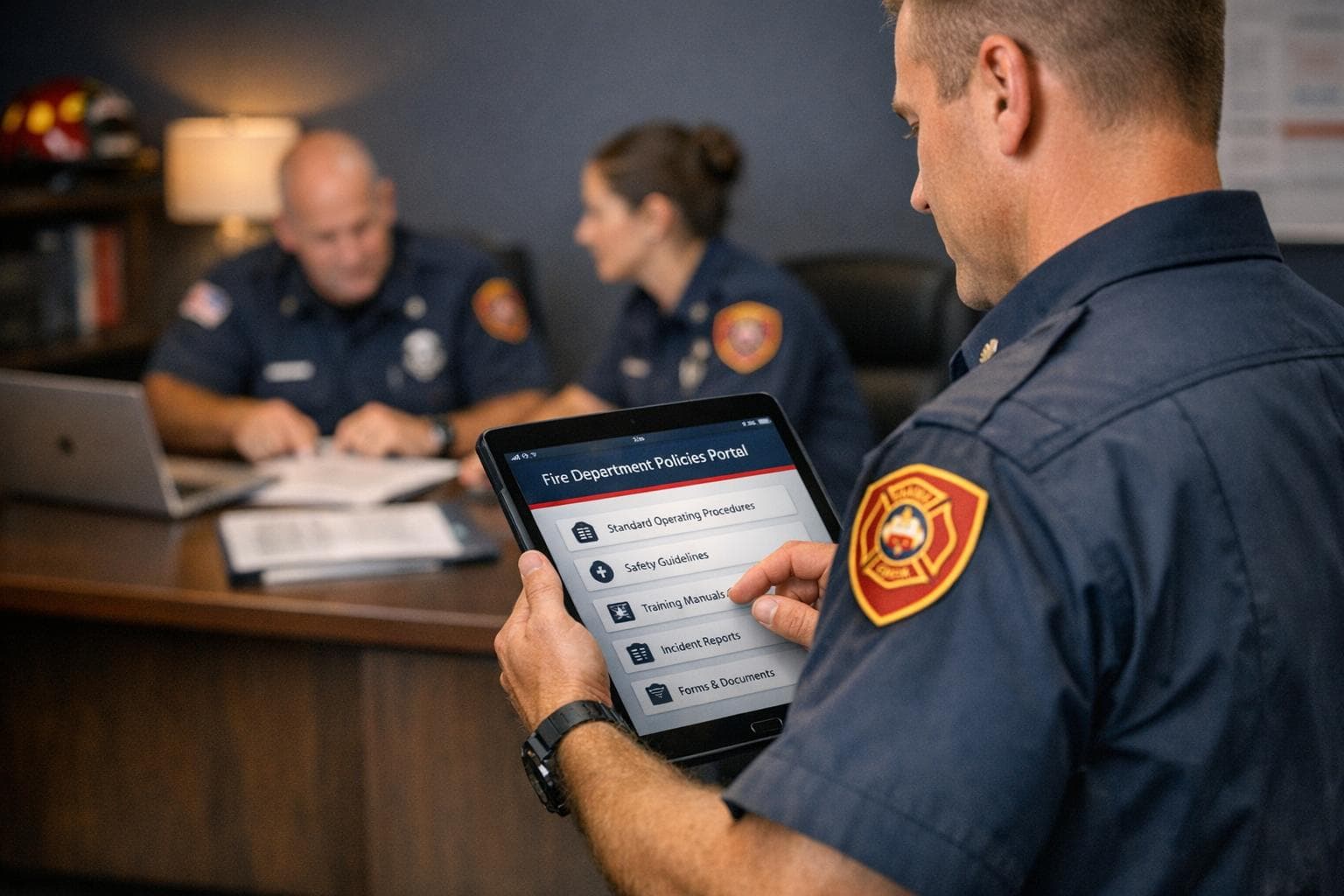
Field officers often work in places where cellular coverage is spotty or nonexistent - think rural areas, underground parking lots, or buildings with thick walls. Offline-ready mobile apps solve this problem by storing essential policies directly on the device. This ensures officers always have access to their department's key resources, even in areas without service.
With these apps, smartphones and rugged tablets become portable command centers. Officers can quickly reference procedures during foot patrols, building searches, or traffic stops - no need to head back to the station or their vehicle. Offline policy libraries make it easier and faster to find the information they need, keeping operations smooth even in challenging environments. This functionality also extends to routine administrative tasks, making day-to-day operations more efficient.
Accessibility for Officers and Administrators
Beyond offline access, these mobile apps eliminate the hassle of returning to headquarters for policy acknowledgments. Officers can sign off on policies securely in the field using biometric authentication, such as a fingerprint or Face ID. This creates timestamped audit trails while saving time during their shift.
For administrators, the tracking features are a game-changer. They can see which officers have reviewed specific policies and how long they spent on each one, helping to pinpoint knowledge gaps and improve compliance across the department. By enabling real-time sign-offs and secure data capture, these apps streamline operations and enhance security. Plus, the move from vehicle-based systems to handheld devices allows officers to work more efficiently, with instant access to the information they need to make informed decisions in the field.
4. Set Up Instant Policy Updates and Notifications
Quick Updates and Policy Distribution
When policies change, getting the word out to every officer without delay is crucial. Digital platforms make this process seamless by delivering updates instantly. Whether it’s a new use-of-force policy or revised pursuit guidelines, automated workflows ensure the entire department is informed within minutes.
With mobile-first tools, officers receive real-time notifications while on patrol. No need to wait until they’re back at the station to check a desktop computer - alerts are sent the moment a policy is published. This instant communication ensures that field officers always have the latest protocols at their fingertips.
Keeping Officers and Administrators Connected
Instant updates do more than just inform - they help enforce consistent adherence to policies. Real-time alerts ensure officers stay up to date. For example, when a new guideline for handling mental health crises is introduced, officers are immediately notified and can access the updated policy through a secure mobile platform.
For administrators, automated reminders simplify follow-ups. If an officer hasn’t acknowledged a new policy within a set timeframe, the system sends reminders until the task is completed. There’s no need for manual intervention from supervisors. The system also tracks who has reviewed specific policies and how much time they spent on them. This visibility makes it easier to spot compliance gaps and ensure every officer is aligned with the department’s standards. These tools not only streamline policy management but also ensure officers are prepared to respond effectively in the field.
5. Create a Centralized Resource Hub with Cross-Platform Access
Accessibility for Officers and Administrators
A centralized resource hub brings all digital resources into one convenient location, making it easier for officers and administrators to access policies, procedures, and protocols. Imagine an officer pulling up a guideline on their smartphone during a traffic stop while an administrator reviews the same document from their office computer. This setup ensures everyone is always working with the most up-to-date version, no matter where they are.
Cross-platform access removes barriers tied to specific devices or locations. Whether it’s an iPhone, Android tablet, or desktop computer, the hub offers a consistent interface across all platforms. This flexibility is especially useful for departments with mixed device setups or officers who switch between personal and department-issued devices during their shifts. By simplifying access, this approach also supports better security practices.
Offline Functionality for Field Use
Internet connectivity isn’t always reliable, especially in rural areas or inside buildings with poor reception. To address this, the hub's offline functionality allows officers to save policies directly to their mobile devices. This way, they can still access critical information even when completely offline. Once they reconnect to the network, the system automatically syncs any updates, ensuring they’re always up to date.
6. Use Admin Portals to Manage Policies Efficiently
Simplifying Policy Updates and Distribution
Admin portals make updating and distributing policies a breeze compared to the old days of manual printing and sorting. With just a few clicks, administrators can push updates directly to every device in the department. This instant distribution ensures officers always have access to the latest policies without any delays.
Gone are the days of physical sign-off sheets and the risk of officers referencing outdated versions. Digital portals automatically archive older versions, keeping everything organized and up to date. Administrators can also handle bulk actions, like importing multiple policies at once or automating distribution for new hires during onboarding. These tools save time and effort, creating a more efficient way to manage policies while laying the groundwork for further digital advancements in departmental operations.
Easy Access for Everyone
Admin portals are designed to work seamlessly for both administrators managing large volumes of documents and officers needing quick access to specific policies in the field. Smart keyword search makes finding documents fast and hassle-free. For administrators, tools like document redaction simplify responses to public records requests, speeding up the process. These features ensure that policy management stays efficient, secure, and user-friendly at every level.
7. Protect Data and Maintain Compliance Standards
Security and Compliance with Data Protection Standards
Audit trails play a crucial role in maintaining accountability. They automatically track who accessed or modified data, which is invaluable for compliance checks and accreditation reviews.
Cloud-based platforms, especially those using GovCloud hosting, provide a more secure alternative to outdated on-premise systems. Features like automated backups and disaster recovery ensure your data remains protected, even in unexpected situations.
To further enhance security, configure your system for automatic logouts after periods of inactivity. This is especially important for field devices like patrol tablets, as it prevents unauthorized access when officers step away. Pair this with a zero-footprint architecture that avoids storing data locally, so even if a device is lost or stolen, sensitive information stays secure.
Conclusion
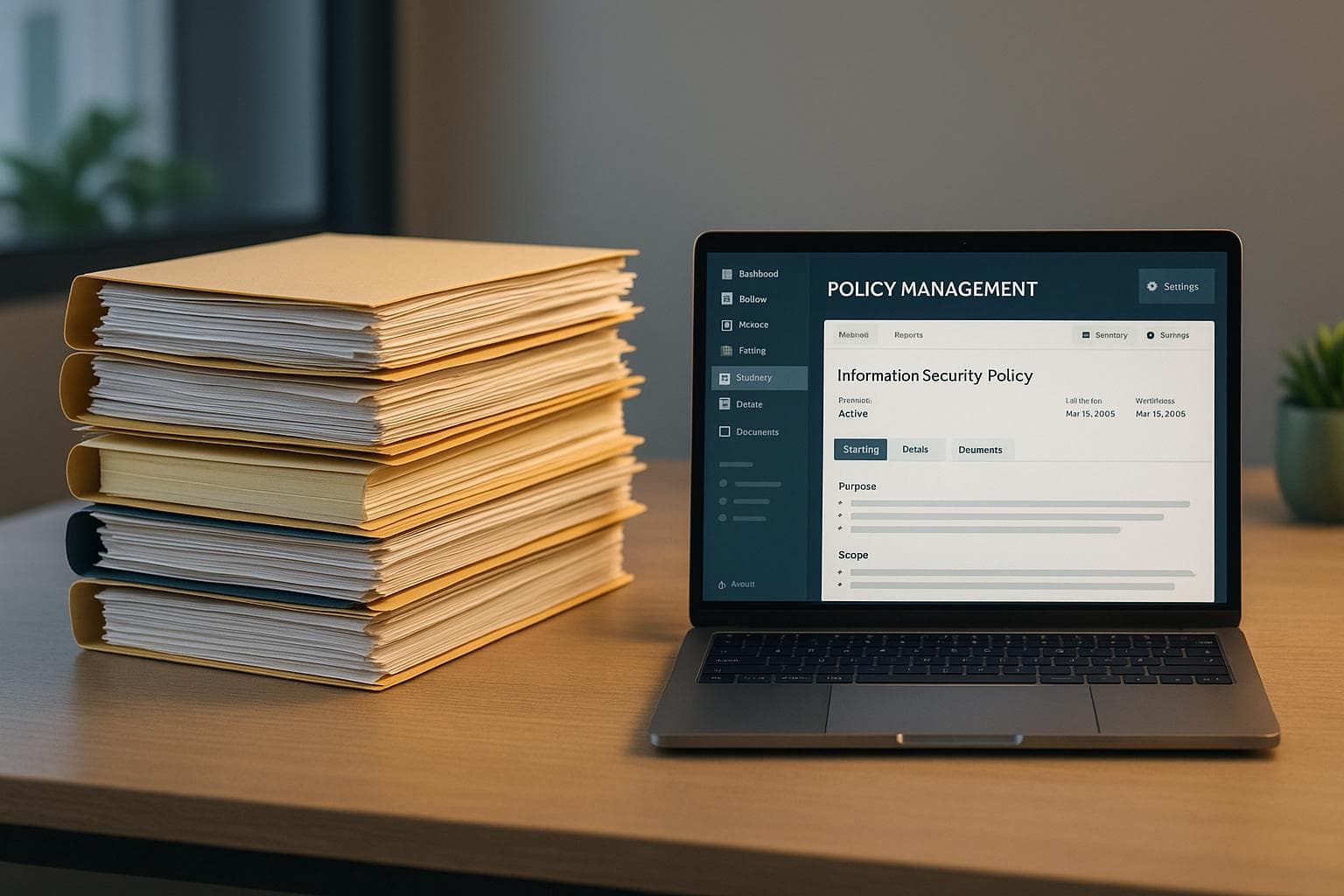
Digitizing policy management reshapes how agencies operate by eliminating outdated binders and costly printing. With 24/7 access to updated policies, instant notifications, and robust digital audit trails, agencies can better navigate reviews and investigations.
The strategies discussed - ranging from adopting policy management tools like ResponderOne to ensuring secure, mobile-accessible systems - are designed to create what Paige Kransberg, Account Executive at Frontline Public Safety Solutions, describes as "a living, breathing ecosystem." This approach isn’t about merely digitizing old systems; it’s about building a platform where officers in the field can quickly find answers, administrators can roll out updates instantly, and the department maintains a reliable source of truth for procedures and compliance. By linking updated policies to targeted training, departments ensure officers not only acknowledge changes but fully understand them.
These methods bring operational and financial improvements. Features like smart search tools, redline comparisons to track policy changes, and electronic signatures with timestamps replace outdated manual processes, saving time and resources.
Start by moving away from static PDF storage and invest in policy management software that offers version control, automated updates, and mobile-friendly design. Tying policies to training modules with comprehension tests and AI-powered quizzes ensures updates are understood, not just acknowledged.
Policies are too important to rely on outdated systems. Modern tools make policy management faster, safer, and more effective for the officers who depend on them. The real question isn’t whether to go digital - it’s how soon your department can adopt these tools to stay ahead.
FAQs
How fast can we roll out digital policies department-wide?
The time it takes to roll out digital policies largely hinges on your department's preparation, technology infrastructure, and planning efforts. With the right policy management software, many departments can implement these systems within 4 to 12 weeks.
The process typically involves updating existing policies, digitizing and organizing them, and providing staff training. Mobile-friendly platforms and automated notifications play a key role by giving officers real-time access, even while on duty, making compliance and policy updates much more efficient.
How do officers access policies when they’re offline?
Officers can access essential policies even without an internet connection by using secure digital repositories or policy management software with offline capabilities. These tools enable policies to be downloaded and stored directly on mobile devices, ensuring critical procedures are always within reach. Offline policy manuals or mobile apps make it easier to access up-to-date policies quickly and securely, no matter the circumstances.