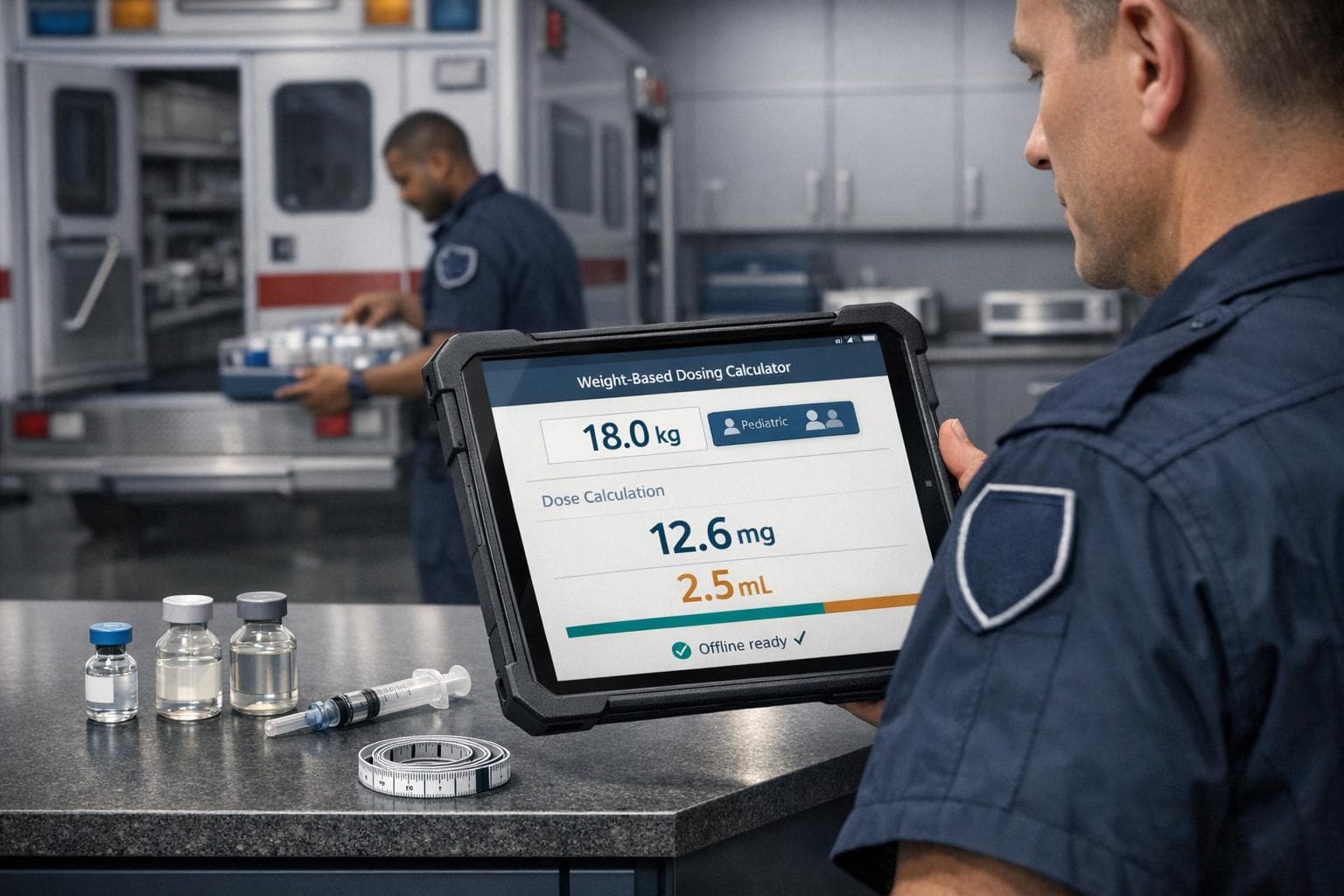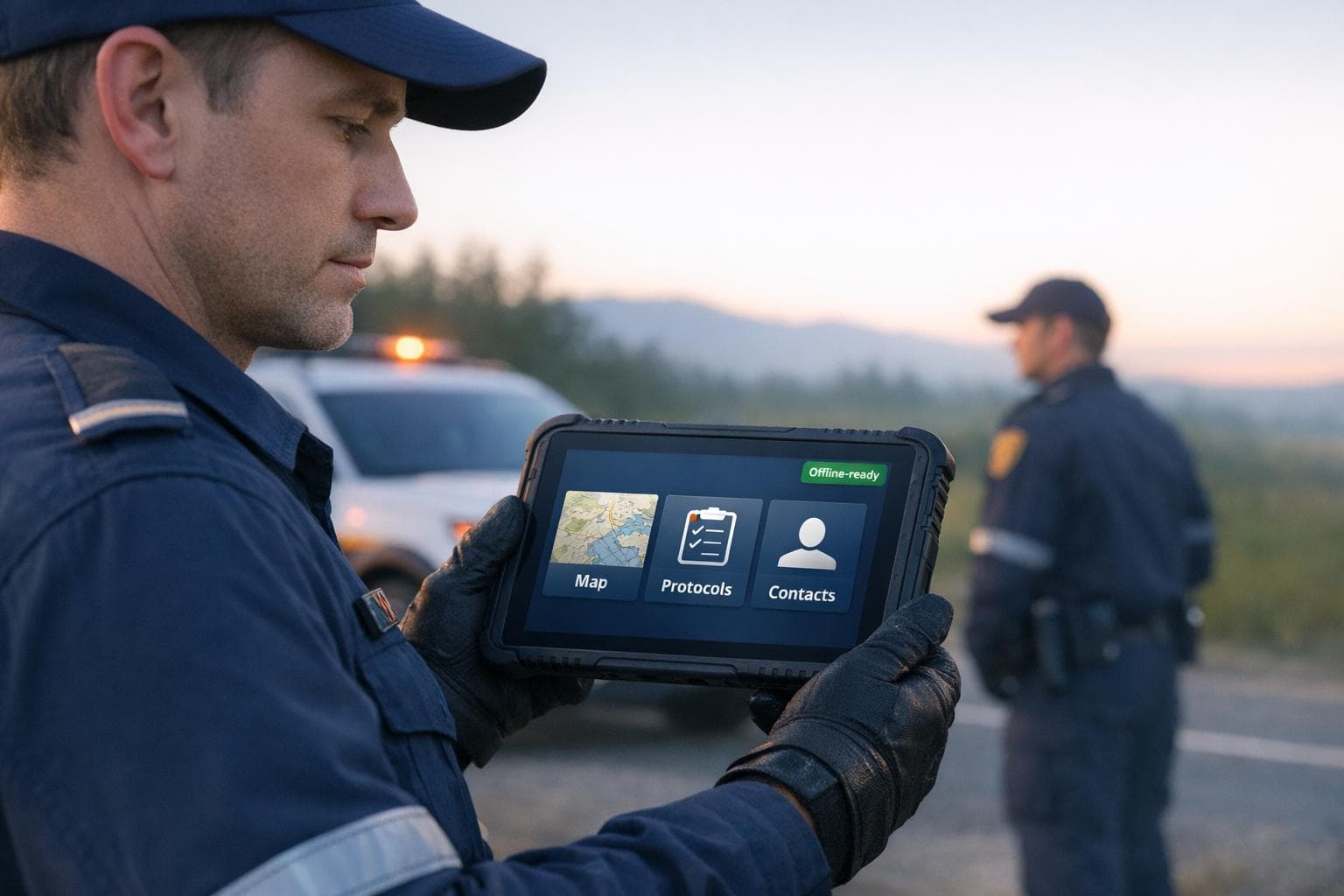
When disaster strikes, internet connectivity often fails - leaving first responders without the tools they need most. Offline-first systems solve this by storing critical resources like maps, protocols, and contact lists directly on devices. This ensures access, even in dead zones or during network outages.
Key Insights:
- Why It Matters: Offline systems allow responders to act faster and avoid delays caused by poor connectivity.
- Real-World Impact: During the 2011 Japan tsunami, offline tools improved response times by 30%.
- Technical Features: Local data storage, synchronization, encryption, and conflict resolution ensure reliability and security.
- ResponderOneSolution: Offers offline-ready plans with features like pre-downloaded resources, smart updates, and secure local storage, starting at $99/month.
Offline-first systems aren't just tools - they're lifelines in emergencies. They ensure responders can work effectively, no matter the conditions.
Core Features of Offline-Ready Systems
Technical Components of Offline-First Architecture
At the heart of any offline-ready system is local data storage. Instead of leaning on remote servers, these systems rely on device-stored databases like SQLite or IndexedDB. This setup turns the device into the main source of truth, enabling actions to be executed instantly, even without internet access.
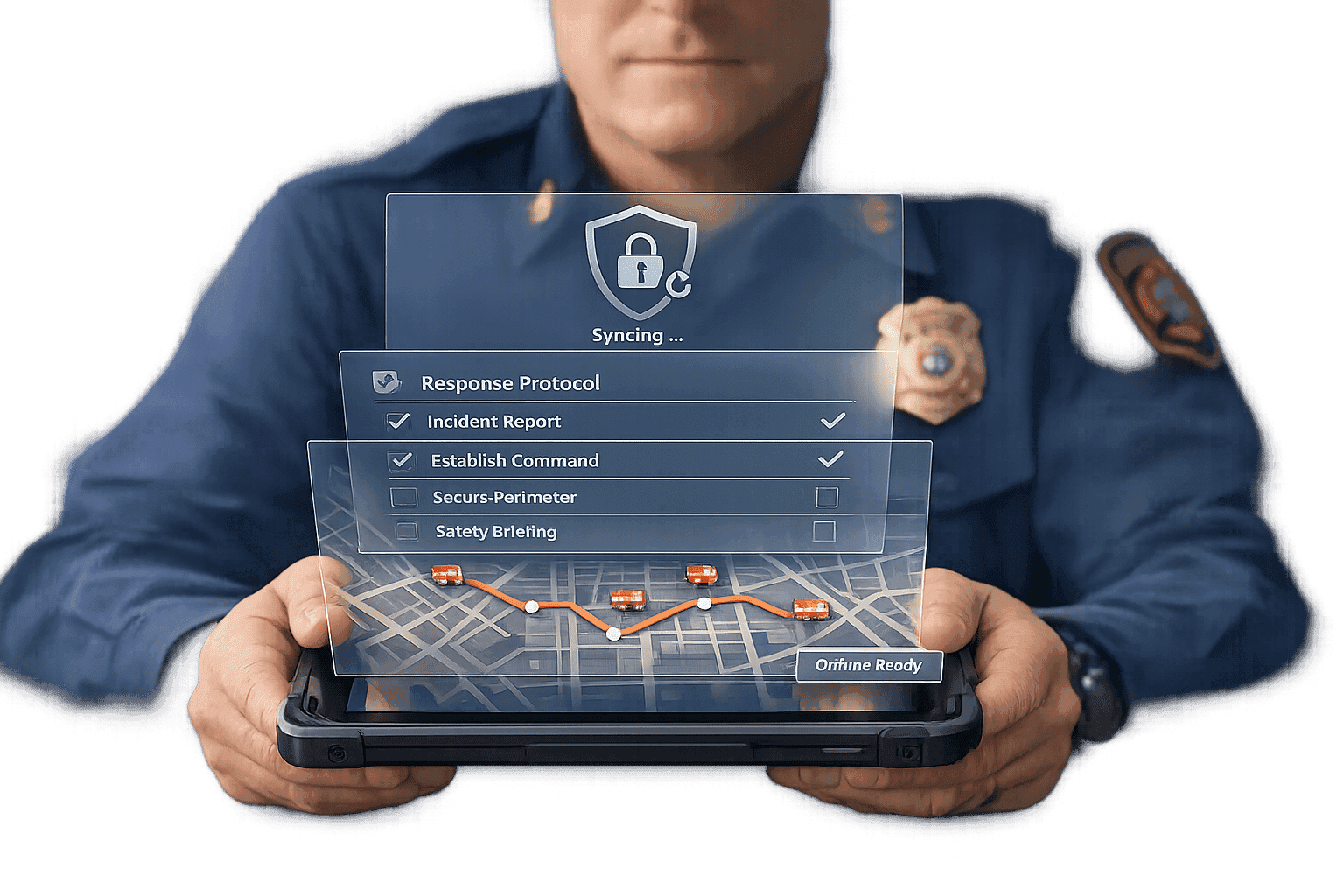
Synchronization plays a key role. Offline systems often use an "Outbox/Inbox" model: changes made offline are queued in an outbox for later processing. Once the connection is restored, the system syncs by pushing these changes to the server and pulling updates from other users. To save on bandwidth, only the modified parts of data - using a method called "delta sync" - are transmitted, avoiding the need to re-upload entire files.
Conflict resolution is another crucial element, especially when multiple users edit the same data simultaneously. Advanced systems handle this with techniques like Conflict-Free Replicated Data Types (CRDTs) for automatic merging or simpler approaches like "Last Writer Wins" for straightforward updates such as status changes.
To ensure security, local data must be encrypted at rest using hardware-backed encryption keys. Additionally, these systems store only essential mission data to minimize risks. Write-Ahead Logging (WAL) further enhances reliability by recording every operation in an append-only log. This ensures that even if synchronization is interrupted, no data is lost, and the process can pick up right where it left off.
These technical capabilities form the backbone of offline-ready systems and directly contribute to smoother field operations.
How Offline Systems Improve Field Operations
The technology behind offline systems delivers immediate benefits in real-world scenarios. By removing network delays, these systems give responders instant access to essential resources like protocols, maps, and contact lists, even in connectivity dead zones.
Synchronization and conflict resolution ensure that field teams can work without interruptions while maintaining up-to-date information. Proven methods like delta synchronization and tile-based mapping support seamless data collection and coordination, even in challenging environments.
Battery efficiency is another critical factor during prolonged operations. Features like GPS batching, which records location data at intervals, help extend battery life. Tile-based maps also provide reliable navigation, whether responders are in remote wilderness or underground facilities.
To further aid responders, clear status indicators highlight synchronization states and flag features that require connectivity. This transparency helps users make informed decisions about which tools are accessible in their current situation, ensuring they can operate effectively no matter the environment.
Emergency Communication App That Works When Cell Towers Are Down | RDAP Pro Review
Implementing Offline Access with ResponderOne
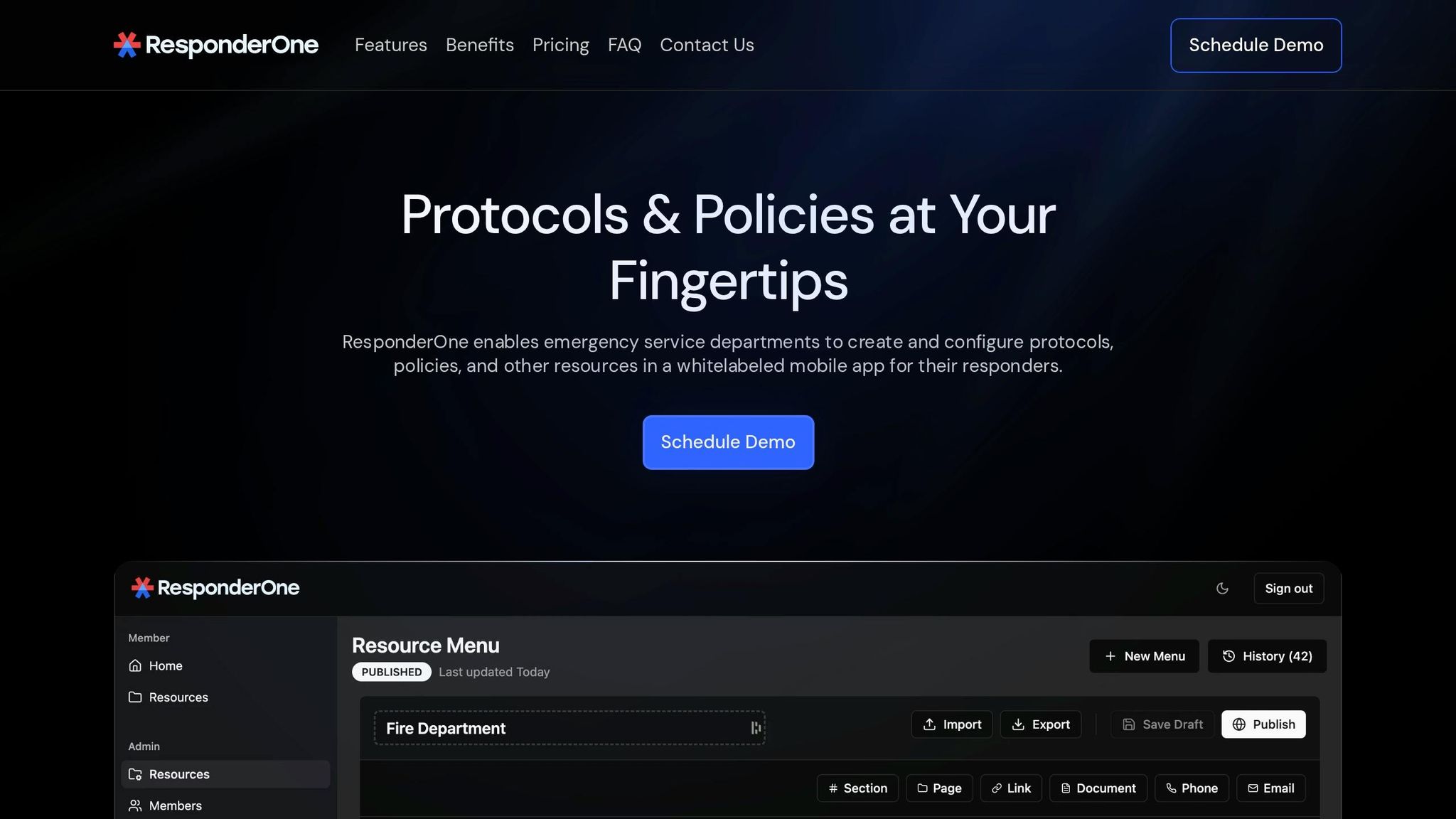
ResponderOne ensures responders can access critical resources even without an internet connection by implementing an offline access system. During the initial sign-in, the platform downloads all department resources - like PDFs, contact directories, and search indexes - directly to each responder's device. Once this download is complete, responders can search protocols, bookmark important pages, and navigate documents entirely offline.
When connectivity is restored, the platform automatically checks for updates in the background. If new protocols are available, users receive a prompt to update. However, they can choose to delay the update if they're in the middle of critical tasks. This ensures responders have control over data transfers, minimizing disruptions during urgent operations.
ResponderOne offers three tiers of service, each providing offline capabilities but differing in storage, administrative tools, and support. Here's a quick breakdown:
- Lite: $99 per month plus $0.50 per user, with 1 GB of storage and self-service content management.
- Essentials: $199 per month plus $0.30 per user, offering 5 GB of storage, white-labeling, and update notifications.
- Enterprise: Custom pricing with unlimited storage, full-service content management, priority support, and version rollbacks.
Let’s dive into what each plan provides.
ResponderOne Lite Plan Features
The Lite plan is ideal for smaller agencies or pilot programs, priced at $99 per month plus $0.50 per user. It includes 1 GB of storage, enough to handle protocols, contact lists, and frequently used documents. Through the self-service Admin Portal, staff can upload PDFs, organize content into folders, and push updates to responders' devices.
Once the initial download is complete, responders can search protocols with keywords, navigate lengthy PDFs, and access bookmarked sections - all without needing a network connection. Departments only see their assigned resources, keeping things secure and streamlined. This plan is perfect for agencies just starting to digitize their protocols or those managing smaller libraries, offering reliable offline access without a hefty price tag.
ResponderOne Essentials Plan Features
Essentials is designed for growing departments and costs $199 per month plus $0.30 per user. With 5 GB of storage, it accommodates larger resource libraries, including detailed protocols, hazmat guides, and training materials. This makes it a cost-effective choice for agencies with 50 or more responders.
This plan introduces update notifications, which alert users when administrators publish new protocol versions, ensuring offline data stays current without manual intervention. It also includes white-labeling, allowing agencies to customize the app with their branding for a more cohesive user experience. Additionally, Quick Contacts integration provides instant access to department directories, even in areas with no cellular coverage. For agencies transitioning from paper-based systems to digital platforms, Essentials offers the tools to efficiently support field operations while keeping costs manageable.
ResponderOne Enterprise Plan Features
For large agencies with extensive needs, the Enterprise plan offers unmatched offline management. With unlimited storage and custom pricing, this plan is tailored for departments managing complex and expansive resource libraries.
A standout feature is full-service content management, where the ResponderOne team handles updates on behalf of the agency. This eliminates administrative tasks for busy departments, ensuring resources are always up-to-date and professionally maintained. The plan also includes menu history and rollbacks, enabling administrators to recover previous protocol versions if necessary.
Priority support ensures technical issues are addressed within 24 hours, minimizing disruptions to operations. The unlimited storage supports everything from training videos to incident action plans and specialized guides. For agencies with large populations or multiple stations, the Enterprise plan provides the infrastructure and support needed to maintain seamless offline access at scale.
Best Practices for Managing Offline Data
Local Data Storage and Synchronization Methods
When storing data locally, it’s important to focus on speed, reliability, and efficiency. ResponderOne addresses this by downloading key resources during sign-in, ensuring they're ready for offline use. To keep things running smoothly, the platform uses delta synchronization - only updating data that has changed once connectivity is restored. This approach minimizes bandwidth usage and keeps updates quick.
The system operates with a "local-first" mindset, meaning it treats internet connectivity as a helpful bonus rather than a requirement. When a connection is available, the platform checks for updates in the background and notifies users about new versions. Responders can then choose when to download updates, avoiding disruptions during critical operations.
To manage storage effectively, less frequently used resources can be cached selectively based on user activity. Additionally, compressing local data into compact snapshots on a regular basis reduces storage demands and speeds up app startup times - an essential feature during emergencies when every second counts.
Security Measures for Offline Data
Efficient storage and synchronization are just one side of the coin. Keeping offline data secure is equally critical, especially when sensitive information is involved.
To safeguard this data, multiple layers of protection are used. Encryption at rest, powered by hardware-backed keys, ensures that even if a device is lost or stolen, unauthorized access is prevented. ResponderOne also relies on role-based access controls. These permissions are cached locally with time-limited expiration dates, allowing them to function securely even without connectivity.
An append-only log tracks all offline actions, creating a tamper-proof record that syncs with central systems once the device reconnects. This log enables administrators to review who accessed specific data and when, even during prolonged offline periods. Additionally, the platform follows data minimization principles - only storing the information absolutely necessary for field operations. This reduces potential risks if a device is compromised.
Offline-First vs. Online-Only Systems
Offline-first systems keep essential data stored directly on your device, while online-only systems rely entirely on remote servers to fetch data. With offline-first, your device acts as the main hub for important information, ensuring you can access it instantly - even if you're stuck in a dead zone. Online-only systems, on the other hand, depend on a live internet connection to function, meaning no signal equals no access.
Performance is another area where offline-first systems shine. Online-only apps often lag while waiting for server responses, and even a tiny 0.1-second delay can impact user behavior by up to 10%. Offline-first systems bypass this entirely by pulling data straight from local storage, delivering near-instant responses. Between 2024 and 2025, mobile app sessions affected by connectivity errors surged by 254%, and user bounce rates climbed by 54%. These are precisely the kinds of issues offline-first designs aim to solve.
Battery life and data usage also highlight the divide. Online-only systems constantly communicate with the cloud, which drains batteries during prolonged use. Offline-first apps, by contrast, cut back on background activity, reducing API calls by up to 40% and conserving power - critical for scenarios like first responders in life-or-death situations. These distinctions set the stage for a closer look at the specific features of each system.
Feature Comparison: Offline-First and Online-Only Systems
Here's a quick breakdown of how these two approaches stack up:
| Feature | Offline-First Systems | Online-Only Systems |
|---|---|---|
| Reliability | High; works in basements, tunnels, and disaster zones | Low; stops functioning without a stable connection |
| Access Speed | Instant; retrieves data from local storage | Variable; depends on network speed and server response times |
| Data Availability | Full access to cached data like maps and contacts | None; requires internet for any data access |
| Update Mechanism | Syncs in the background using bandwidth-efficient delta updates | Real-time; needs a constant connection to stay updated |
| Battery/Data Use | Lower; reduces background communication | Higher; frequent server interactions drain power faster |
| Complexity | Higher; involves conflict resolution and syncing logic | Lower; uses straightforward request-response methods |
This comparison highlights the practical advantages of offline-first systems in scenarios where reliability, speed, and efficiency are non-negotiable.
Using Offline Tools in Remote and Disaster Scenarios
When hurricanes topple cellular towers or earthquakes take down power grids, tools that rely on the cloud often fail just when they're needed most. For first responders working in disaster zones, this reality can be a game-changer. Sudden infrastructure failures can cut off access to critical protocols. Add to that environments like basement mechanical rooms, metal structures, or remote wilderness areas - places where signals simply can’t reach - and it’s clear why depending solely on online systems can leave responders vulnerable.
Without reliable offline tools, responders might fall back on manual note-taking or scattered digital records. These methods increase the risk of errors and data loss. The concept of synoptic risk - when a single event, like a flood, wipes out both roads and cell towers - highlights why offline functionality isn’t just a nice-to-have but an absolute necessity. Systems designed to work without network access are crucial for ensuring responders can perform their duties under any conditions.
Real-World Applications of Offline Access
Offline-first tools are a lifeline in these scenarios, letting responders access critical resources like procedures, contact lists, and maps without needing a connection. This approach ensures continuous access, no matter the circumstances.
Advancements in on-device processing take offline capabilities to the next level. Today’s offline tools go beyond basic data storage. For example, smartphones can now run compact versions of large language models directly on the device. This means responders can get clinically sound first aid guidance without needing to connect to a server. A recent improvement - using 86,000 medical examples to fine-tune local AI - boosted accuracy from 36.15% to 71.54%, making these tools far more dependable in the field.
Geospatial tools like ArcGIS Pro 3.5 allow responders to download and synchronize maps ahead of time, ensuring they’re prepared even in dead zones. Updating protocols and maps over high-speed Wi-Fi before deployment is key. And because power can be scarce in disaster zones, efficient battery use - like batching GPS data collection and streamlining data structures - becomes just as important as the tools themselves.
Conclusion
Reliable offline access is critical for first responders. When connectivity drops, responders still need access to the protocols and resources that guide their efforts. Offline-first systems aren't just a convenience - they're essential for uninterrupted emergency response. By storing vital information directly on devices, responders can work seamlessly, even in complete dead zones.
ResponderOne ensures your department’s entire resource library - PDFs, contacts, protocols, and more - is downloaded during sign-in. This means responders can browse, search, and access bookmarks without internet access. Connectivity is only needed for initial sign-in and to download updates, which happen automatically in the background whenever a connection is available.
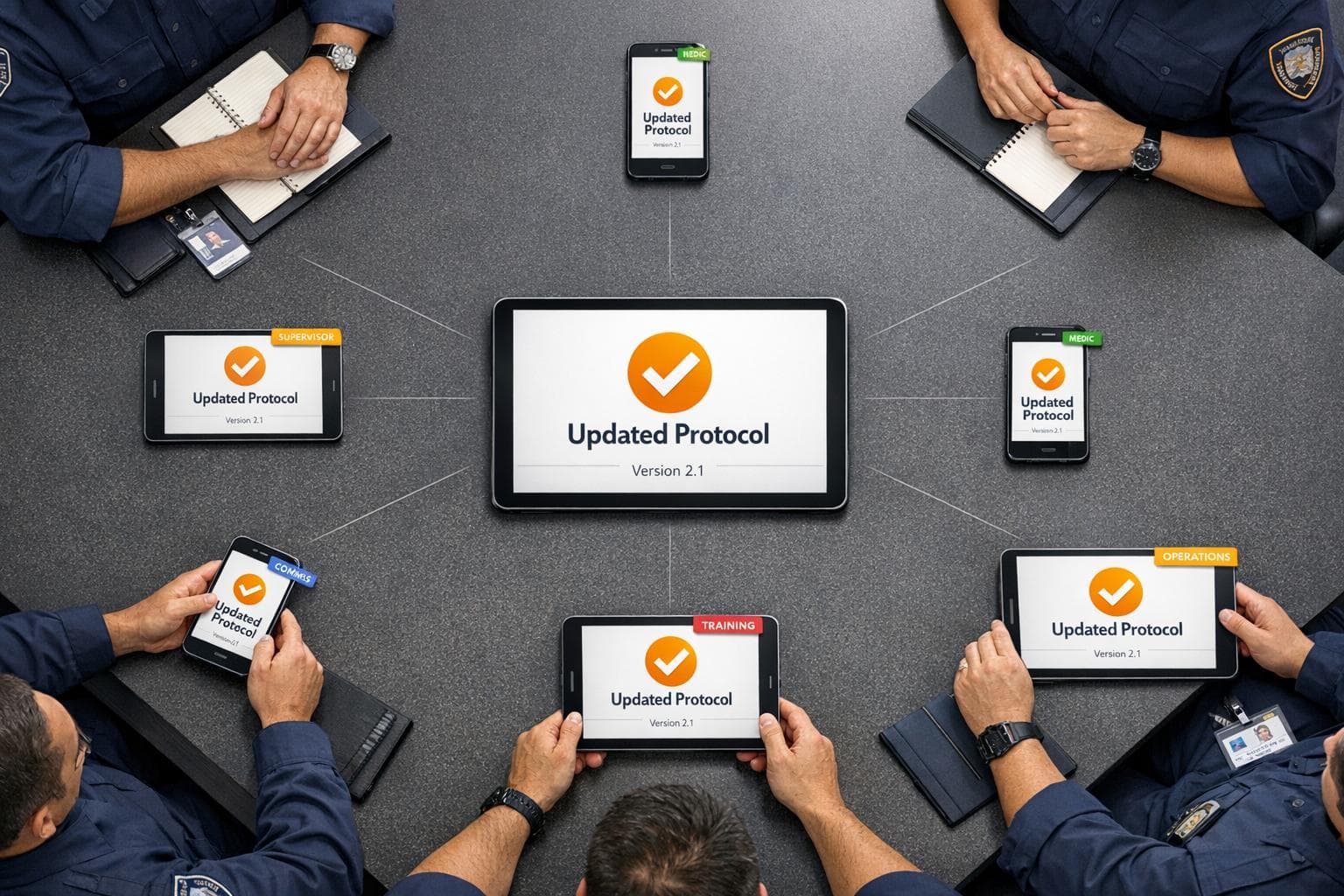
The system also includes smart update features. Automatic protocol updates are pushed when possible, but responders can delay them during emergencies. Administrators can even roll back to previous protocol versions instantly if needed, ensuring reliability and flexibility in critical moments. This offline-first design isn’t a backup - it’s a core part of ensuring smooth operations in any situation.
Additional features enhance offline functionality. Quick Bookmarks allow one-tap access to key protocols under pressure, while dark mode improves visibility during nighttime operations. Whether for small teams or large departments, ResponderOne delivers secure, offline-ready protocol access tailored to the needs of emergency responders.
A little preparation goes a long way. Download updates over WiFi and periodically open the app to trigger automatic updates. These simple habits ensure your team is always equipped with the information they need, no matter where duty takes them.
FAQs
What should we download to devices before going offline?
Before heading offline, use the ResponderOne mobile app to download your department's entire resource library. This includes protocols, guidelines, contact lists, PDFs, and other essential materials. By doing this, you'll have everything securely stored on your device and ready for offline access - keeping you prepared for any emergency situation.
How does offline sync avoid overwriting other responders’ changes?
Offline sync works by leveraging conflict-free replicated data types (CRDTs). These are designed to automatically merge changes made on multiple devices, ensuring no conflicts or data loss - even when those devices are offline. This way, your data stays consistent and reliable across all platforms.
What happens if a responder’s phone or tablet is lost or stolen?
If a responder’s phone or tablet is lost or stolen, any content stored locally on the device remains accessible unless the device is manually updated or signed out. This means sensitive user-linked information, like contact details and identifiers, could be at risk if the device isn’t properly secured. To reduce the chances of unauthorized access, it’s crucial to implement strong security measures, such as passcodes, biometric locks, or remote wipe capabilities.