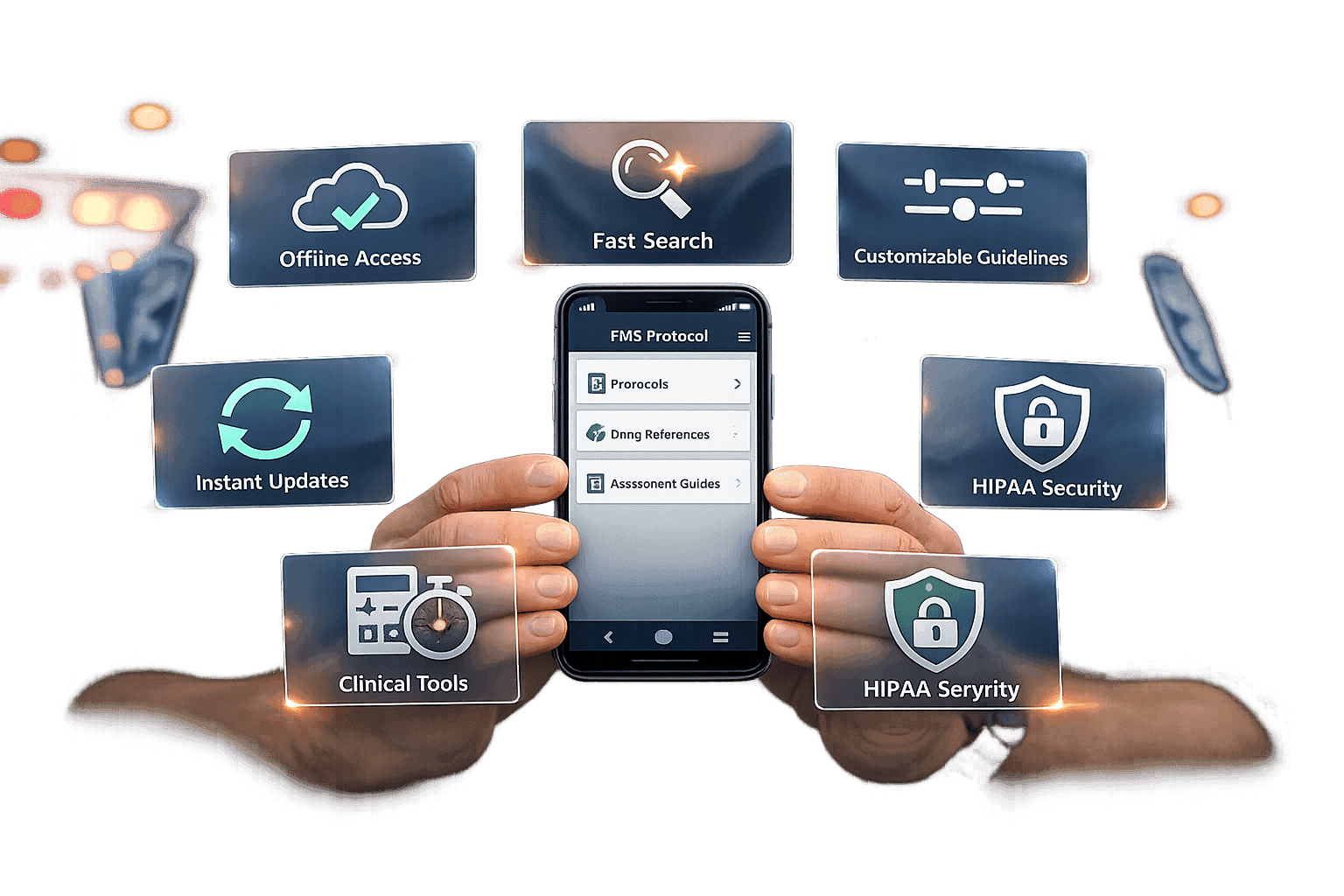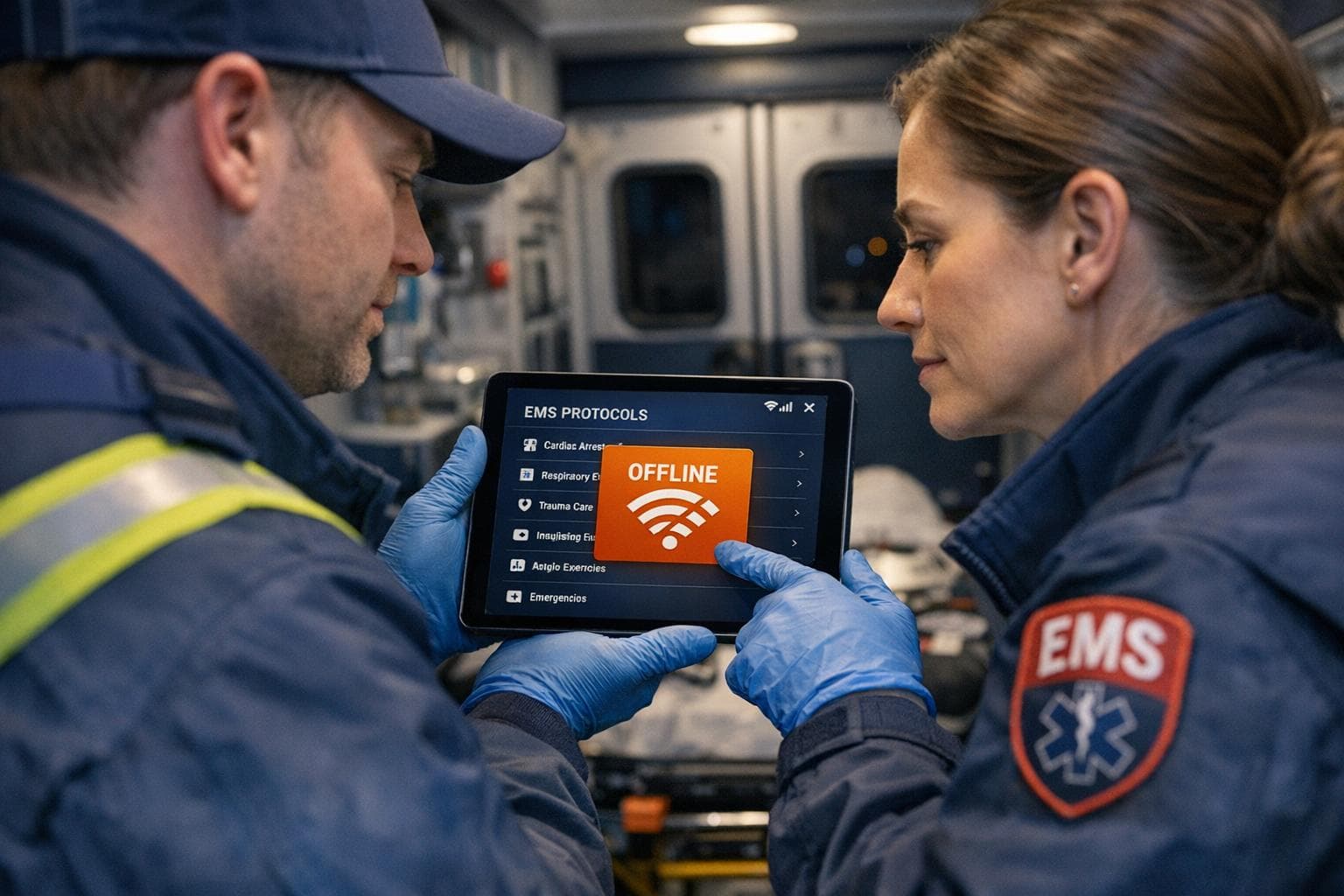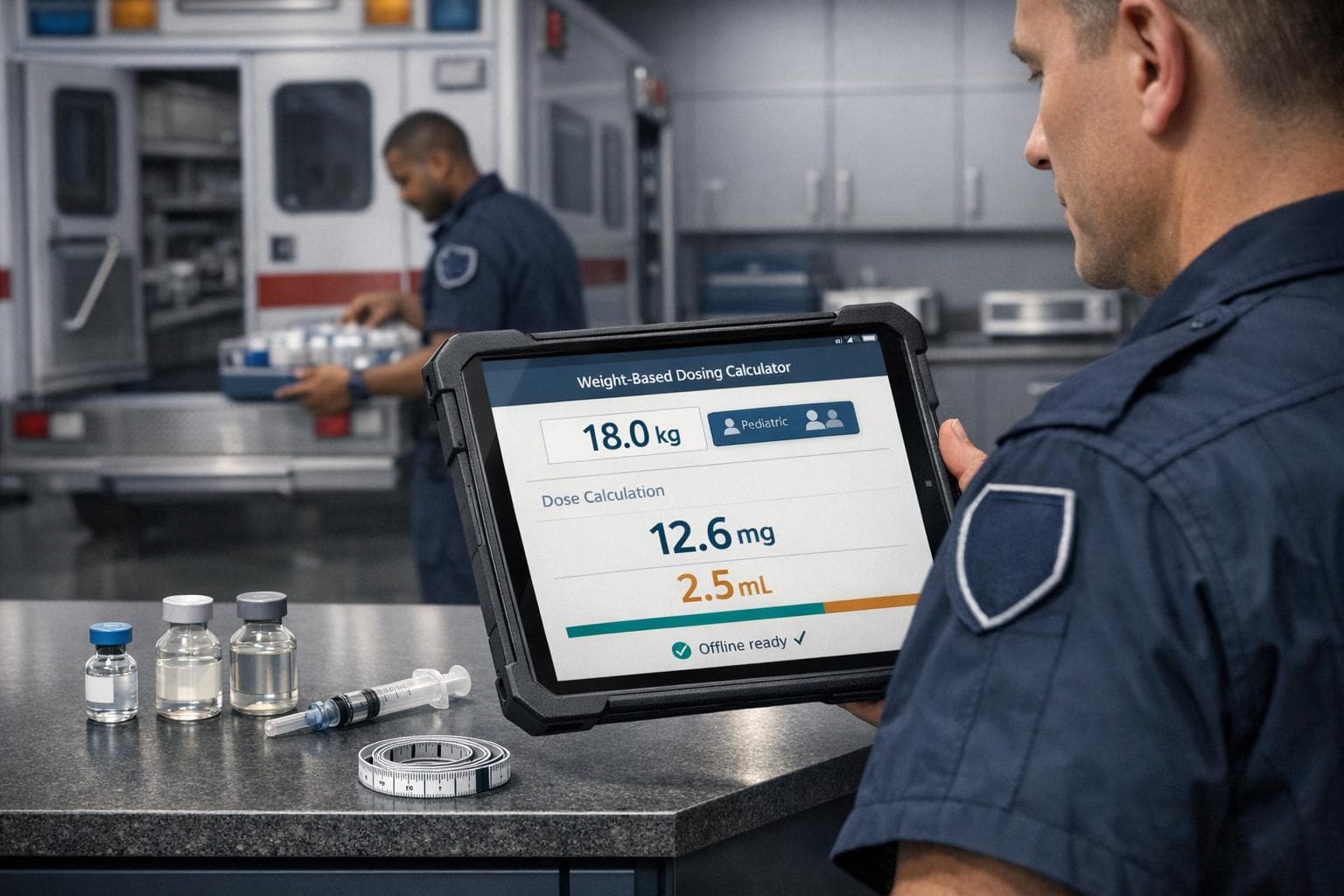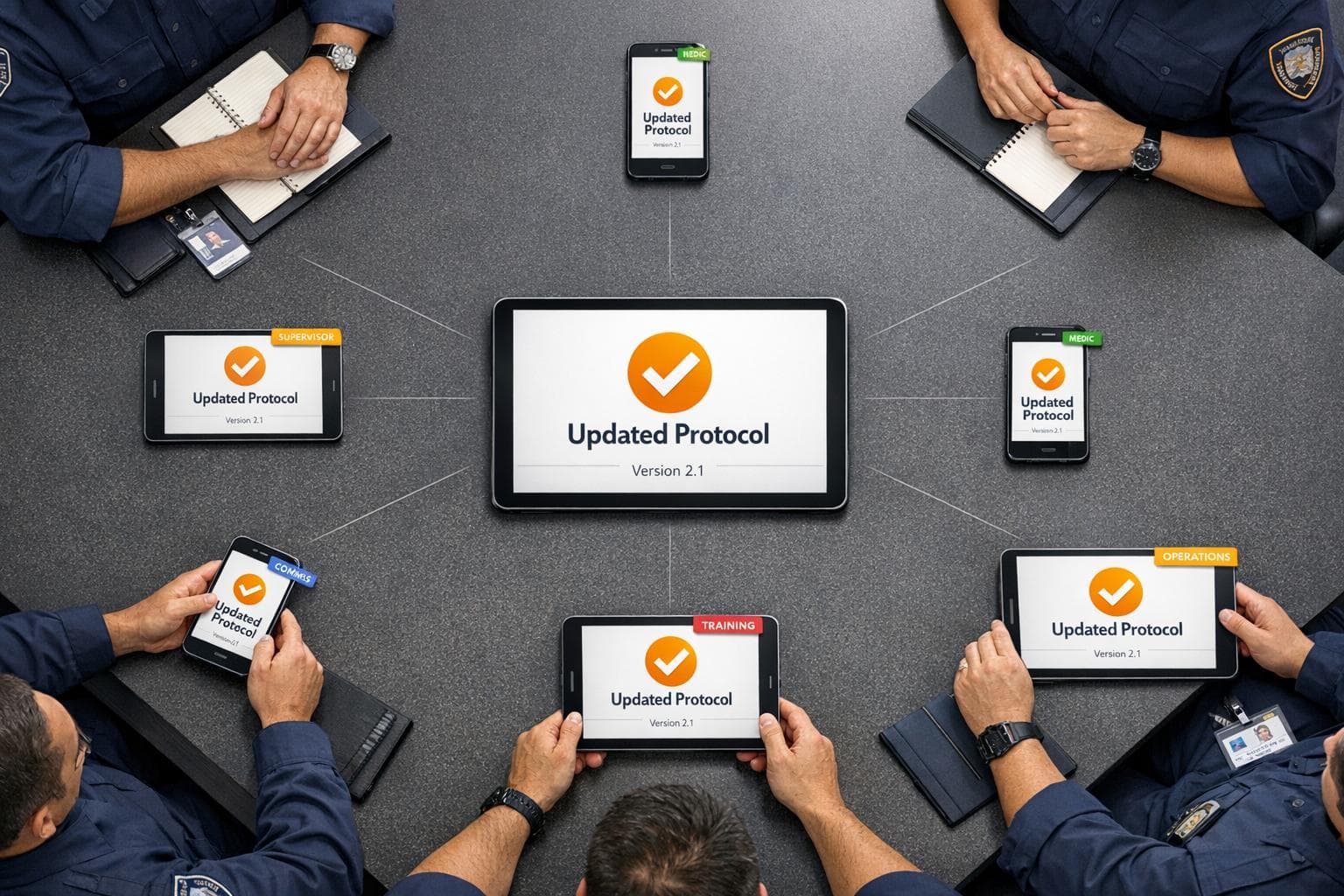
Keeping your emergency team updated with the latest protocols can save lives. Manual updates like binders and emails often lead to delays and errors. Using digital tools like ResponderOne, you can instantly distribute protocol updates across all devices, ensuring your team always has the latest information - even offline. Here's how it works:
- Centralized Management: Upload and manage protocols in a secure Admin Portal.
- Instant Updates: Push updates to all devices through a mobile app and web platform.
- Offline Access: Sync protocols once, and they remain accessible without internet.
- Role-Based Permissions: Control who can view, edit, or manage protocols.
- Audit Trails: Track changes and maintain compliance with version history and rollback options.
ResponderOne eliminates version control issues, streamlines communication, and ensures your team operates efficiently during critical moments. Choose a plan that fits your department's size and needs, starting at $99/month.
The result? Faster updates, reduced errors, and improved emergency response.
Setting Up ResponderOne for Protocol Updates
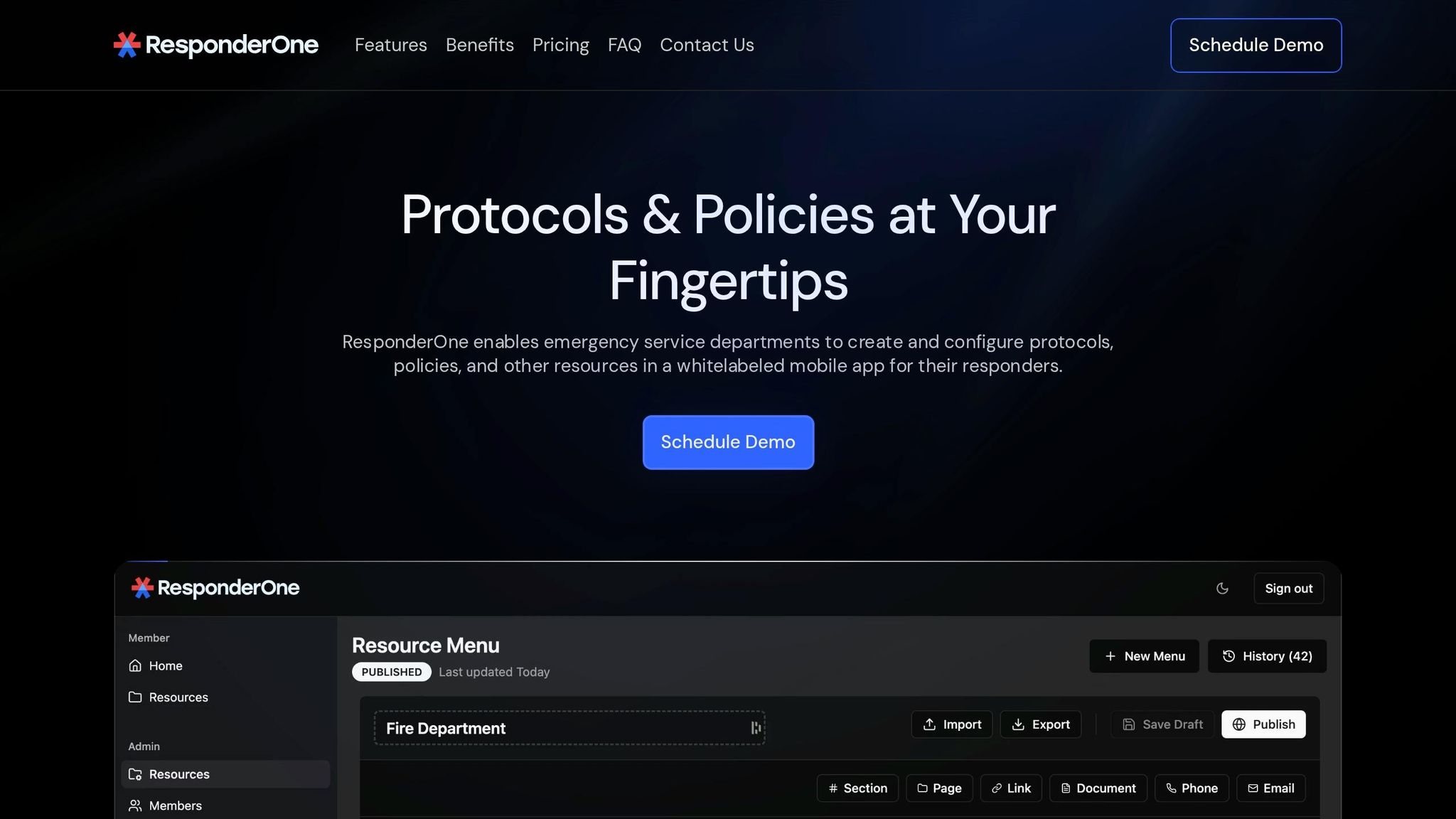
The Admin Portal in ResponderOne acts as the control center for managing users, uploading protocols, and ensuring every device stays updated. This setup is designed with security and version control in mind, which is critical for public safety operations. By following these steps, you can ensure that all devices are updated in real time, addressing the risks associated with outdated protocols.
Configuring the Admin Portal and Uploading Protocols
ResponderOne’s Admin Portal features a Resource Library that simplifies protocol management through a searchable interface with PDF support. When uploading protocols, it’s essential to organize documents effectively to make them easy to find during emergencies. A well-structured library can make a significant difference when responders need quick access to specific procedures.
The system also includes Menu History & Rollbacks, which allows you to revert to an earlier version of a protocol if a mistake is identified. This feature ensures that field operations are not disrupted by errors in newly deployed protocol versions, providing an extra layer of reliability.
Assigning Role-Based Permissions
With Role-Based Access Control (RBAC), you can assign permissions based on user roles, ensuring that each individual has access only to what they need. Typical roles might include:
- Field Responder: Read-only access.
- Supervisor: Ability to view and generate reports.
- Clinical Admin: Permissions to upload and edit protocols.
These permissions can be configured in the user management section of the Admin Portal. For protocol updates, it’s crucial to limit editing and rollback capabilities to authorized personnel only. This approach safeguards sensitive files while ensuring responders always have access to vital information. Regular audits are recommended to confirm that users only have access to resources relevant to their current roles, especially after staffing changes. Additionally, offline access ensures secure and immediate retrieval of protocols when needed.
Enabling Offline Access
ResponderOne allows for local storage of policies, protocols, and procedures on user devices after an initial setup. To prepare, ensure that all field personnel sync their devices at the station to download the full protocol library.
Once synced, protocols remain accessible even without internet connectivity. Devices will automatically update with the latest protocol versions when they reconnect to the internet. Choose a storage plan that fits your operational needs: Lite (1 GB), Essentials (5 GB), or Enterprise (unlimited). This ensures your team has the right balance of accessibility and storage capacity.
Distributing Protocol Updates Department-Wide
Once protocols are uploaded and configured, you can distribute updates to every device instantly. ResponderOne's system is designed to deliver these updates quickly and reliably, ensuring all responders have the latest information without delays or manual steps.
Sending Update Notifications
After securely setting up your protocols, the next step is seamless distribution across all devices. Using the Admin Portal, you can push updates that automatically sync changes across both the white-labeled mobile app (compatible with iOS and Android) and the web platform. Whether you're adding a new protocol or editing an existing one, the system synchronizes the latest version to all devices at once, ensuring your department operates from a single, consistent source of information.
This cross-platform functionality ensures that responders, whether on a mobile device during a shift or on a desktop, always access the same up-to-date protocols. To sync updates, responders simply need to open the app while connected to the internet, even for a brief moment. Once synced, the updated protocols remain accessible offline. This feature is especially critical for field operations where internet connectivity might be unreliable, but immediate access to procedures is still essential.
After sending notifications, confirm that updates have been fully synchronized across all devices.
Confirming Update Receipt
Making sure updates are received is just as important as sending them. While ResponderOne distributes updates instantly, verifying that responders have synced their devices ensures compliance and eliminates communication gaps. The Menu History feature in the Admin Portal lets you track when updates were deployed and provides a clear timeline of protocol changes for auditing and compliance purposes.
To ensure responders have the latest protocols, encourage them to open the app while online after an update is pushed. This refreshes their offline cache and guarantees they have the most current information stored locally. The app’s familiar branding reinforces trust and helps responders quickly recognize official department updates, emphasizing the importance of staying aligned with the latest procedures.
Maintaining Compliance with Menu History and Rollbacks
Staying compliant goes beyond just keeping protocols up to date - it also requires thorough documentation. Emergency services departments face strict audits, and gaps or inconsistencies in records can quickly raise red flags, leading to deeper scrutiny. ResponderOne's Menu History & Rollbacks feature helps solve this issue by maintaining a complete digital audit trail of every protocol update made through the Admin Portal. This feature captures which protocols were active at any given time, offering auditors the historical context they need to evaluate compliance with changing safety standards.
Each protocol update is automatically tagged with a detailed revision history, saving teams from the hassle of manually piecing together audit records. Considering regulatory bodies like CMS often give departments just 15 to 45 days to respond to audit requests, instant access to this version history can be critical for meeting deadlines and avoiding unnecessary regulatory complications. This system reinforces accountability within the department.
The rollback function adds another layer of safety. If a mistake is discovered in a live protocol after an update has been implemented, authorized users can quickly revert to the previous approved version using the Admin Portal. This ensures both operational safety and adherence to compliance standards.
To maintain governance, it’s essential to routinely check that protocol changes align with your department’s standards. The audit trail safeguards your organization by providing clear proof of documentation integrity over time. Additionally, only personnel with role-based permissions can modify protocol history or initiate rollbacks, enhancing both security and accountability. This level of digital transparency is a key part of ResponderOne's approach to efficient and compliant protocol management.
Selecting the Right ResponderOne Plan
Choosing the right ResponderOne plan is all about aligning with your department's size, storage requirements, and operational needs. A well-suited plan ensures smooth protocol management and keeps your team ready for emergencies. ResponderOne offers three tiers - Lite, Essentials, and Enterprise - each tailored to different levels of functionality and scalability. The key is identifying the features that will help you manage protocols efficiently and keep your system adaptable.
ResponderOne plans are designed to grow with your department. Storage options range from 1 GB (Lite) to 5 GB (Essentials), with the Enterprise plan offering unlimited storage. If custom branding or a Department Directory is important for a professional and cohesive interface, Essentials and Enterprise plans have you covered. Larger agencies with more complex needs or limited administrative resources might find the Enterprise plan particularly appealing, thanks to its full-service content management and priority support with a 24-hour response time.
Here’s a quick breakdown of the plans to help you decide:
Plan Comparison Table
| Feature | Lite | Essentials | Enterprise |
|---|---|---|---|
| Base Price | $99/month | $199/month | Contact Sales |
| Per-User Fee | $0.50/month | $0.30/month | Custom |
| Storage | 1 GB | 5 GB | Unlimited |
| White Labeling | Not Included | Included | Included |
| Quick Contacts | Not Included | Included | Included |
| Support | Standard | Standard | Priority (24hr Response) |
| Content Management | Self-Managed | Self-Managed | Full Service |
| Best For | Small teams with basic needs | Departments looking to streamline operations | Agencies with extensive demands |
To figure out your monthly cost for Lite or Essentials, use this formula: Base Price + (Number of Users × Per-User Rate). For instance, a department with 50 users on the Essentials plan would pay $199 + (50 × $0.30) = $214/month.
All plans include access to the Admin Portal, mobile apps for iOS and Android, and offline-ready protocol access after the initial setup. With these options, you can pick a plan that fits your department’s unique requirements.
Conclusion
Updating protocols across your department doesn’t have to involve piles of paperwork or outdated methods. ResponderOne simplifies the process with its centralized Admin Portal. Here, you can upload protocols, assign role-based access, and instantly notify your team. Once the system is set up, responders always have access to the latest protocols - even offline. This streamlined approach supports safer and more dependable emergency responses.
Medication errors in prehospital care are linked to over 100,000 adverse patient outcomes annually. Having immediate access to updated protocols can make all the difference between effective care and preventable mistakes. Dr. John B. Hill, Emergency Medicine Physician and UH EMS Medical Director, highlights this:
"The app allows us to efficiently notify and distribute protocol changes to our medical control agencies - ensuring that updates are instantaneous and reach every squad without delay."
In addition to instant notifications, ResponderOne’s version control features add another layer of safety. The Menu History & Rollbacks tool creates a full audit trail and allows quick reversion to earlier protocol versions. This makes compliance reviews smoother and gives administrators peace of mind, knowing their teams are aligned and using accurate information.
Whether you’re managing a small volunteer team or a large agency, ResponderOne scales to meet your needs. It replaces outdated binders and scattered PDFs with a modern, searchable interface that’s reliable under pressure. These digital tools ensure responders have the right information at the right time, improving outcomes and saving lives in critical moments.
FAQs
How do we ensure every responder actually syncs the latest update?
To keep everyone on the same page, it's crucial to use secure digital tools that offer real-time updates and offline access. For instance, the ResponderOne mobile app ensures responders can access updated protocols even when they’re offline, so they’re never without the latest information.
Centralized management systems also play a key role by allowing administrators to push updates instantly. Pairing these tools with regular training sessions and confirmation of receipt helps ensure responders stay compliant and quickly adopt any new protocols.
What happens if a protocol update is wrong - can we undo it fast?
If a protocol update goes wrong, it can be swiftly corrected using a rollback plan. Tools like ResponderOne offer administrative features that make updating or reverting protocols straightforward, helping to maintain safety and efficiency. A solid rollback process typically involves identifying the problem, revising procedures, and ensuring staff receives proper training to avoid similar mistakes in the future. This method keeps disruptions to a minimum while preserving precision in critical operations.
How much storage do we need for our protocol library and PDFs?
When determining storage needs, consider the size and number of files in your protocol library. For instance, a single protocol PDF might take up about 8 MB. Larger libraries with high-resolution documents could need anywhere from 50 MB to 200 MB. To get a good estimate, add up the sizes of all your current files and leave some extra room for updates or future additions.