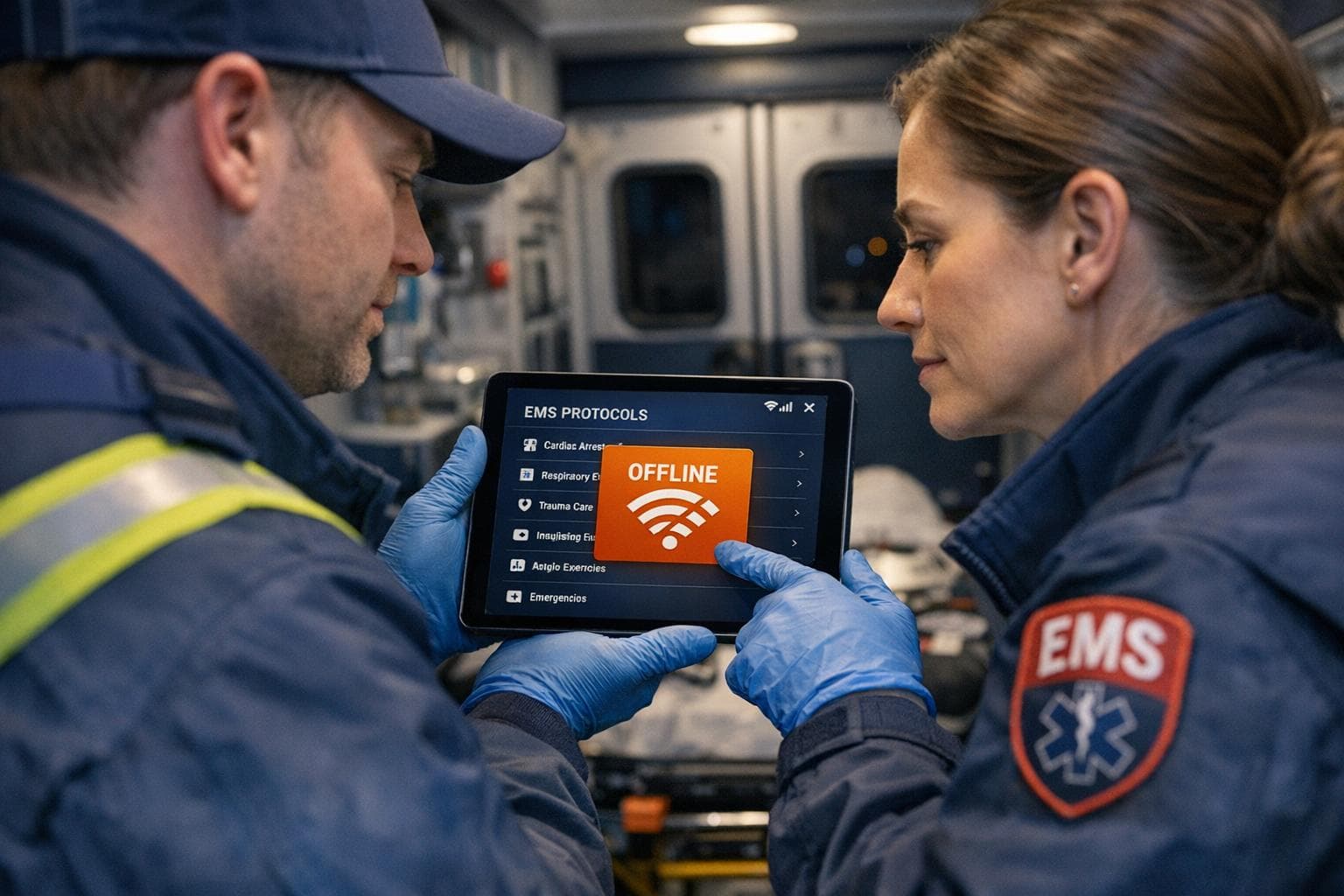
In emergency medical situations, having reliable access to protocols is critical, especially when internet access is unavailable. EMS apps have replaced bulky paper binders, offering digital solutions to improve accessibility and efficiency. However, not all apps function well offline, which can create challenges during emergencies.
ResponderOne stands out for its offline functionality, allowing users to access downloaded protocols without internet connectivity. It also features a user-friendly interface, security measures for sensitive data, and flexible pricing options for departments of various sizes. While it offers strong offline support, it requires initial setup and periodic syncing with an internet connection. Additionally, its pricing structure may be costly for larger teams, and encryption standards are not publicly disclosed.
Key Features of ResponderOne:
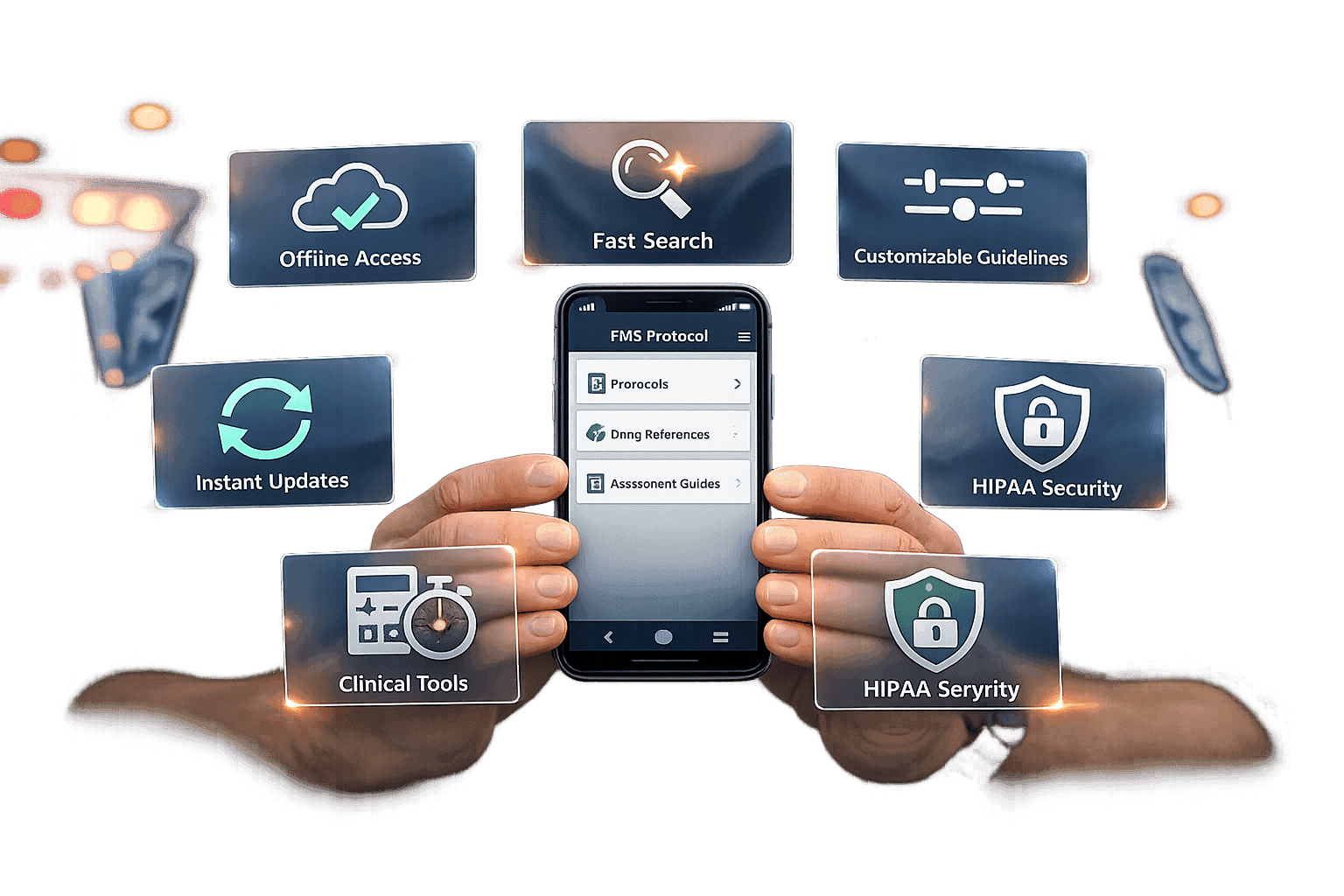
- Offline Access: Protocols remain accessible after downloading, even in areas without internet.
- Ease of Use: Clean interface with search tools and customizable options.
- Security: Data management, user permissions, and rollback features.
- Pricing: Tiered plans starting at $99/month, with options for storage and user scalability.
ResponderOne provides a dependable solution for EMS teams, ensuring access to critical information when it's needed most.
Top 5 iOS apps for EMS providers
ResponderOne
ResponderOne is a versatile web and mobile platform built specifically for public safety teams. It ensures responders have quick, reliable access to protocols and policies, whether they're using iOS or Android. The platform is all about delivering critical information exactly when and where it's needed.
Offline Capabilities
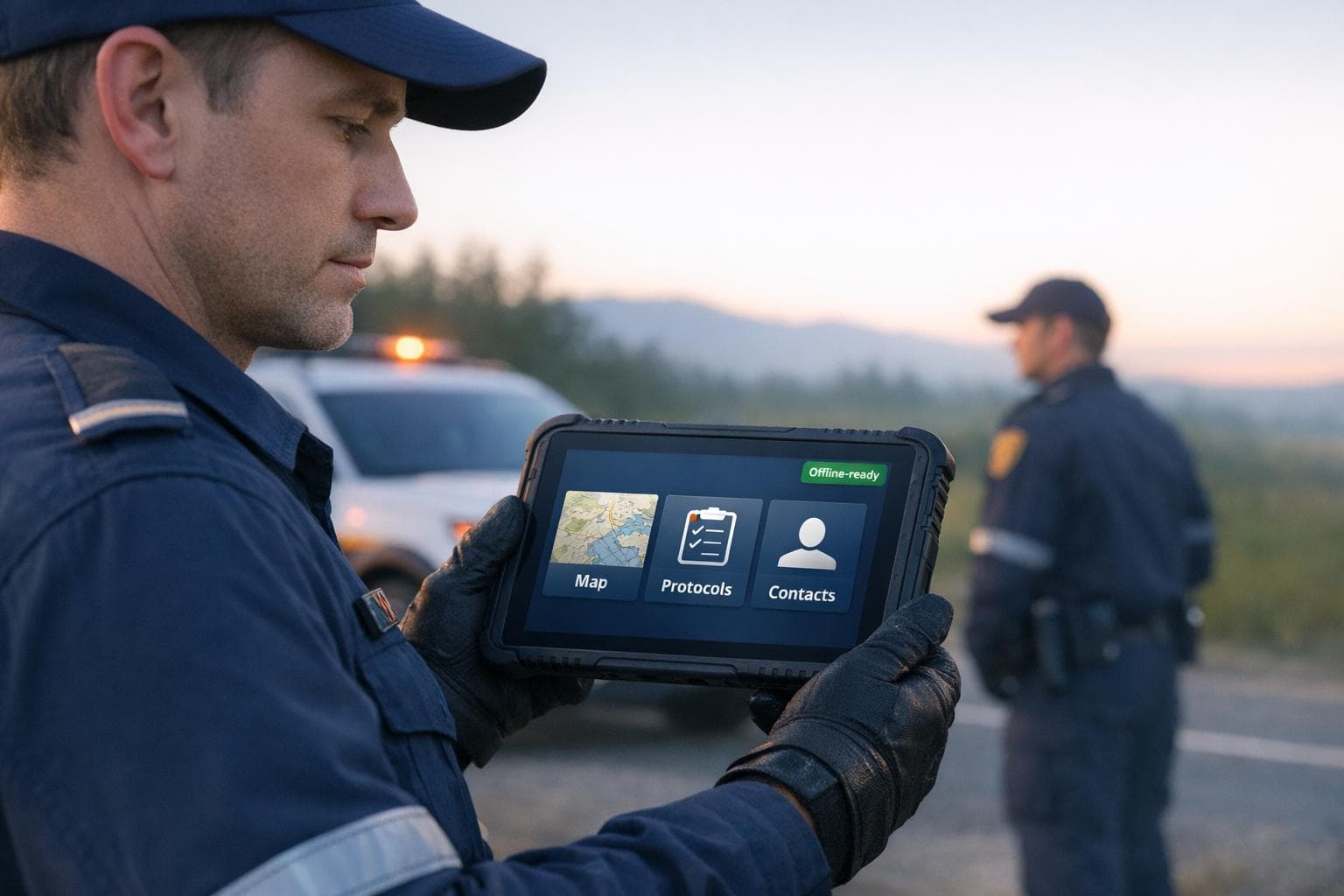
One of ResponderOne's standout features is its offline-ready design. Once users download department documents and PDFs during setup, they can access them anytime - even without an internet connection. Whether you're responding to a call in a remote area with no cell service or working in an underground parking garage, the platform keeps essential resources at your fingertips. It acts as a centralized hub for department-specific tools, like directories and manuals, that remain accessible even when connectivity fails. This ensures responders can operate seamlessly, no matter the environment.
Usability
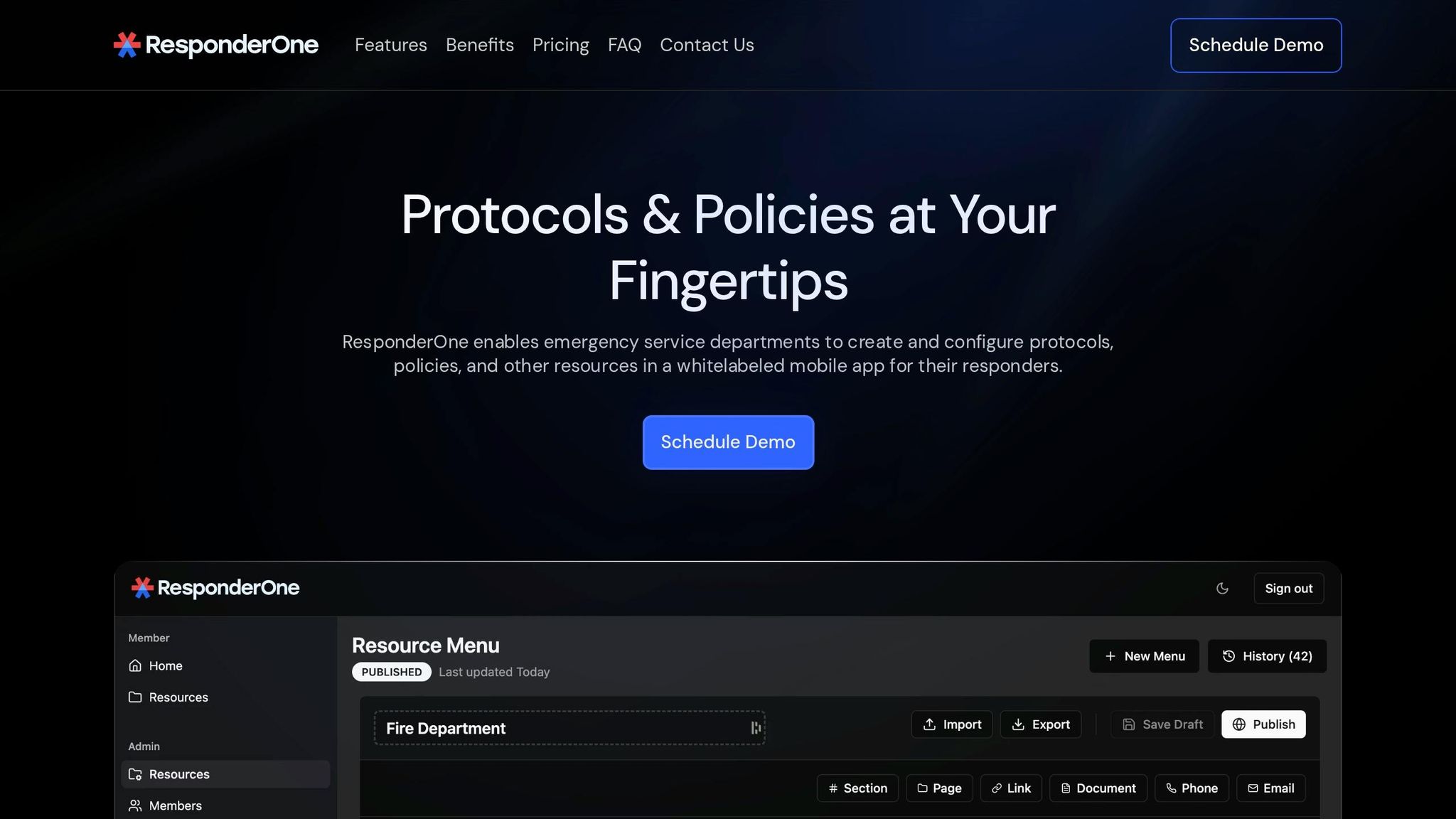
ResponderOne prioritizes simplicity and speed with its clean, modern interface. The Resource Library allows users to quickly search through department documents, while the Department Directory consolidates contact details like phone numbers, emails, and websites into one easy-to-navigate space. For added flexibility, the Menu History & Rollbacks feature lets administrators view and restore previous versions of content, making it easy to correct errors or retrieve critical information. Departments can also customize the platform with white labeling, tailoring the interface to reflect their unique branding and creating a more familiar experience for users.
Security
Security is a core focus of ResponderOne. The platform safeguards sensitive department files with robust security measures. Through the Admin and User Portal, administrators can control updates, manage user permissions, and ensure only authorized personnel access critical protocols. The Menu History & Rollbacks feature adds another layer of protection, allowing administrators to recover from errors or unwanted changes. Once protocols are downloaded, they remain securely stored on the device, ensuring offline access without compromising data safety.
Pricing and Scalability
ResponderOne offers flexible pricing options to fit departments of various sizes:
- Lite: Starts at $99/month + $0.50 per user. Includes 1 GB of storage, admin and user portal access, and compatibility with iOS and Android.
- Essentials: Priced at $199/month + $0.30 per user. Includes 5 GB of storage, white labeling, and Quick Contacts.
- Enterprise: Custom pricing for unlimited storage, full-service content management, and priority support.
With these options, ResponderOne is designed to scale alongside the needs of any public safety team.
Pros and Cons
ResponderOne delivers strong functionality in several critical areas, but there are trade-offs that departments should consider before adopting the platform.
One of its standout features is its offline functionality, which ensures that critical documents and protocols remain accessible even in areas without internet coverage. However, departments need to sync devices during periods of connectivity to keep everything up to date.
The pricing structure is flexible, with three tiers to choose from, but agencies with larger teams should carefully evaluate the total cost, as the combination of base fees and per-user charges can add up.
Security is another area to scrutinize. While the platform includes data management and rollback features, it doesn’t publicly disclose encryption details, which might be a concern for agencies with strict compliance needs. Despite these limitations, ResponderOne is designed to provide vital, on-demand information during emergencies, making it a valuable tool for many departments.
Conclusion
ResponderOne ensures EMS teams have dependable offline access to department protocols and policies, even in remote or low-coverage areas. This feature is crucial for providing critical guidance during emergencies.
The platform’s pricing structure is designed to meet the needs of a wide range of departments. With tiered plans, it caters to both small teams and larger agencies, offering flexibility based on storage requirements and available features.
Customization is another standout feature. Departments can use white labeling to maintain their branding while benefiting from the platform’s advanced functionality. Security and support features vary by plan. ResponderOne prioritizes data security and includes a Menu History & Rollbacks feature to manage protocol versions seamlessly. For Enterprise customers, 24-hour priority support is available, while teams on the Lite or Essentials plans handle content updates on their own.
FAQs
How do I use ResponderOne when there’s no internet?
You can use ResponderOne without an internet connection thanks to its built-in offline features. Once you've downloaded or configured the necessary protocols and content in the app, all critical information and procedures are stored locally on your device. This means emergency personnel can access vital resources anytime, even in areas where connectivity is unavailable.
How often do devices need to sync to stay current?
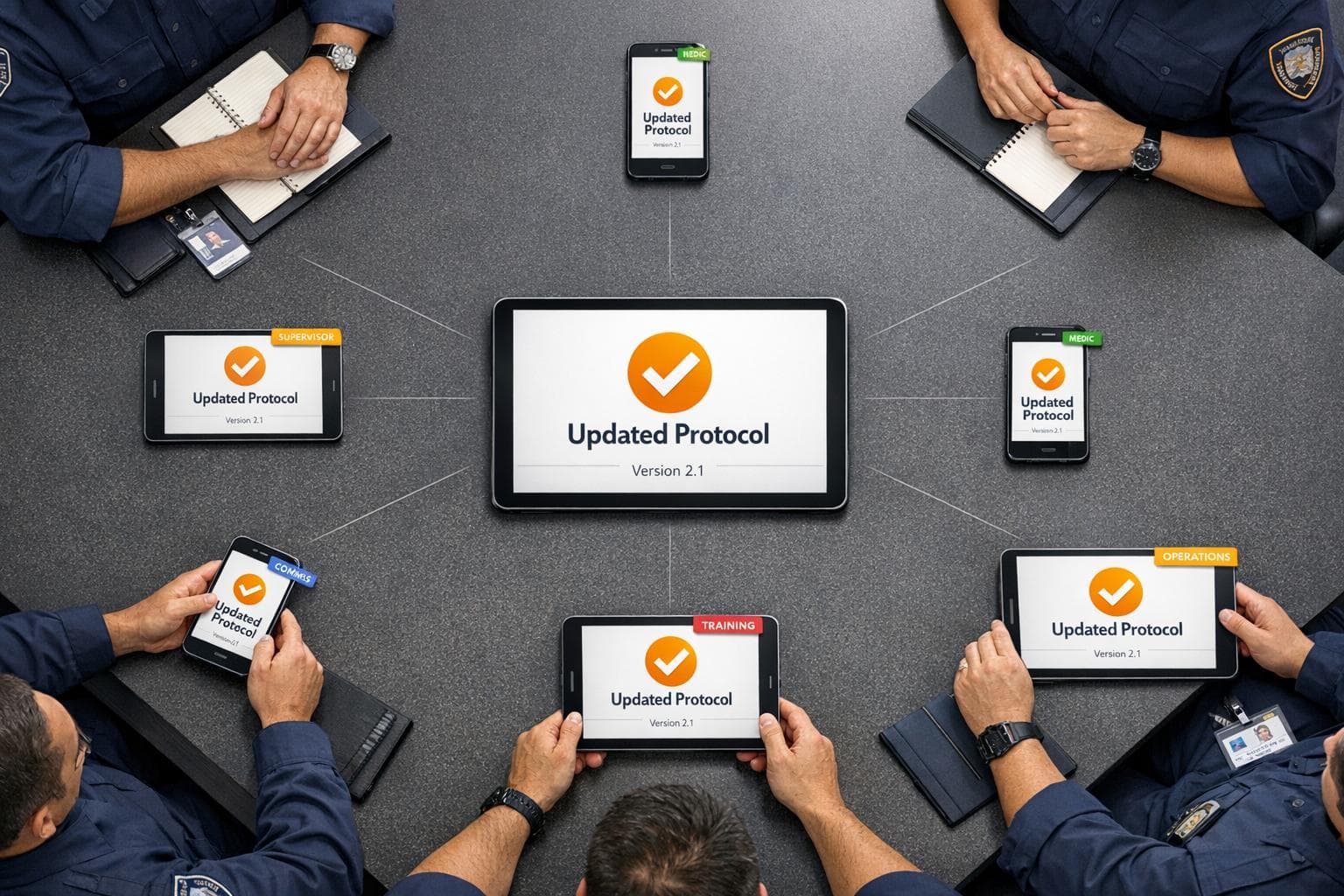
Devices need to sync often - preferably right after new protocols are posted online. This ensures they stay updated with the latest procedures and guidelines. Regular syncing also guarantees access to the most recent information, even when the device is offline.