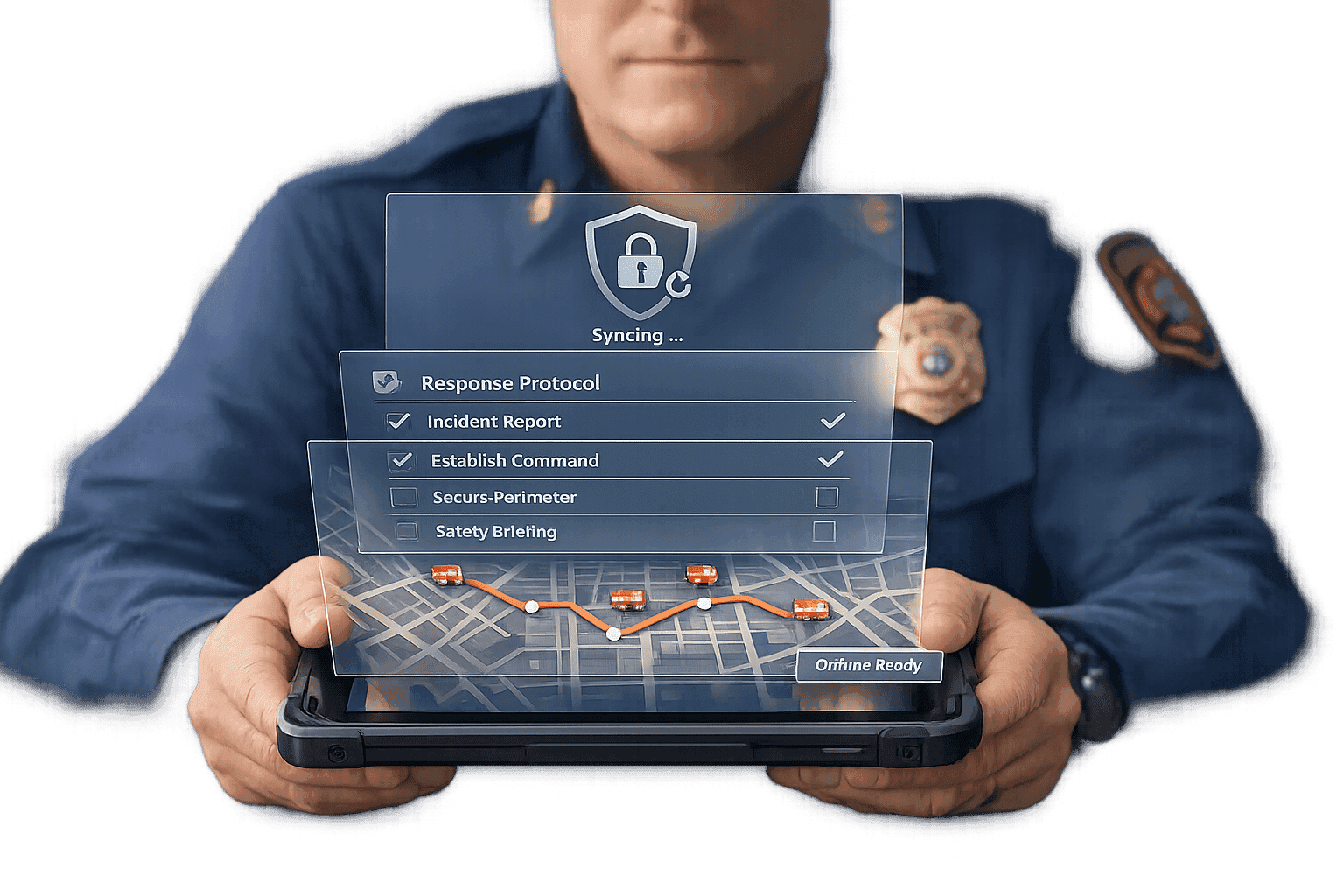
Protocol apps are digital tools designed to help fire chiefs manage emergencies more efficiently. These apps replace outdated methods like whiteboards and paper checklists by integrating real-time systems such as CAD (Computer-Aided Dispatch) and AVL (Automatic Vehicle Location). With features like drag-and-drop command boards, offline access, and secure data sharing, fire chiefs can oversee incidents, assign tasks, and ensure team accountability faster and with greater accuracy.
Key Benefits:
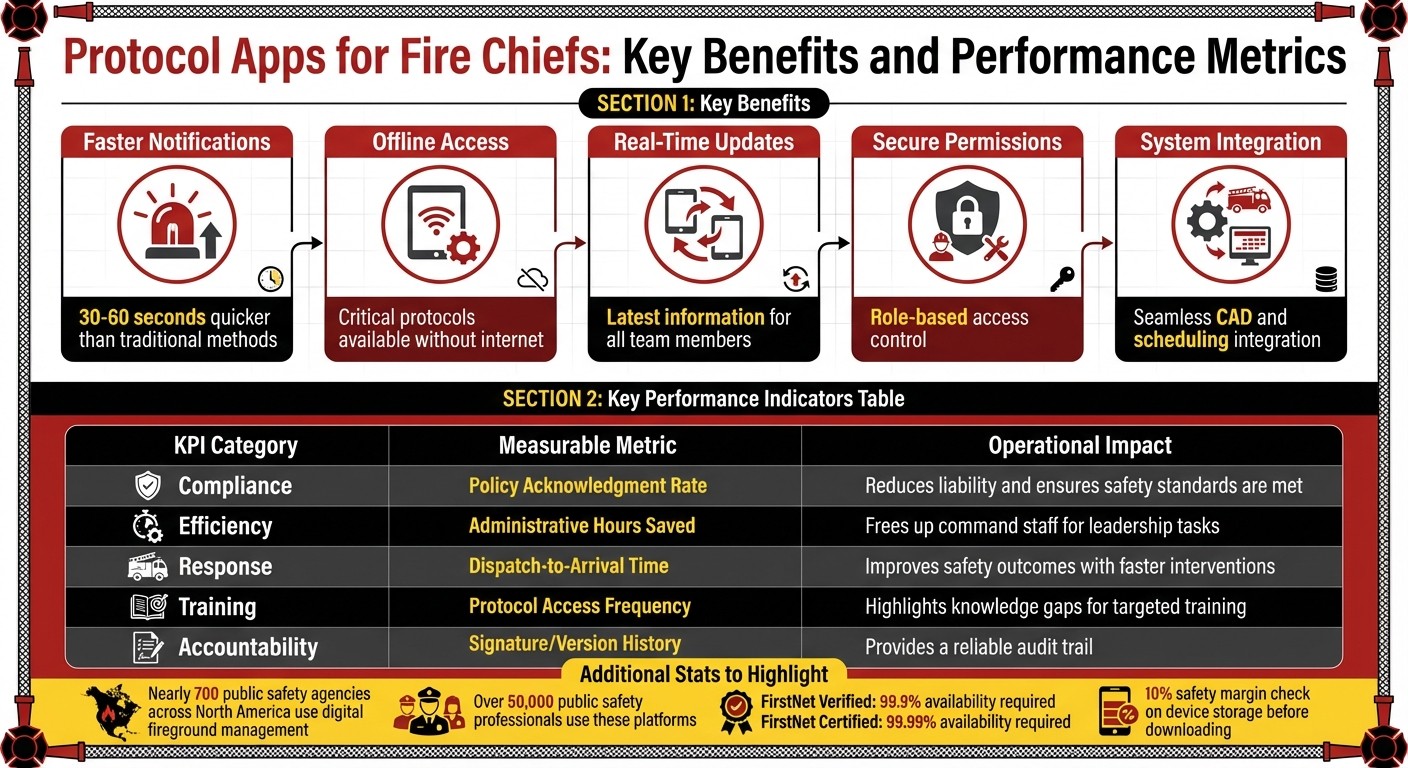
- Faster Notifications: Alerts crews 30–60 seconds quicker than traditional methods.
- Offline Access: Critical protocols are available even without internet connectivity.
- Real-Time Updates: Ensures all team members work with the latest information.
- Secure Role-Based Permissions: Protects sensitive data while keeping it accessible to the right personnel.
- Integration with Existing Systems: Works seamlessly with CAD, scheduling tools, and more for streamlined operations.
This guide covers how to choose, implement, and integrate a protocol app into your department, along with tips for training your team and meeting compliance standards. By adopting these tools, fire chiefs can improve safety, reduce administrative burdens, and make better decisions during emergencies.
Protocol App Pricing Plans and Key Performance Metrics for Fire Departments
Core Features of Protocol Apps for Fire Departments
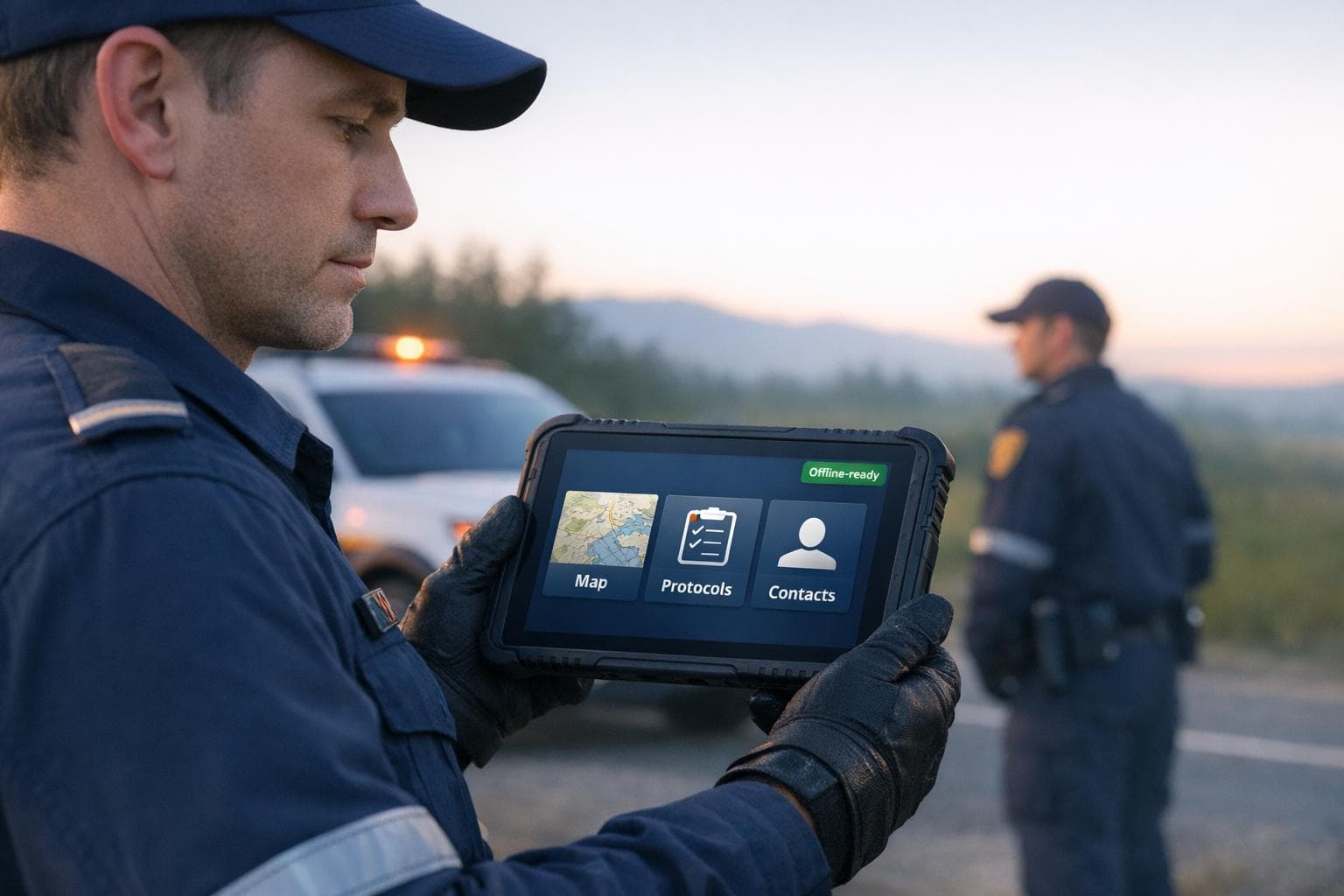
Offline Access for Emergency Situations
During emergencies, internet access can be unreliable - especially in remote areas or places with obstructed signals. That’s where offline access becomes a game-changer. Once the setup is complete, your team can instantly access critical protocols, policies, and procedures without needing a network connection. This eliminates the delays often caused by flipping through physical manuals.
To ensure reliability, modern protocol apps include a 10% safety margin check on your device’s storage before downloading. This prevents incomplete or corrupted offline data that could leave your team stranded without vital information. Once downloaded, protocols remain accessible on devices like tablets or smartphones, whether you're battling a wildfire far from cell towers or managing a basement rescue with no signal.
And when protocols change, real-time updates ensure everyone stays on the same page.
Real-Time Updates and Version Control
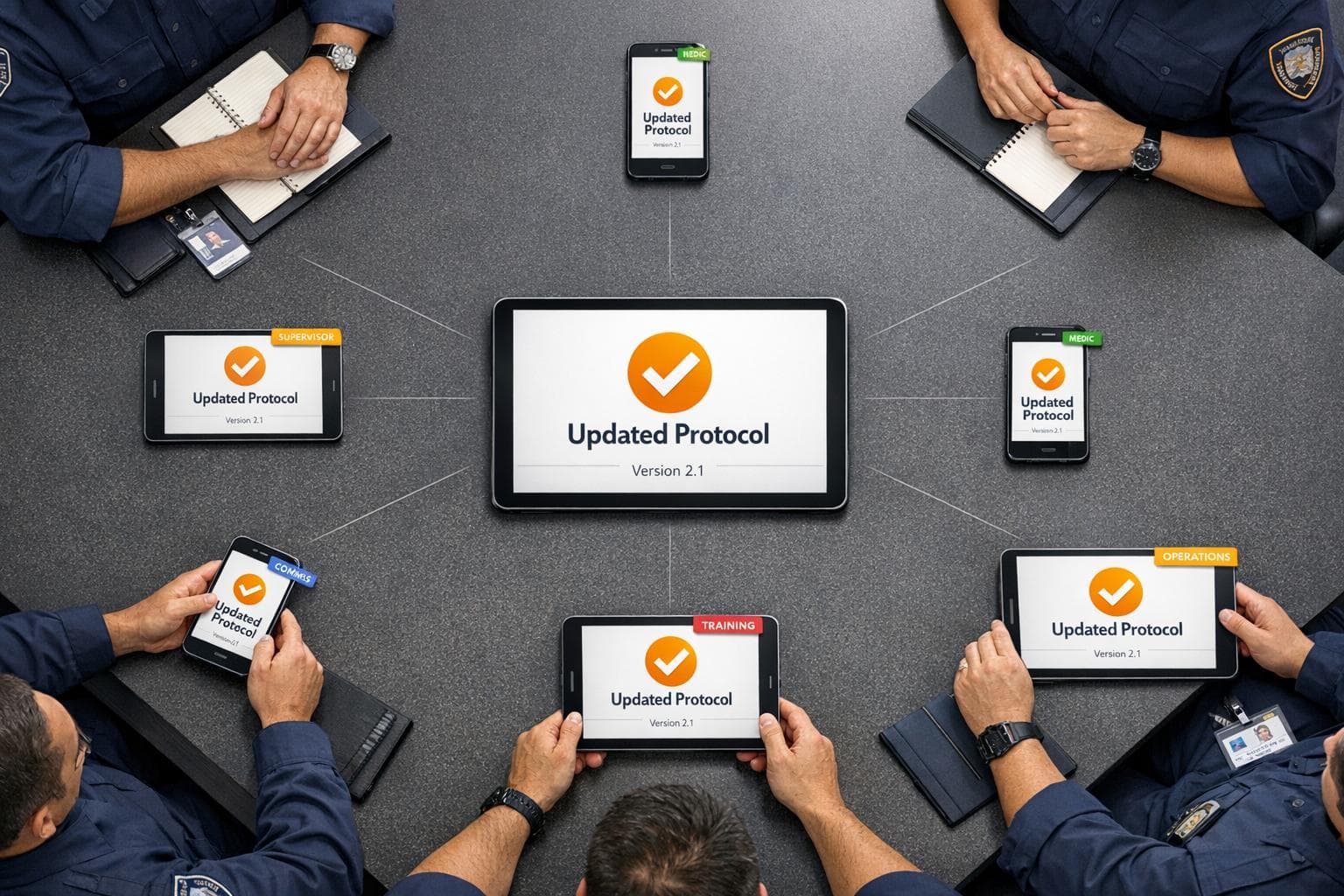
Keeping protocols consistent across the team is essential, especially when Standard Operating Guidelines get updated. With real-time synchronization, the latest protocols are pushed to all team members simultaneously, ensuring no one relies on outdated information during a critical moment. Version control automatically removes older documents, so there’s no confusion about which version to follow.
For added flexibility, rollback features let fire chiefs instantly restore previous protocol versions. This is particularly handy for maintaining compliance with NFPA standards or conducting post-incident reviews. Every change is carefully logged and time-stamped, providing a clear and accurate history of updates.
On top of this, secure sharing features ensure sensitive information stays protected.
Secure Data Sharing and Role-Based Permissions
Role-based permissions streamline access by limiting what each team member can see. For example, chiefs have full administrative control, while firefighters only access the protocols relevant to their roles. This reduces unnecessary information and protects sensitive data, such as personnel files, budgets, or tactical plans.
To meet the strict security requirements of public safety agencies, data is encrypted both during transmission and while stored. This ensures protocols can be shared seamlessly across shifts and stations without compromising security. A centralized system also helps standardize operations, which is critical for coordinating responses across multiple stations or working alongside mutual aid agencies.
How to Implement a Protocol App in Your Department
Setting up a protocol app in your department requires careful planning, from evaluating your needs to training your team and ensuring smooth integration with existing systems.
Assessing Your Department's Needs
Start by reviewing your current protocols, training materials, and reference documents. Think about how many personnel will need access and whether you're managing operations for a single station or coordinating across multiple locations, possibly with mutual aid agencies.
Talk to dispatchers, company officers, and firefighters to pinpoint workflow challenges. For instance, if your teams often handle hazmat incidents or high-rise fires, you'll need features like tactical worksheets and tools for managing specialized crew assignments. The size of your department also matters - smaller volunteer teams and larger career agencies will have different needs and budgets.
Storage capacity is another key factor. If you rely heavily on training videos, pre-plans, and other reference materials, you'll need adequate storage. For example, the ResponderOne Essentials plan includes 5 GB of storage for $199 plus $0.30 per user monthly. Departments with more extensive libraries might prefer the Enterprise plan with unlimited storage. Choosing the right plan ensures your department can operate efficiently without running into storage or budget issues.
Training and Onboarding Your Team
Once you've selected a protocol app, have your team download it and sign in using their official department emails. This keeps access secure and organized. Once your team is comfortable using the app, focus on integrating it with your department’s existing systems.
Connecting with Existing Systems
To make the most of the app, involve key stakeholders - medical directors, dispatchers, and mutual aid partners - during the setup process. Their input helps customize the app to match your department’s workflows. Upload your standard operating procedures, training videos, and contact lists into the app’s administrative portal to create a centralized hub that everyone can access when needed.
Meeting Compliance and Security Requirements
Fire departments manage a wide range of sensitive data, from patient medical records to internal personnel information. To protect this information, a protocol app must adhere to all regulatory requirements and guard against data breaches or unauthorized access.
Meeting Regulatory Standards
Fire and EMS departments are required to conduct annual risk assessments for Protected Health Information (PHI) and secure a Business Associate Agreement with any third-party service handling PHI. With HIPAA enforcement increasingly focusing on cybersecurity, even minor breaches can lead to major consequences.
Attorney and Deputy Assistant Chief Curt Varone highlights this shift:
"Although firefighters and EMS personnel tend to think about HIPAA as a concern that's related to the inappropriate sharing of PHI, the true focus of HIPAA today is squarely on cybersecurity."
The risks are substantial - medical records can sell for four times the value of Social Security numbers on the dark web. If unencrypted PHI affecting 500 or more individuals is compromised, legal notification requirements kick in. A stark example: in 2018, the HHS Office of Civil Rights fined three hospitals $1 million for allowing patients to be filmed without consent, showing how seriously violations are treated.
Protocol apps assist departments in staying compliant by consolidating guidance into concise, accessible formats for firefighters at incident scenes. Version control ensures everyone uses the latest, nationally reviewed protocols. This approach not only keeps departments aligned with national standards but also helps them identify and address compliance gaps, creating a clear narrative for inspectors.
Beyond regulatory compliance, encryption plays a key role in protecting sensitive data and strengthening overall security.
Data Protection and Encryption
Encryption serves as a critical safeguard against breaches. While HIPAA doesn’t mandate PHI storage on encrypted devices, doing so is a smart risk management strategy. If an encrypted device is lost or stolen, it avoids triggering the Breach Notification Rule, sparing departments from costly notifications and penalties.
For fire chiefs evaluating security measures, apps listed in the FirstNet App Catalog offer a reliable benchmark. To achieve "FirstNet Verified" status, an app must demonstrate 99.9% availability with minimal unplanned outages. The more demanding "FirstNet Certified" rating requires 99.99% availability alongside rigorous security testing. The First Responder Network Authority explains:
"The FirstNet App Catalog only lists apps that have undergone a rigorous vetting and approval process... to ensure it is secure and protects data."
Additionally, fire chiefs should align with the 405(d) Program, a collaborative effort between HHS and industry experts to establish cybersecurity standards for healthcare technology providers.
Encryption works hand in hand with audit trails, creating a robust security framework.
Audit Trails and Record Keeping
Protocol apps maintain a tamper-proof log of every action, complete with timestamps. These chronological records are invaluable for post-incident reviews, legal cases, and accreditation audits. Each entry or modification is tied to a specific user, ensuring clear accountability.
Audit logs and version histories provide transparency and allow for quick restoration of previous protocols if needed. These detailed records - including user actions and uploaded attachments - can be exported as reports for organizations like the Commission on Fire Accreditation International (CFAI) or the Insurance Services Office (ISO).
Digital logs also support compliance with NFPA 1550 standards by tracking key events such as Personnel Accountability Report (PAR) checks or mayday calls. They document which personnel have received and acknowledged updates to protocols or training materials, creating a clear, auditable trail that demonstrates a department’s dedication to safety and compliance.
Improving Fire Department Operations with Protocol Apps
Protocol apps streamline processes, simplify emergency coordination, and provide actionable data insights, revolutionizing fire department operations.
Reducing Administrative Work
These apps significantly cut down on paperwork and administrative tasks. For instance, with just one click, compliance packages complete with version histories and digital acknowledgments can be generated, reducing audit prep time from weeks to mere minutes.
By integrating AI-assisted drafting and system-wide data syncing, redundant data entry becomes a thing of the past. These apps also centralize contact information, log incidents automatically, and replace paper files with digital attestations. Take the Long Beach Fire Department, for example - they handle over 1,200 fire alarms and 3,100 EMS calls annually using an integrated digital dispatch and management system, proving how scalable and efficient such tools can be.
Better Team Communication and Coordination
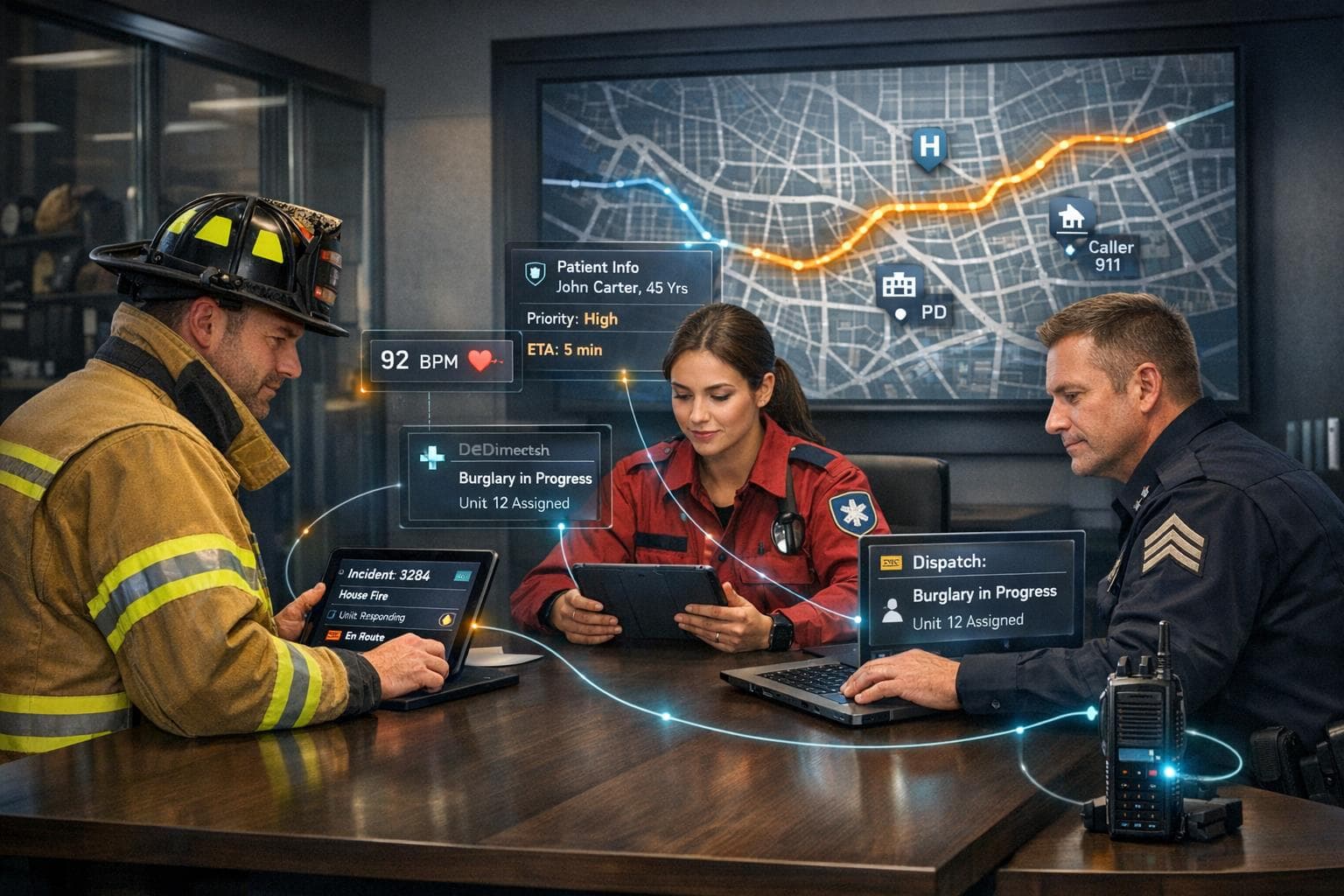
Beyond administrative efficiency, protocol apps improve real-time communication during emergencies. Offline access and real-time updates ensure responders always have the latest information, no matter the situation.
Features like instant push notifications, which override silent settings, alert teams 30–60 seconds faster. This shared situational awareness ensures everyone, from incident commanders to responders on-site, has access to the same live details, such as unit assignments and progress updates. Digital command boards are now replacing outdated tools like whiteboards, with nearly 700 public safety agencies across North America adopting these systems for fireground management.
Shared Automatic Vehicle Location (AVL) is another game-changer, showing live unit locations across departments and neighboring agencies during mutual aid situations. This reduces unnecessary radio chatter and improves coordination. Specialized tools like "High-Rise Mode" track crews by floor during vertical operations, while "Splitting Crews" functionality monitors individual team members during high-risk tasks like hazmat responses or technical rescues. For example, in December 2024, Assistant Chief Chad Burdorf of the Denver Fire Department used these features to track entry and backup teams during a hazardous materials incident, ensuring precise accountability in a dangerous environment.
Tracking Performance and Impact
With better communication and streamlined operations, performance tracking becomes much more accurate. Protocol apps automatically collect operational data during incidents, offering insights that help fire chiefs make informed decisions. These platforms, used by over 50,000 public safety professionals across North America, provide key performance metrics that were previously hard to measure.
Real-time resource visibility is a standout feature, displaying apparatus status and personnel availability across jurisdictions. This allows for better dispatch coordination and measurable improvements in response times. For example, fire chiefs can analyze dispatch-to-on-scene intervals to evaluate the effectiveness of tools like real-time navigation and pre-plan access.
| KPI Category | Measurable Metric | Operational Impact |
|---|---|---|
| Compliance | Policy Acknowledgment Rate | Reduces liability and ensures safety standards are met |
| Efficiency | Administrative Hours Saved | Frees up command staff for leadership tasks |
| Response | Dispatch-to-Arrival Time | Improves safety outcomes with faster interventions |
| Training | Protocol Access Frequency | Highlights knowledge gaps for targeted training |
| Accountability | Signature/Version History | Provides a reliable audit trail |
Automated reporting further lightens the load, shifting documentation from manual entry to system-generated reports. This saves valuable time for command staff, allowing them to focus on leadership. Battalion Chief Brett Bowen of the Columbus Fire Department sums it up perfectly:
"We're now able to use all the real-time data, right on the same screen without having to change in-and-out. It makes the operation smoother and more seamless."
These insights not only enhance operational efficiency but also help fire chiefs justify technology investments to city councils and budget committees, showcasing measurable gains in safety, compliance, and overall effectiveness.
Conclusion
Main Benefits Summary
Protocol apps are reshaping fire department operations by focusing on three key areas: efficiency, safety, and compliance. These tools bring together essential resources like policies, procedures, maps, and contact directories into one offline-capable system. Even small improvements, like shaving 30–60 seconds off alert times, can make a huge difference in emergencies.
On the safety front, digital command boards, Personnel Accountability Report (PAR) timers, and Mayday buttons provide real-time tracking of on-scene personnel. Features like shared Automatic Vehicle Location (AVL) reduce radio chatter while giving commanders instant insight into unit locations and statuses. For compliance, every action is time-stamped automatically, creating detailed records that align with NFPA 1550 standards and simplify after-action reviews.
The trend is clear: nearly 700 public safety agencies across North America have already moved from traditional whiteboards to digital fireground management systems. With platforms now supporting over 50,000 public safety professionals, the shift is gaining momentum. These benefits make it easier than ever for fire chiefs to focus on implementing these tools.
Next Steps for Fire Chiefs
To take advantage of these benefits, fire chiefs should begin by assessing how a protocol app can integrate with their current Computer-Aided Dispatch (CAD) and Records Management Systems (RMS). Look for platforms that consolidate data into a single, unified view, eliminating the need for manual data entry and streamlining operations. ResponderOne, for instance, offers tiered pricing options to accommodate departments of varying sizes and budgets.
Engage command staff early in the evaluation process and share real-world success stories. Highlight measurable results like reduced administrative workload, faster response times, and improved compliance to city councils and budget committees. Presenting data-backed outcomes makes it easier to justify the investment and demonstrate the value of these tools to stakeholders.
FAQs
What devices should my crews use for a protocol app?
The best tools for fire crews relying on a protocol app are portable devices like tablets or rugged smartphones. Tablets stand out with their larger screens, making navigation simpler and more intuitive. On the other hand, rugged smartphones are built to withstand tough conditions, which is crucial in high-stress environments.
When choosing a device, look for features like offline access, real-time updates, and secure data sharing. These ensure the app functions smoothly, even in unpredictable emergency situations. Durability and portability are key - fire crews need equipment that can handle demanding scenarios while remaining easy to carry and use.
How does offline mode stay updated after changes?
Offline mode works by storing all protocols and procedures directly on your device. This guarantees you can access critical information during emergencies, even if you don’t have internet access. Plus, it includes the most recent updates made before going offline, so you’re always working with the latest data.
What security and HIPAA requirements should we verify?
To comply with HIPAA's security rules, organizations must implement safeguards that protect protected health information (PHI) while adhering to privacy laws and confidentiality standards. Here's a breakdown of essential measures to secure PHI and meet regulatory requirements:
- Administrative Safeguards: These include policies and procedures to manage the selection, development, and enforcement of security measures. Examples include conducting regular risk assessments, implementing workforce training programs, and designating a security officer to oversee compliance efforts.
- Access Control: Limit access to PHI strictly to authorized personnel. Use role-based access controls, unique user IDs, and robust authentication methods to ensure only the right individuals can view or handle sensitive data.
- Data Encryption: Encrypt PHI both in transit and at rest to prevent unauthorized access, especially during data transfers or storage in cloud environments.
- Audit Controls: Implement systems to monitor and log access to PHI. Regularly review these logs to identify and address any suspicious activity or potential breaches.
- Incident Response Plan: Establish a clear protocol for responding to security incidents. This plan should include procedures for identifying, mitigating, and reporting breaches in compliance with HIPAA's breach notification requirements.
- Physical Safeguards: Protect physical access to systems storing PHI. This might involve securing facilities, using locked cabinets for paper records, and implementing policies for device disposal.
By focusing on these measures, organizations can better safeguard PHI and maintain compliance with HIPAA's stringent security and privacy standards.