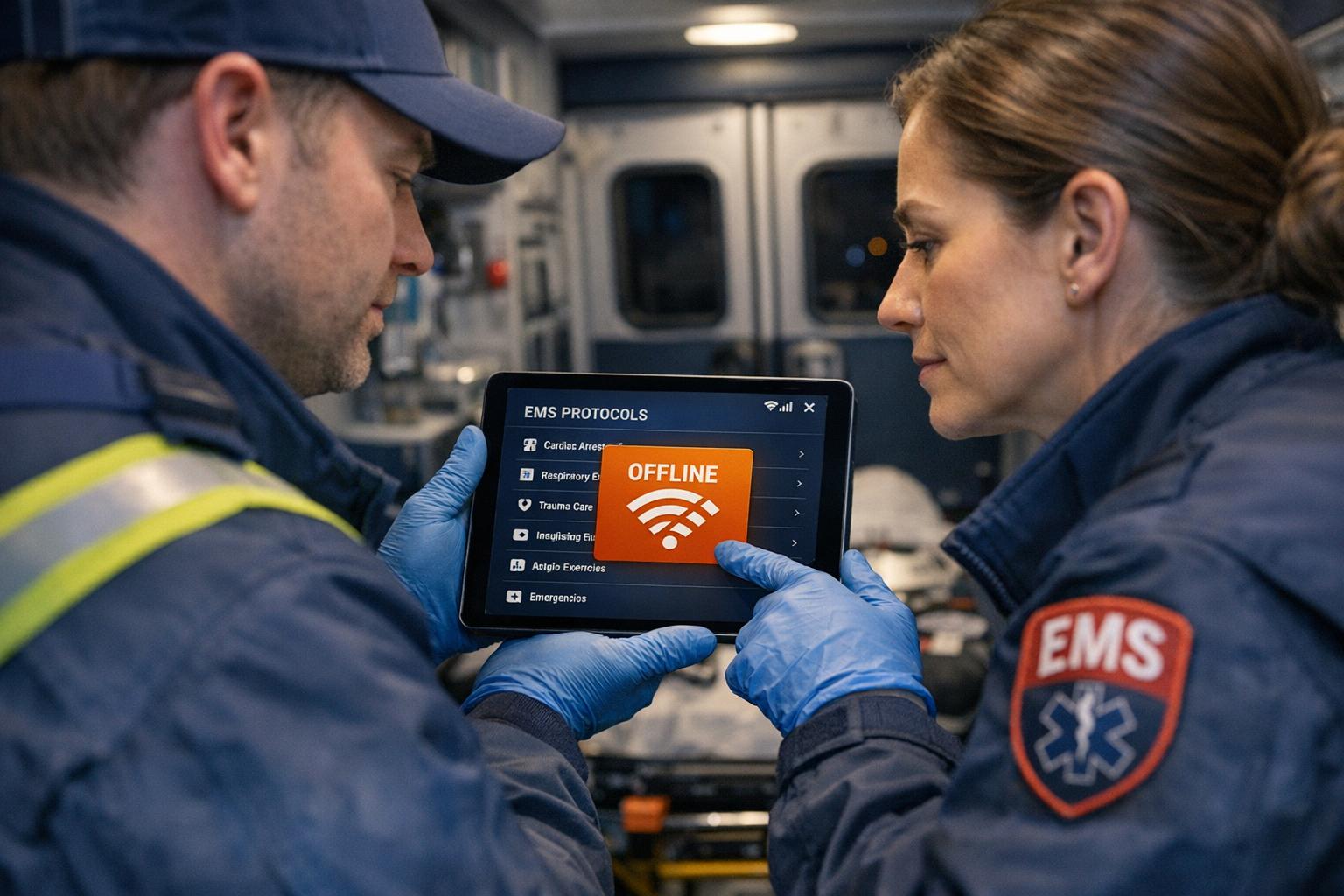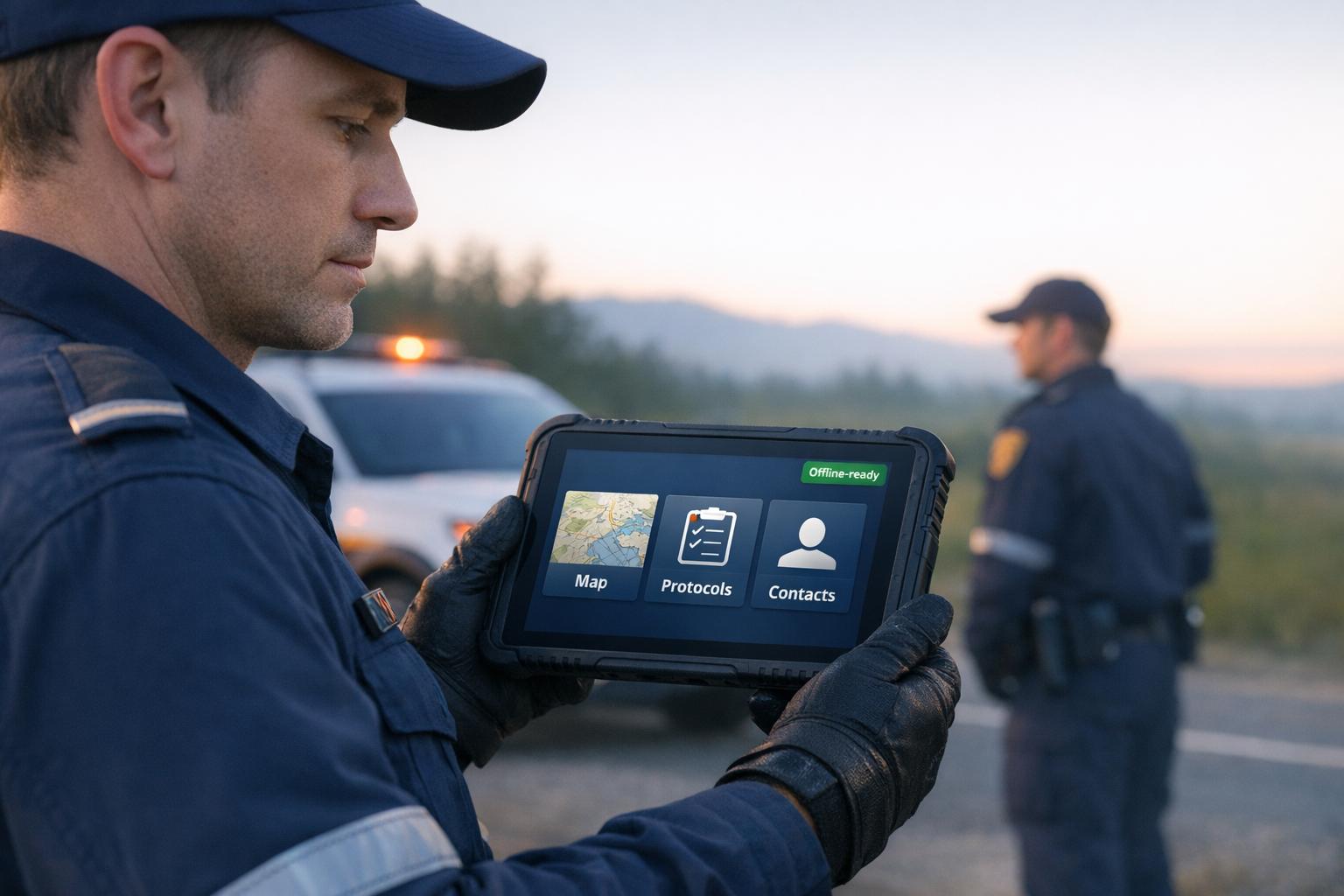
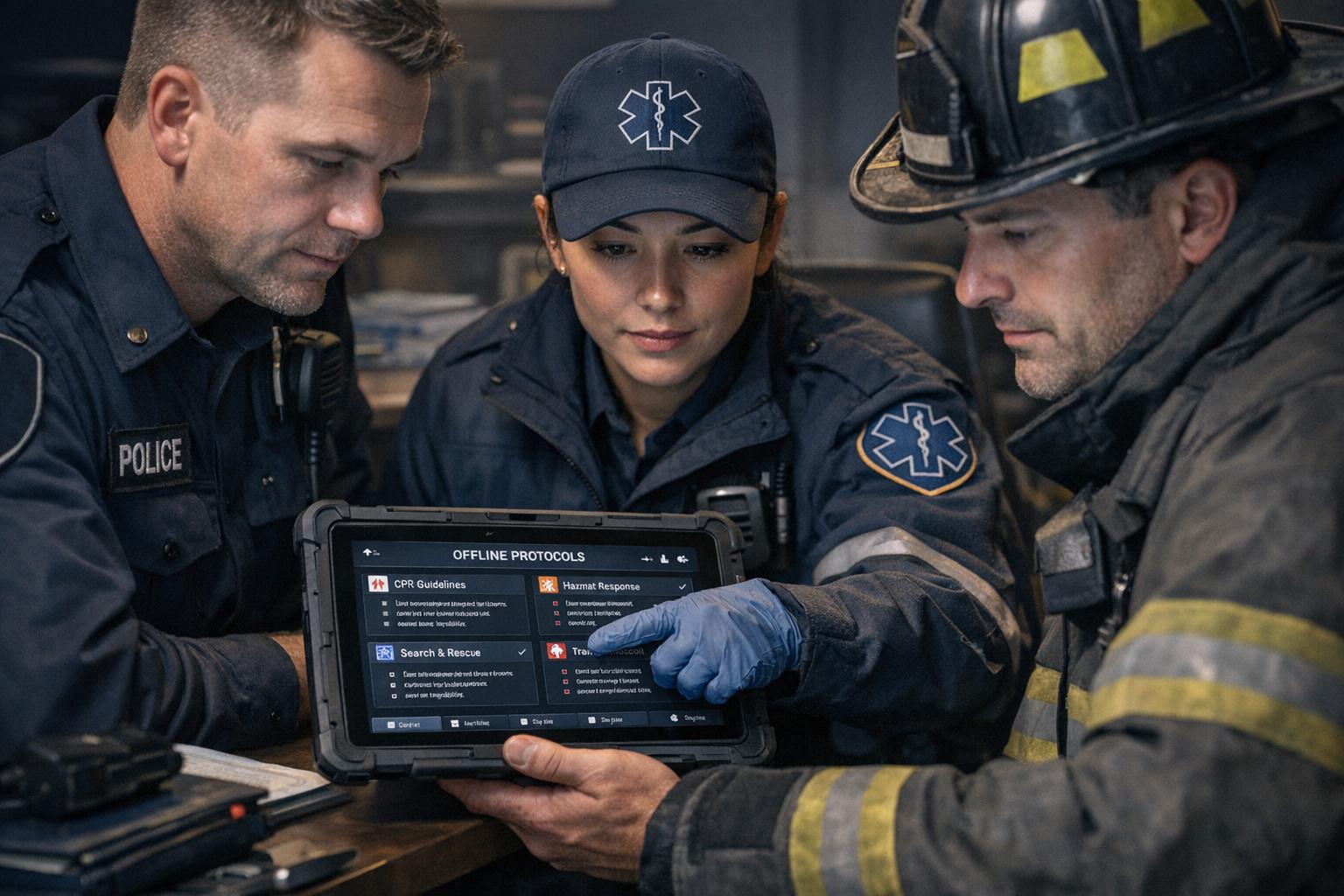
First responders face life-or-death situations where quick decisions are critical, but connectivity issues can leave them without access to vital protocols. Offline access ensures they have the tools they need, no matter the environment.
Problem: Emergency responders often operate in areas without reliable network coverage - rural zones, disaster sites, or underground facilities - making online-only systems unreliable.
Impact: Without access to policies, delays and errors can occur, risking both responder and public safety.
Solution: Offline systems store critical documents like SOPs and guides directly on devices, ensuring instant availability even without connectivity.
ResponderOne simplifies this by offering a platform that syncs documents for offline use, with features like secure storage, role-based permissions, and automatic updates. This approach keeps first responders prepared and informed, regardless of network conditions.
Connectivity Problems First Responders Face
When and Where Connectivity Fails During Emergencies
First responders often face connectivity dead zones, making online-only systems unreliable during critical moments. Rural areas and tribal lands are particularly affected due to limited or nonexistent cellular infrastructure - this isn’t just an occasional issue; it’s a persistent challenge.
Natural disasters and network congestion during large-scale emergencies can also take down cellular towers, delaying service restoration and leaving responders without crucial communication tools.
In tough environments like underground facilities or remote areas, having dependable offline access is a must. Without it, responders are left with unreliable systems that could fail when they’re needed most.
These connectivity gaps highlight the pressing need for offline solutions to ensure emergency responses remain effective.
What Happens When Responders Can't Access Policies
Connectivity issues don’t just disrupt communication - they cut first responders off from vital operational protocols. Without access to blueprints, hazard details, or patient records, responders lose the situational awareness necessary for safe and effective action. This can lead to delays, confusion, and even dangerous missteps. Edward Jones of Sentinel Resilience emphasizes the stakes:
"When an organisation faces a crisis, immediate access to essential documents, emergency contacts, and response protocols can mean the difference between an effective response and operational paralysis." - Edward Jones, Sentinel Resilience
When digital coordination fails, communication breakdowns between police, fire, and EMS teams are common, slowing resource deployment, delaying evacuations, and creating critical information gaps.
The increasing reliance on digital tools has only made these challenges more pronounced. Tablets with building layouts, wearable health monitors, and mobile incident management tools are becoming standard, but their functionality often depends on connectivity. Cyberattacks or infrastructure damage can also knock out cloud-based systems, leaving responders without emergency contacts or response checklists just when they’re needed most.
How Offline Policy Access Helps First Responders
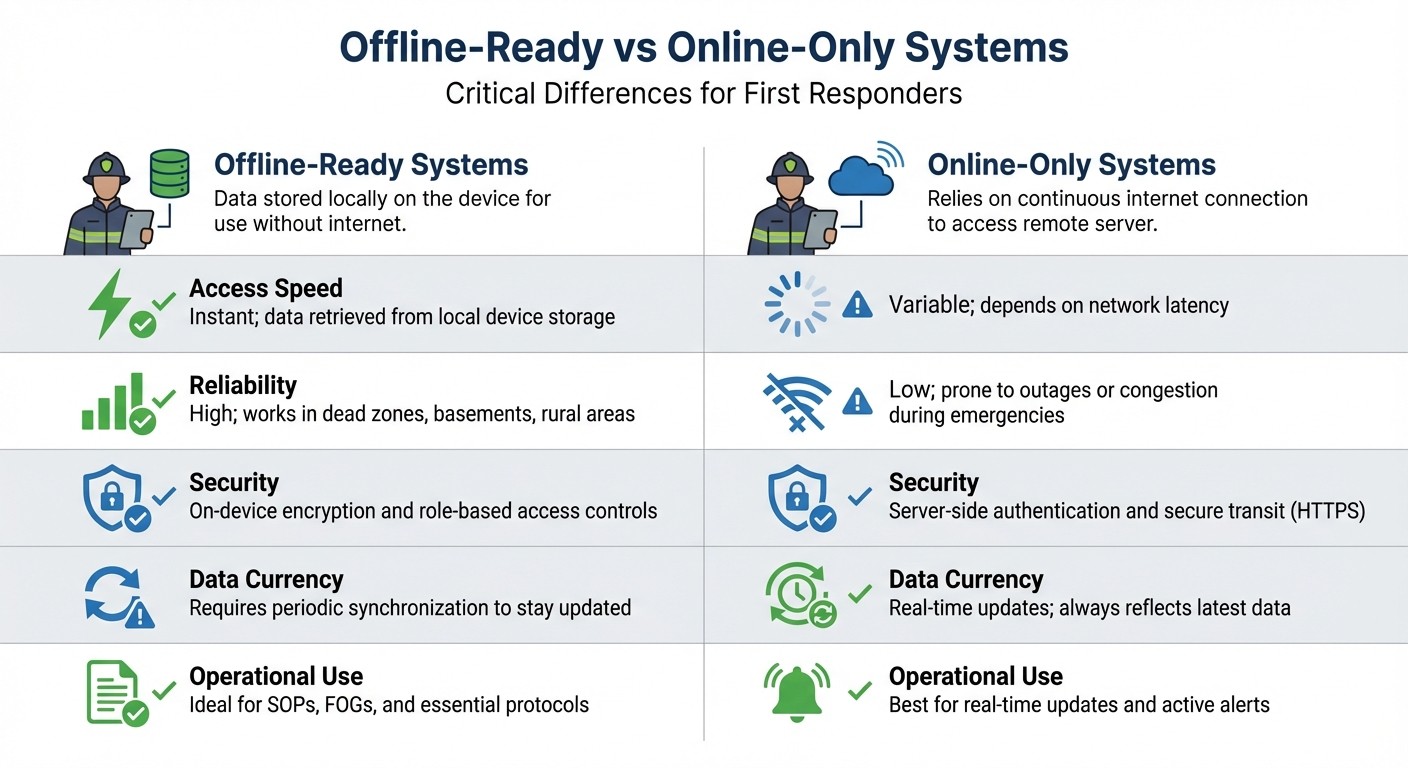
Offline vs Online Systems for First Responders: Feature Comparison
Offline systems provide first responders with instant access to essential protocols - like Standard Operating Procedures (SOPs), Field Operations Guides (FOGs), and technical references - even in areas without network coverage. By storing these documents directly on responders' devices, these systems remove the uncertainty of relying on network connectivity in critical moments.
To ensure security, offline-ready systems use on-device encryption and role-based access controls (RBAC), which restrict access to authorized personnel based on their role and clearance level. This approach aligns with NIST recommendations, which emphasize secure mobile and wearable devices to protect sensitive mission data.
Additionally, offline systems support data exchange through the Emergency Data Exchange Language (EDXL) messaging standards. This means critical information, like maps or situational reports, can be shared seamlessly once connectivity is restored. Locally stored data integrates smoothly with agency systems, preventing the creation of isolated data silos.
Feature | Offline-Ready Systems | Online-Only Systems |
|---|---|---|
Access Speed | Instant; data retrieved from local device storage | Variable; depends on network latency |
Reliability | High; works in dead zones, basements, rural areas | Low; prone to outages or congestion during emergencies |
Security | On-device encryption and role-based access controls | Server-side authentication and secure transit (HTTPS) |
Data Currency | Requires periodic synchronization to stay updated | Real-time updates; always reflects latest data |
Operational Use | Ideal for SOPs, FOGs, and essential protocols | Best for real-time updates and active alerts |
The Department of Homeland Security's Science and Technology Directorate highlights a key challenge: responders are often "overburdened with data and devices." Adding more standalone tools can hinder their ability to perform effectively. Offline-ready systems address this by consolidating critical resources onto existing devices, ensuring reliable access without the need for continuous connectivity. This capability is at the heart of ResponderOne's cutting-edge approach to field operations.
ResponderOne: Offline Policy Access Platform
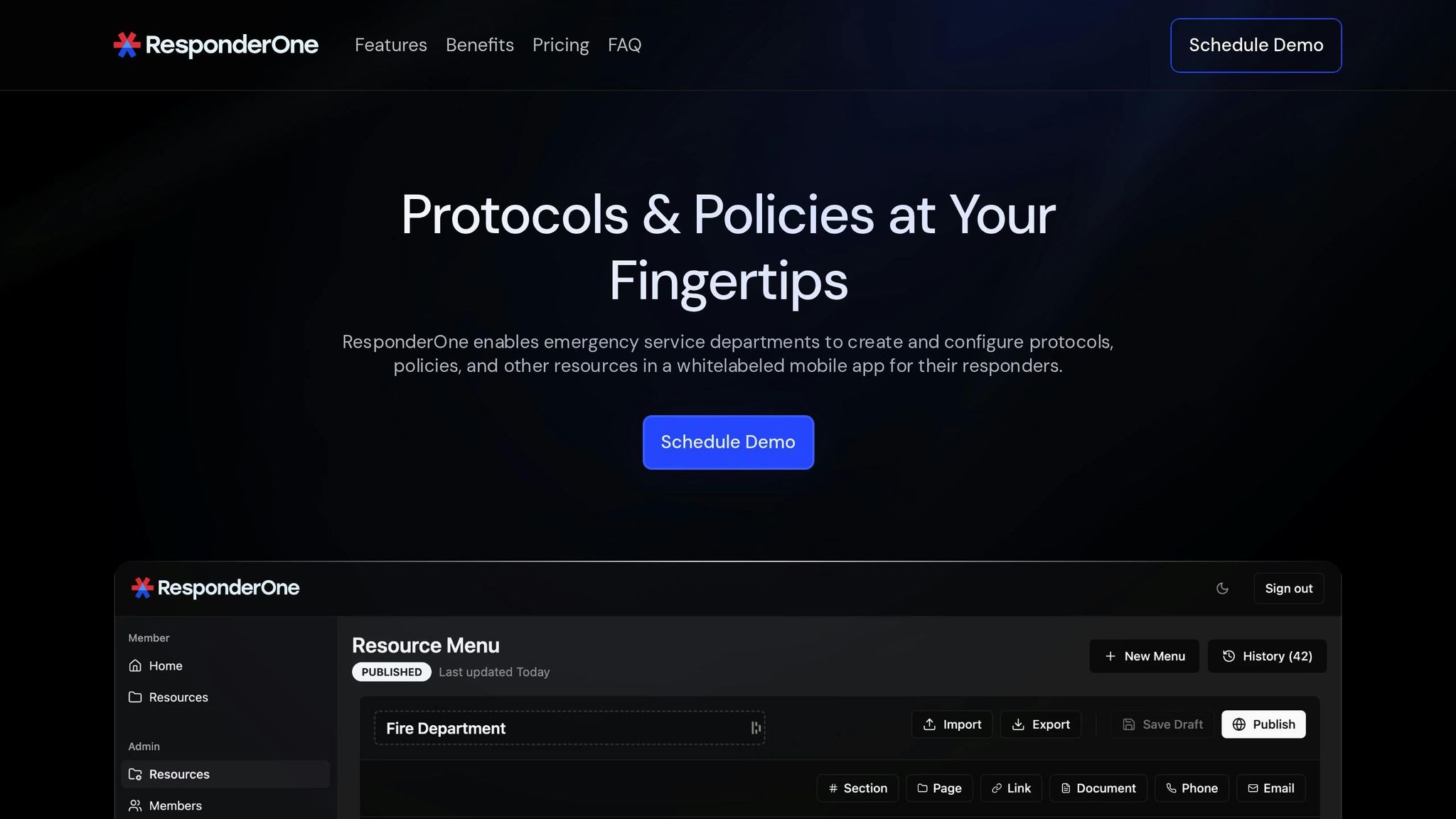
ResponderOne is a web portal and mobile app designed to centralize departmental protocols, procedures, forms, and resources into one easy-to-use platform. Once set up, it ensures offline access to critical information, bridging operational gaps caused by connectivity issues. This tool is specifically built to support field operations, offering a reliable and user-friendly way to access essential resources anytime, anywhere.
ResponderOne Features
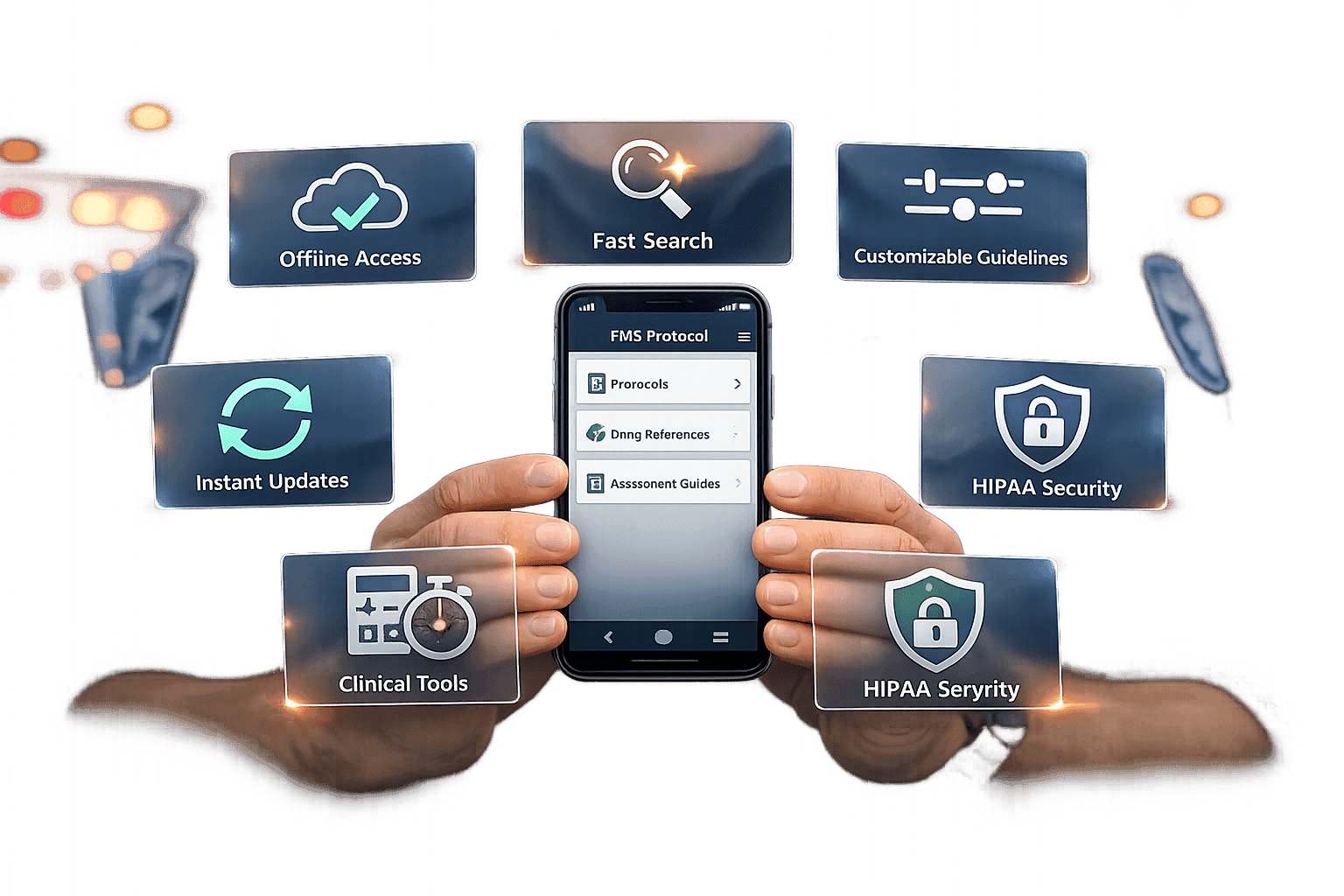
ResponderOne provides offline access to department documents through native apps for iOS and Android, as well as a web-based Admin Portal. After downloading or syncing documents during setup, responders can view, search, and navigate PDFs even without an internet connection. When connectivity is restored, automatic synchronization updates the files, ensuring personnel always have the most current versions. The Admin Portal also gives administrators control over user access and content history, with the ability to roll back to previous document versions if needed. All files are stored securely, protecting sensitive information.
Beyond policies and procedures, ResponderOne includes a department directory with contact information such as phone numbers, emails, websites, and navigable links. This consolidates essential resources directly onto responders' devices. For departments using the Essentials or Enterprise plans, the app can also be customized with their branding through white labeling.
How ResponderOne Supports Field Operations
ResponderOne’s features are tailored to meet the demands of field operations, helping responders make quick and informed decisions during emergencies. By providing offline access to standard operating procedures, field operation guides, and technical references, the platform ensures responders can retrieve critical information instantly - even in areas with no network coverage. Whether they’re managing a hazmat incident, coordinating a multi-casualty response, or handling a technical rescue, responders can quickly locate the exact protocol they need.
The searchable resource library eliminates the hassle of manually sifting through documents, saving valuable time in high-pressure situations. Responders can immediately pull up specific procedures, reference technical details, or confirm protocols while actively managing an emergency. This streamlined access ensures faster decision-making and maintains operational efficiency, even in the most challenging conditions.
sbb-itb-f1e5a35
Setting Up Offline Systems with ResponderOne
How Departments Can Deploy ResponderOne
To get started with ResponderOne, departments can use the Admin Portal to upload policies, protocols, procedures, and forms. Leadership can also assign role-based permissions, creating a centralized resource library that keeps sensitive files secure while ensuring responders only access the information they need.
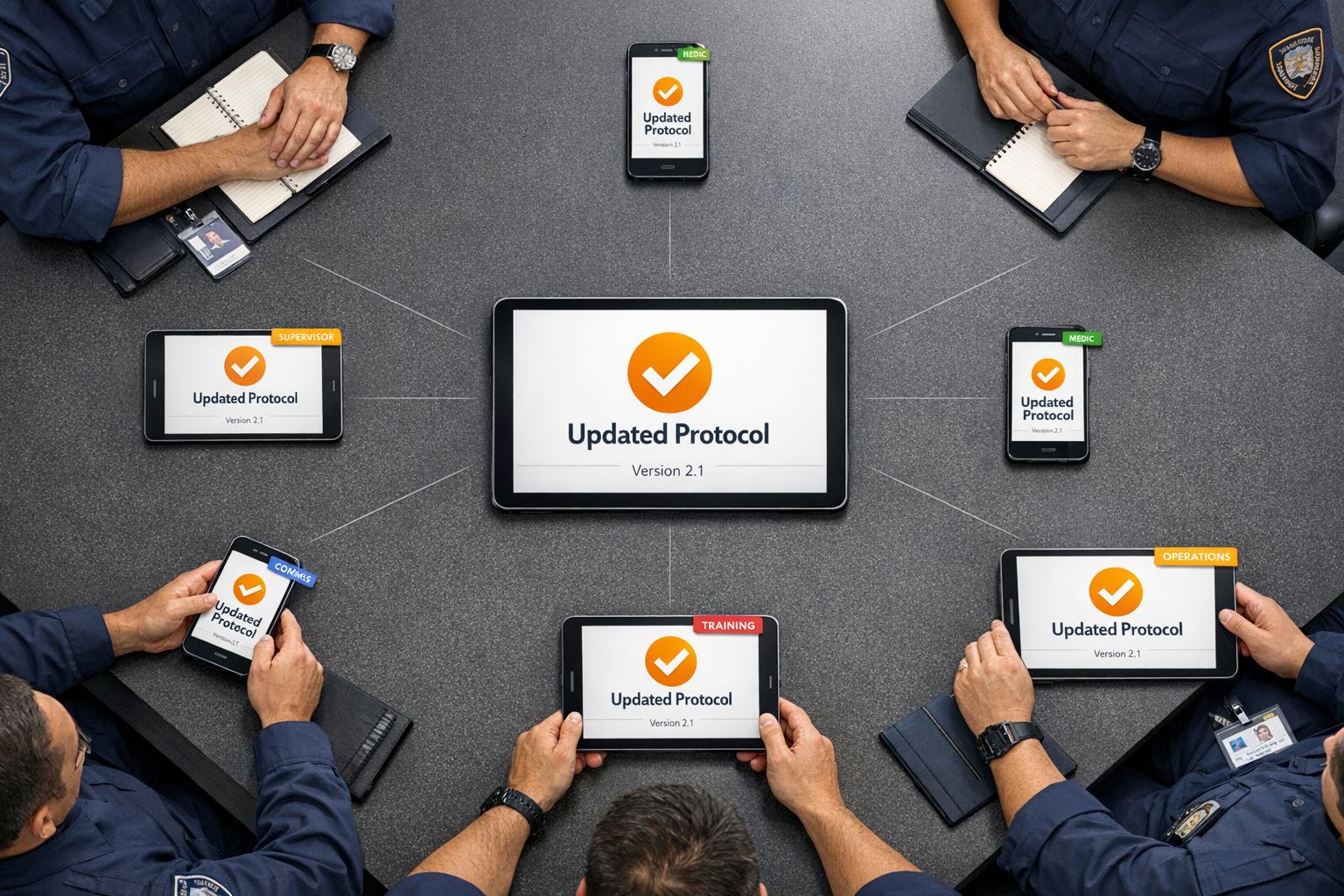
Once the system is configured, responders download the ResponderOne app on their iOS or Android devices. Using station Wi-Fi, they perform an initial sync, which downloads all authorized documents directly to their devices, making the files accessible offline. The app automatically updates offline data whenever the device reconnects to the internet. To keep everything running smoothly, assign an administrator to oversee updates and backups. It’s also wise to grant administrative access to additional team members to avoid disruptions when the primary admin isn’t available.
With deployment handled, let’s dive into plan options and storage details.
ResponderOne Plan Options and Storage
Plan | Monthly Base Price | Per User Cost | Storage Capacity | Key Features |
|---|---|---|---|---|
Lite | $99 | $0.50/user | 1 GB | Admin Portal, User Portal, iOS/Android apps, navigable web links |
Essentials | $199 | $0.30/user | 5 GB | Everything in Lite, plus quick contacts, white labeling, update notifications |
Enterprise | Contact Sales | Custom | Unlimited | Everything in Essentials, full-service content management, menu history rollbacks, priority support |
Storage needs vary depending on the department's size and the volume of resources. The Lite plan’s 1 GB is ideal for smaller teams with straightforward documentation, while the Essentials plan’s 5 GB suits larger departments with more extensive libraries. The Enterprise plan eliminates storage limits altogether, offering flexibility for departments managing large volumes of high-resolution PDFs and other resources.
Training Users and Best Practices
Once the system is set up and a plan is chosen, training responders is essential to ensure they can rely on the platform in the field. Responders should be aware that offline downloads are automatically removed if they don’t authenticate within 30 days. Regular syncing before heading into areas with limited connectivity is a must.
For departments using the Essentials or Enterprise plans, white labeling the app with department branding is a helpful feature. It reassures responders that they’re accessing official, up-to-date resources rather than outdated personal copies. Administrators should also explain how to use the app’s search function effectively, as all files are converted to PDF format upon download. Scheduling regular refresher sessions can help responders stay familiar with new features and maintain best practices for reliable offline access.
Conclusion
When connectivity fails, having immediate access to critical protocols isn't optional - it’s essential. Responders rely on Standard Operating Procedures, Field Operations Guides, and key technical references to make split-second decisions, and these resources must be available at all times - even offline.
ResponderOne tackles this challenge head-on by providing secure, role-based offline access to authorized documents via iOS and Android devices. With automatic updates, the platform ensures that entire protocol libraries are always up-to-date and ready for use, no matter the network conditions. This means incident commanders can act decisively without delays.
For departments needing scalability, ResponderOne offers white labeling options and unlimited storage on Enterprise plans, making it easy to expand offline capabilities as demands grow. Plus, with affordable plans designed to fit organizations of all sizes, ResponderOne empowers teams to stay prepared for any situation.
FAQs
Why is offline access to policies and protocols so important for first responders during emergencies?
Offline access plays a crucial role for first responders, as emergencies often unfold in areas where internet or cellular service is spotty or nonexistent. In these high-pressure situations, having instant access to essential resources - like safety protocols, tactical plans, and legal guidelines - can mean the difference between swift, informed action and dangerous delays. Without reliable offline access, responders risk being hampered in their decision-making, which could lead to inconsistent responses or even jeopardize safety.
Offline-capable policy systems provide a dependable solution for firefighters, EMTs, and law enforcement officers. These systems allow responders to access critical procedures regardless of their environment, whether they’re deep underground, in remote areas, or navigating disaster zones. By serving as a reliable fallback when communication networks go down, these systems help ensure operations run smoothly and safeguard both the responders and the communities they serve.
How does ResponderOne keep offline documents secure?
ResponderOne takes the protection of offline documents seriously, employing measures aimed at keeping sensitive information secure. While the exact encryption methods, access controls, or data protection protocols aren't specified, the platform adheres to established industry standards to ensure data safety.
For first responders, this commitment means that vital policies and protocols stay secure, even during offline access. This balance of security and accessibility supports efficient operations and safeguards critical information during emergencies.
How can departments successfully implement and maintain ResponderOne for their teams?
To get the most out of ResponderOne, departments should start by evaluating their specific needs and ensuring the platform fits seamlessly with current policies, protocols, and communication standards. It’s also crucial to confirm that offline access adheres to security and interoperability requirements while meeting federal guidelines for encryption and terminology.
Once these steps are clear, set up a secure offline system. This includes encrypting stored data, enabling device authentication, and scheduling regular updates to sync when connectivity is restored. A Primary-Alternate-Contingency-Emergency (PACE) plan can be a game-changer here, ensuring responders have access to cached policies on devices like tablets or rugged laptops if the primary network goes down.
Ongoing training is just as important. Conduct regular drills to keep personnel ready for real-world scenarios, and schedule periodic reviews to update offline content, re-encrypt policies, and fine-tune contingency plans based on real-life feedback. By prioritizing preparation, security, and consistent updates, departments can ensure ResponderOne remains a dependable tool, no matter the circumstances.