Public safety agencies need policy management software that simplifies access to critical protocols, ensures compliance, and improves coordination across fire, EMS, and law enforcement. For chiefs, admins, and captains, the right policy management platform means faster decisions in the field, cleaner compliance records, and less time chasing binders or scattered files.
Chiefs want policy management software that reduces risk, proves compliance, and gives clear visibility across the department.
Admins need a policy and protocol platform that automates updates, acknowledgments, and audit trails instead of relying on paper sign-off sheets.
Captains care most about fast, mobile access to SOPs, protocols, and procedures for crews in the field—often with offline access.
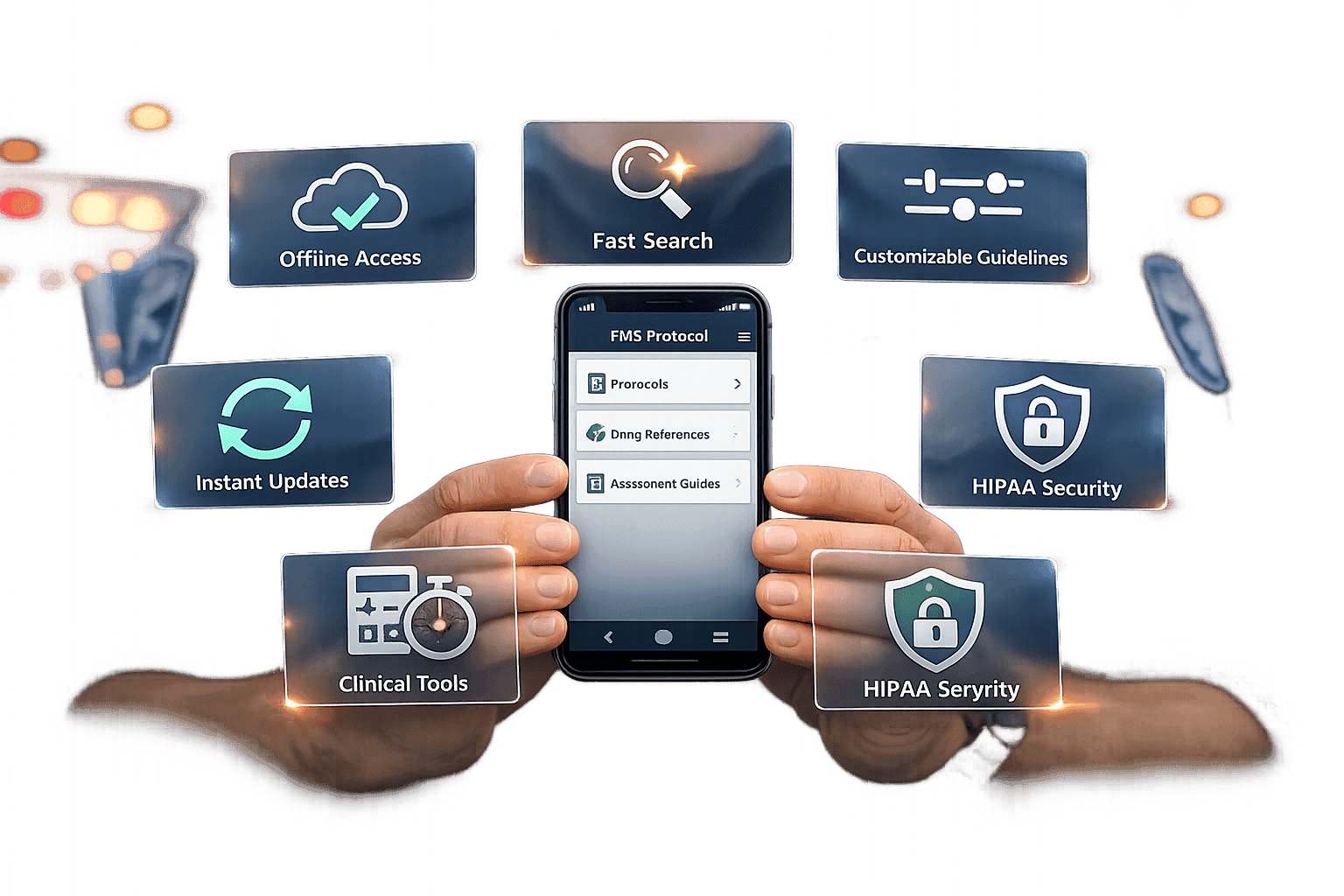
Outdated systems - whether paper-based or scattered digital files - create delays, confusion, and safety risks. Modern platforms solve this by centralizing resources, automating updates, and offering offline access. Key features include:
Centralized Resource Library: Quick, searchable access to updated protocols.
Role-Based Access: Permissions tailored to user responsibilities.
Offline Access: Reliable use in areas with poor connectivity.
Instant Updates: Immediate distribution of changes to all users.
These platforms reduce administrative burdens, improve emergency readiness, and ensure responders always have the latest information at their fingertips.
Problems with Traditional Policy Management
Common Problems in Legacy Systems
Many emergency service departments still depend on outdated policy management systems that struggle to keep up with today's fast-paced demands. Some departments even rely on paper-based policy binders, which create major challenges in keeping procedures up to date. When policies are revised, printed copies must be redistributed across the department - a time-consuming process that often delays the implementation of critical updates. This can lead to multiple versions of policies floating around, causing confusion and inconsistency. Even attempts to digitize these processes often come with their own set of problems, making accessibility and consistency just as difficult to achieve.
Even modern digital systems can fall short when it comes to centralized access. Policies often end up scattered across shared drives, email threads, or local folders, making it hard for responders to quickly find what they need. This lack of a unified system is especially problematic for field responders or those working outside regular hours, who may struggle to get timely access to vital information.
On top of that, the reliance on manual processes for tracking compliance only adds to the problem. For instance, using printed signature sheets to confirm policy acknowledgment across shifts leaves gaps that can jeopardize compliance and operational preparedness.
How Inefficient Policy Management Affects Operations
Poor policy management doesn’t just slow things down - it can directly impact emergency readiness and responder safety. When teams rely on outdated or inconsistent procedures, the quality of their response can vary widely. This inconsistency complicates coordination during emergencies and undermines training efforts, as materials may not align with the latest standards. Without centralized oversight, responders may enter situations unprepared, reducing their effectiveness and potentially putting lives at risk.
Administrative workloads also increase in the absence of automated compliance tracking. Ensuring every team member has reviewed the latest procedures is crucial for meeting regulatory standards, but manual tracking often falls short. This can leave departments vulnerable during audits, as there’s no reliable way to confirm compliance.
Another issue is the lack of real-time visibility into who has received and acknowledged updates. Without this information, leadership may struggle to make informed decisions quickly. For example, if a safety alert or operational change is issued, delays in confirming acknowledgment across teams can weaken communication and slow down response times.
Over time, these inefficiencies can create a culture where policy management feels like a tedious chore rather than an essential part of operations. This mindset can lead responders to rely on informal knowledge sharing or shortcuts, eroding the benefits of standardized procedures and potentially compromising both safety and operational effectiveness.
Core Features of Modern Policy Management Software for Public Safety
Modern policy platforms are designed to address the shortcomings of outdated systems, ensuring quick, secure, and consistent access to critical information.
Centralized Policy & Protocol Library
A centralized library acts as a searchable hub for policies, protocols, and procedures, eliminating the hassle of digging through scattered files. Whether preparing for a shift, responding to an emergency, or reviewing training materials, responders can locate the latest protocols in seconds.
This feature is especially useful during high-pressure moments. Instead of calling dispatch or waiting for a document to arrive, field crews can instantly pull up the exact protocol they need. Departments can organize resources by categories, topics, or operational areas, making it easy for users to browse or jump directly to specific content.
The centralized system ensures that only the most up-to-date protocols are available, reducing confusion and improving efficiency. It also sets the stage for secure, role-specific access.
Role-Based Access and Permissions
Not everyone in a department needs access to every document. Role-based access and permissions empower administrators to control who can view, edit, or audit specific resources. This approach enhances both security and efficiency by ensuring that sensitive documents are accessible only to authorized personnel.
Administrators can assign specific rights - View only, Audit, or Edit - to individuals, groups, or roles. For instance, a captain might have editing privileges for station-specific procedures, while firefighters only have view access to the same materials. This tailored setup reduces clutter and streamlines workflows by aligning the interface with each user's responsibilities.
Role-based permissions also facilitate better incident management. During emergencies, tasks can be assigned to specific roles with clear priorities and real-time progress tracking, ensuring everyone knows their responsibilities. For external communication, departments can designate a media contact with defined permissions, ensuring consistent and controlled messaging during crises.
Additionally, automated workflows tied to permissions help assign policy owners and reviewers. Features like electronic signatures create clear audit trails, holding employees accountable and protecting employers from future disputes or claims of negligence.
Offline Access and Cross-Platform Compatibility
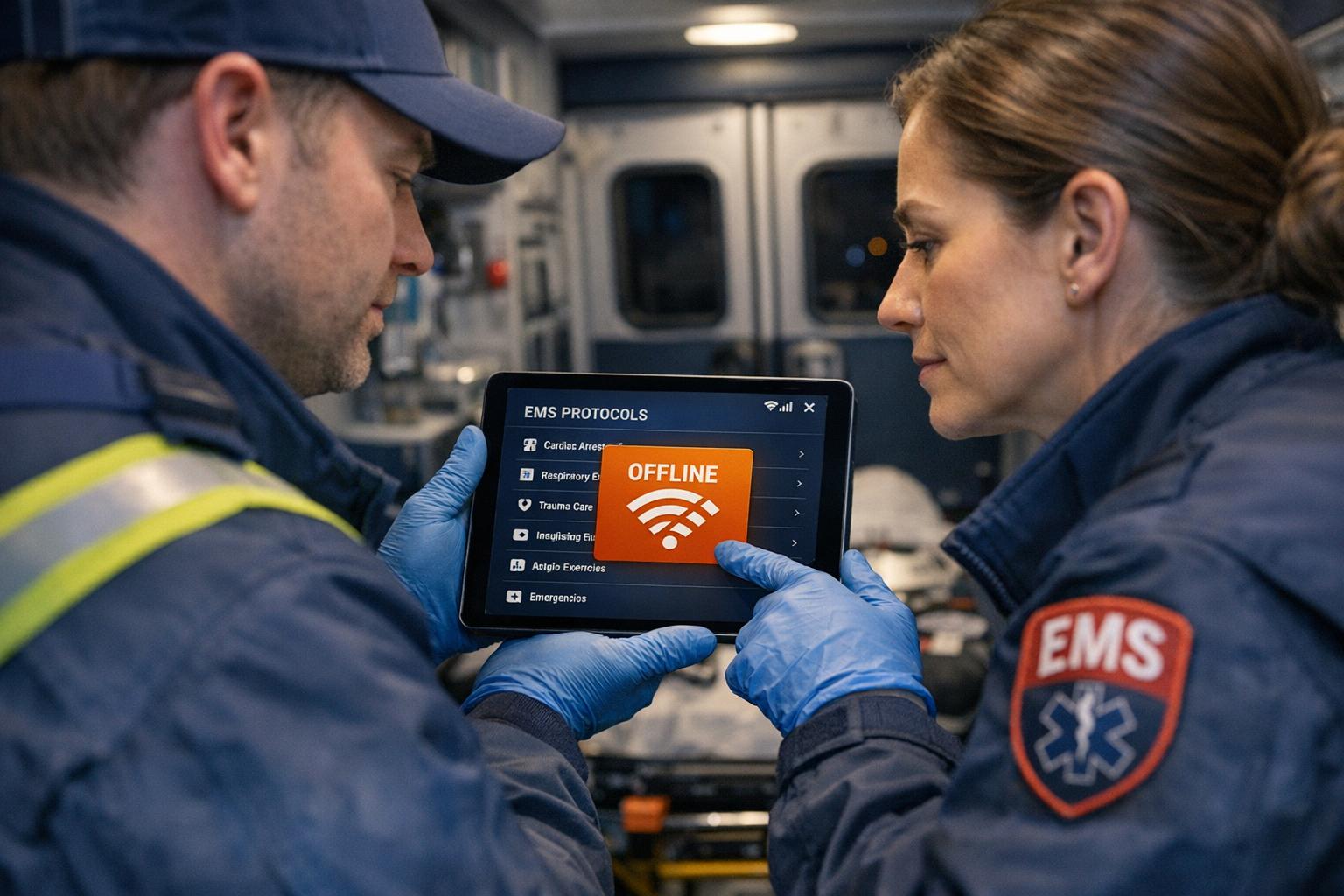
Field responders often face unreliable connectivity. A modern policy platform addresses this by providing offline access, allowing personnel to download critical resources to their devices and access them anytime - no internet required. This ensures that mobile devices remain dependable references, even in remote or low-signal areas.
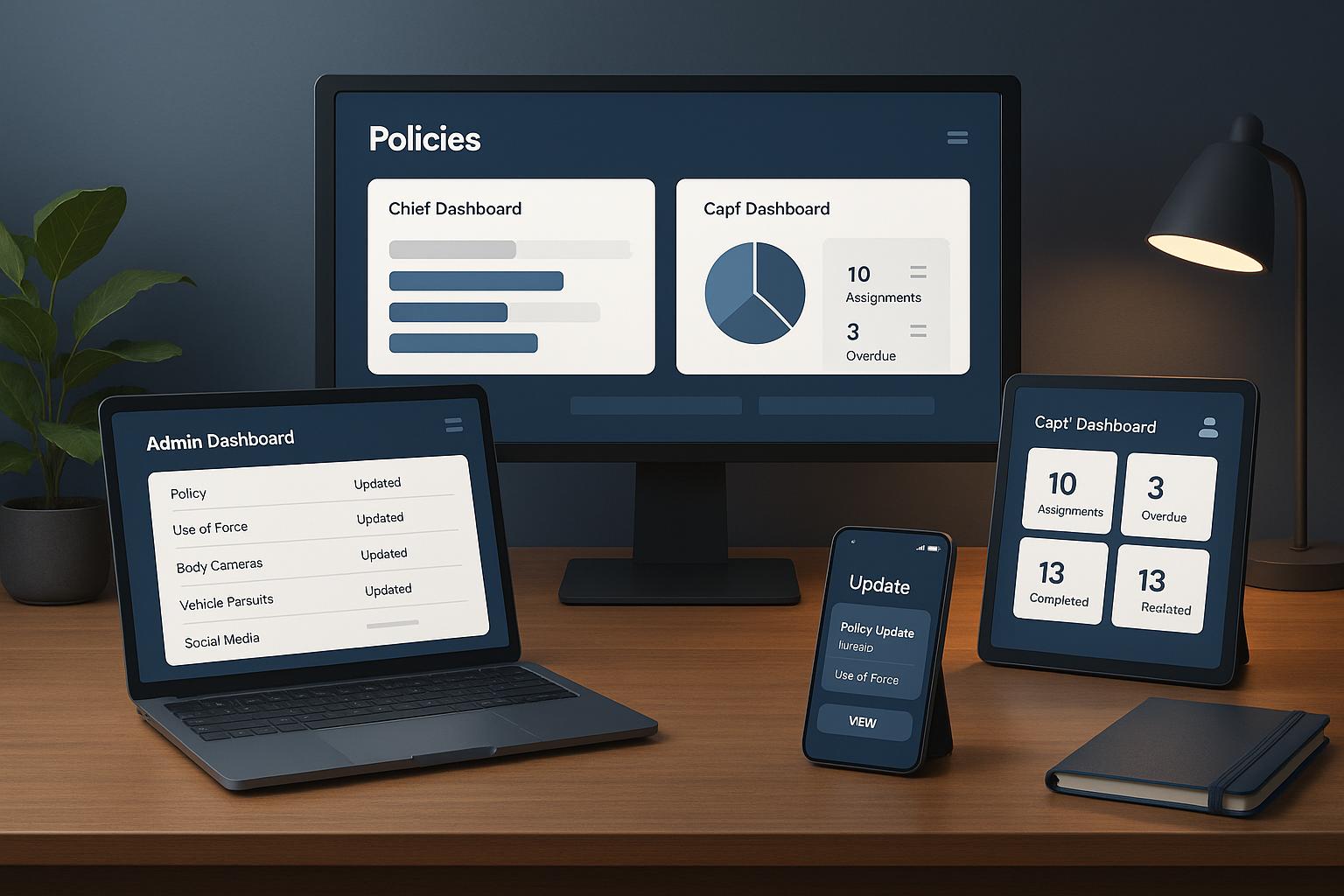
Cross-platform compatibility extends this reliability across various devices and operating systems. Whether using department-issued tablets, personal smartphones, or station computers, the platform works seamlessly on iOS, Android, web browsers, and desktop systems. The interface adapts to different screen sizes while maintaining full functionality, ensuring a consistent experience. For example, responders can check a protocol on a smartphone during a call or review procedures on a larger screen back at the station.
This flexibility accommodates diverse work patterns. Some personnel may prefer studying materials on their phones during downtime, while others use larger screens for more detailed reviews. Field supervisors can easily switch between devices throughout their shifts, ensuring uninterrupted access to critical information.
Instant Updates for Policy Changes
When policies change, delays in communication can create serious risks. Some personnel might unknowingly follow outdated procedures, while others adhere to the updated ones - potentially jeopardizing safety and coordination during critical incidents.
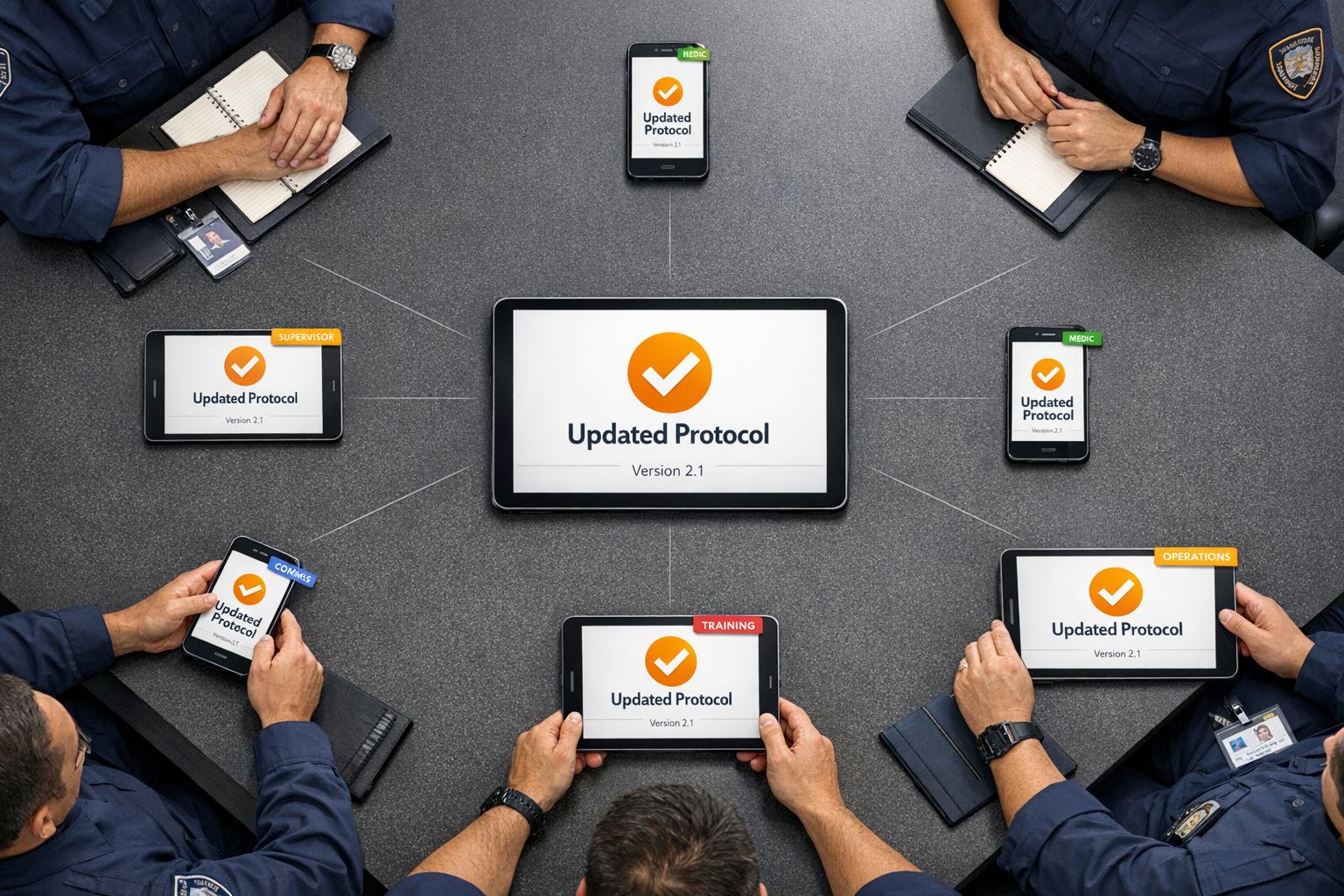
Instant updates address this issue by pushing changes to all users as soon as they’re approved. Once leadership finalizes a revised protocol, it’s immediately available across the department. Notifications alert personnel to the update, and the new document replaces the old version in the centralized library.
This real-time distribution eliminates the confusion caused by outdated versions. Responders always work with the most current information, avoiding the risks associated with old printouts or outdated digital files. Notifications also enable administrators to track who has received and acknowledged updates, ensuring accountability. For departments operating across multiple shifts or stations, instant updates ensure everyone - from day crews to night teams - has access to the same information, improving coordination and reducing miscommunication during multi-unit responses.
Benefits for Daily Operations
Expanding on the core features, these operational advantages directly enhance daily workflows and safety measures. Modern policy platforms streamline routine tasks and improve emergency response efficiency for chiefs, administrators, and captains alike.
Simplifying Policy Updates and Compliance
Compliance audits can be a major administrative headache. Traditional systems often force administrators to manually track who has received policy updates, maintain physical records, and ensure everyone is using the latest versions. A modern platform takes this burden off their shoulders by automating compliance tracking and generating clear audit trails.
With these platforms, policy updates are automatically logged, showing exactly who accessed and acknowledged them. This digital record not only meets regulatory requirements but also allows administrators to quickly produce reports detailing when policies were updated and who reviewed them. No more digging through filing cabinets or endless email chains.
Additionally, user-friendly interfaces make compliance easier by helping personnel quickly locate and follow the correct procedures. When protocols are logically organized and searchable, responders are more likely to rely on the platform as their trusted resource.
Improved Coordination and Accountability
Compliance is just one piece of the puzzle - effective coordination is equally critical. In emergency situations, knowing who to contact and how to reach them can make all the difference. Integrated department directories provide real-time contact information, eliminating the need for scattered contact lists or reliance on personal phone books.
For instance, if a firefighter encounters an unusual hazmat situation, they can instantly locate and contact the department’s hazmat specialist. Similarly, a captain managing a multi-unit incident can easily access contact details for mutual aid departments or specialized resources. This streamlined communication prevents delays caused by searching for phone numbers or routing requests through dispatch.
These directories also enhance accountability by clearly defining roles and responsibilities. When everyone knows who holds specific positions - whether it’s the shift commander or the training officer - it becomes easier to direct questions, report issues, and coordinate activities. This transparency reinforces organizational structure and ensures that no tasks are overlooked.
Role-based permissions take accountability a step further by assigning clear ownership of policies and procedures. Designated policy owners, equipped with editing privileges, are responsible for keeping documents up to date. Approval workflows and audit logs track every change, ensuring a transparent review process and accountability at every level.
This structured system reduces confusion that can arise from informal communication. Instead of relying on verbal updates or unofficial advice, personnel can consult official, documented procedures for clarity and consistency.
Faster User Adoption and Training
Efficiency and coordination are only effective if personnel actually use the system. New technology often meets resistance from those accustomed to older methods, but an intuitive, mobile-friendly design encourages quick adoption with minimal training. When a system is easy to navigate and feels familiar, personnel naturally integrate it into their routines without much effort.
The secret to rapid adoption lies in simplicity. A clean, straightforward interface requires little explanation. Responders can quickly learn how to search for protocols, bookmark frequently used resources, and access offline content.
Cross-platform compatibility further boosts adoption by allowing personnel to use the platform on their preferred devices. Whether they’re checking protocols on a personal smartphone during downtime or reviewing detailed procedures on a station computer, the consistent interface across devices ensures a seamless experience. This flexibility removes barriers to daily use.
Training new hires becomes more efficient as well. Instead of handing out bulky binders or directing recruits to multiple systems, trainers can introduce a single, centralized platform that houses all necessary resources. The organized, searchable structure helps new personnel find information quickly without relying on memory.
This reduction in training time directly translates into cost savings and improved operational efficiency. Departments can focus on ensuring personnel understand the protocols rather than wasting time teaching system navigation. Once the platform becomes second nature, responders can dedicate their mental energy to applying the protocols in high-pressure situations - an invaluable advantage during emergencies.
sbb-itb-f1e5a35
How to Evaluate Policy Management Software for Your Department
Choosing the right policy platform for your department means finding a solution that fits your specific workflows and challenges. Here's a breakdown of the key factors to consider and the critical questions to ask during the evaluation process.
Key Criteria for Evaluation
Ease of Use should be your top priority. Even the most advanced platform will fail if responders find it confusing or difficult to navigate. Test the interface thoroughly - can you locate sample policies in under 30 seconds? The platform should feel intuitive, not like something that requires a manual to figure out.
Security and Data Protection are non-negotiable. Confirm that the platform uses encryption (both in transit and at rest), adheres to industry standards, and has reliable backup and disaster recovery options. Ask how frequently data is backed up and how quickly access can be restored after an issue.
Scalability is essential, even for smaller departments. Your current needs might grow in the future, so ensure the platform can handle an increase in users or data without becoming cost-prohibitive. Check if tiered pricing aligns with your department’s plans for growth.
Integration Capabilities are crucial for streamlining operations. The platform should work seamlessly with your existing systems, like records management and directory services, to avoid redundancy and manual data entry. A platform that operates in isolation will only create extra work for administrators.
Offline Access is vital for responders working in areas with unreliable internet, such as rural zones, underground sites, or during incidents that overwhelm networks. Verify that downloaded policies remain fully accessible without an internet connection.
Update Features should allow for swift and efficient policy changes. Check that updates are pushed to all users in real time, ensuring everyone has access to the latest information.
Mobile Optimization is critical for field operations. The mobile version should offer the same functionality as the desktop version, enabling responders to search policies, view diagrams, access contact info, and acknowledge updates - all from their phones.
Questions to Ask During Evaluation
To ensure the platform is a good fit, ask these targeted questions:
Version Control: How does the platform handle policy revisions? Can you track the full history of changes, including who made them and when? This is essential for investigations or compliance checks.
Update Workflows: Does the platform support a review and approval process before changes go live? Can updates be scheduled to take effect at specific times, such as the start of a shift?
Role-Based Access: How detailed are the permission settings? Can access be restricted based on rank or position? For example, general procedures might be accessible to all, while tactical protocols are limited to certain personnel.
Notifications: How are users informed about updates? Does the platform support push notifications, email alerts, or in-app messages? Can users acknowledge updates, providing documentation for compliance?
Content Organization: Is the platform flexible enough to match your department’s organizational structure? Can you create custom categories, whether by apparatus type, incident type, or operational function?
Support and Training: What assistance does the vendor provide during setup? Are training sessions included for both administrators and users? Is ongoing technical support available 24/7, or only during business hours?
Data Ownership and Portability: Will you retain ownership of your data? Can policies and procedures be exported in a standard format if you switch platforms? Some vendors use proprietary formats that can make migration difficult.
Matching Department Needs to Platform Capabilities
Once you've gathered the necessary information, compare your department's specific needs with the platform's features. Start by identifying your must-haves - the features your operations can't function without. Separate these from nice-to-haves, which are helpful but not essential.
Be realistic about your budget. Consider the total cost of ownership, including subscription fees, implementation expenses, training, and any hidden costs like extra storage or premium support.
Evaluate the implementation timeline based on your department's capacity. If your team is stretched thin, a platform offering full-service content management might be worth the extra cost. This service can handle tasks like digitizing and organizing existing policies, enabling a quicker launch.
Think ahead to your future needs. Are you planning to expand mutual aid agreements or add specialized teams like hazmat or technical rescue? Ensure the platform can accommodate these changes with additional content categories or external access for partner agencies.
Test the platform with real-world scenarios. Don’t settle for a generic demo - ask the vendor to demonstrate how the platform would handle your department’s specific use cases. For instance, how would a captain on scene access a confined space rescue protocol? Or how would an administrator update a policy and ensure acknowledgment from all affected personnel within 48 hours?
Lastly, gather user feedback during a trial period. Include a diverse group of testers, from tech-savvy veterans to those who typically resist new systems. Their combined input will reveal whether the platform is practical for everyone. If even the most resistant users find it easy to navigate, you’re on the right track.
Document your findings to present to leadership and budget committees. A clear comparison of how the platform meets your department’s needs, stays within budget, and resolves current challenges will make it easier to secure approval. This documentation can also serve as a benchmark for evaluating the platform’s performance after implementation.
Conclusion
Choosing the right policy platform is a decision that carries weight for chiefs, admins, and captains alike. The platform you select directly influences how swiftly your teams can access vital information during emergencies, how seamlessly you maintain compliance, and how well you coordinate operations across shifts and locations.
The demands are too great to settle for a system that doesn’t fully address your operational needs. Your platform should provide real-time updates that instantly reach every responder, offline functionality for times when connectivity is an issue, and role-based permissions to safeguard sensitive information while keeping essential protocols accessible. It should simplify policy management and enhance field operations - not add unnecessary complexity. These features are critical for ensuring smooth operations and making informed, mission-critical decisions.
A policy platform isn’t just a digital filing cabinet. It’s a tool that shapes day-to-day workflows, affects response times, and ultimately impacts the safety of both responders and the communities they protect. When considering your options, prioritize platforms that offer a unified approach, capable of managing multiple emergency scenarios without creating information silos. Look for seamless integration with your current technology and mobile accessibility, ensuring responders can access procedures anytime, whether they’re at the station, on the scene, or even responding from home.
FAQs
How can policy management software help emergency services stay compliant and work more efficiently?
Modern policy platforms are transforming the way emergency services operate by making compliance easier and cutting down on tedious admin work. With tools like real-time updates, customizable templates, and offline-ready access, they keep field teams informed and aligned with protocols, no matter the situation.
Security is another key focus. These platforms ensure sensitive data stays protected while remaining accessible to the right people. By adopting these solutions, agencies can dedicate more energy to their vital missions instead of getting bogged down by paperwork and routine tasks.
What features should emergency responders prioritize in policy management software?
When choosing a policy platform for emergency responders, it's crucial to focus on features that boost efficiency, security, and ease of use. Opt for solutions that provide real-time updates, offline capabilities, and customizable templates - these ensure policies are straightforward to apply and adaptable to evolving circumstances.
Essential features to look for include secure data management, clear communication tools, and options that enhance field team accessibility. Platforms supporting incident command systems, situational awareness, and resource coordination can play a key role in improving response times and overall readiness. The best choice will be one that caters directly to your team's unique requirements, ensuring smooth and effective policy implementation.
How does role-based access improve security and efficiency in policy management software for emergency services?
Role-based access strengthens security by ensuring that sensitive information and critical tasks are only accessible to the right people. This approach helps lower the chances of data breaches or unauthorized activities, keeping your system safer.
It also improves efficiency by aligning access with each team member's role. Users only interact with the policies and tools relevant to their responsibilities, reducing confusion and simplifying workflows. This focused access allows teams to work more smoothly and respond swiftly in urgent situations.