Managing fire department policies with outdated systems is inefficient and risky. Paper manuals, scattered digital files, and inconsistent updates can lead to confusion, wasted time, and legal vulnerabilities. Transitioning to a centralized, cloud-based platform solves these issues by streamlining access, updates, and compliance tracking.
Here’s a quick overview of how to modernize your policy management:
Review Current Systems: Audit existing policies, identify gaps, and standardize formats.
Choose a Digital Platform: Look for features like mobile access, offline functionality, automated updates, and role-based permissions.
Migrate Policies: Digitize and organize documents into a secure, searchable system.
Train Staff: Ensure personnel can quickly access policies during emergencies.
Maintain Updates: Use automated notifications and audit trails to keep policies current and compliant.
Platforms like ResponderOne simplify this process, offering tools tailored to fire departments, such as offline-ready mobile apps, compliance tracking, and customizable permissions. By going digital, you reduce liability risks, save time, and improve operational readiness.
Step 1: Review Your Current Policy Management System
Take a close look at how your fire department currently manages its policies. Many departments find that their policies are scattered across various formats - manual binders, printed hard copies, PDFs stored in random folders, or even buried in email chains. This scattered system creates what experts call "operational sinkholes", where vital information seems to vanish right when it’s needed most.
Start by collecting all your policy documents in one place. This includes Standard Operating Procedures (SOPs), general orders, training guides, and supplemental manuals. Captain Dan Herberger from the City of Batavia (NY) Fire Department highlights the benefits of this approach:
Create a Complete Policy Inventory
Compile a full inventory of your department’s policies. Organize them by risk level and how often they’re used. Standardize their formats by including key details such as the implementation date, revision date, and the approving officer. Pay special attention to high-risk policies that address issues like discrimination, harassment, workplace safety, and emergency response - these need to be reviewed immediately to minimize liability.
Also, make sure to include documents that regulate critical operations, such as communication protocols, search and rescue procedures, door entry techniques, and air management.
Determine whether your personnel can easily access these policies on mobile devices, especially during emergencies, or if they’re still relying on office binders. Additionally, identify which documents should be made public to build transparency with the community. Once everything is gathered, examine the documents carefully to find outdated policies or gaps in coverage.
Find Gaps and Problems in Your Current System
Conduct a thorough audit of your current system. Look for outdated language - like references to pagers - or inconsistent versions of policies across different stations. Policies that don’t align with current state laws are another red flag. Research shows employees lose 20% of their workweek searching for accurate, up-to-date files, so eliminating version confusion is critical for efficiency.
Check whether your system tracks proof of receipt, meaning it documents who has read and signed off on each policy. Without this kind of audit trail, your department could face increased liability and legal risks. Finally, compare your policies against state and national accreditation standards to identify any missing elements automatically.
Step 2: Select a Cloud-Based Policy Management Platform
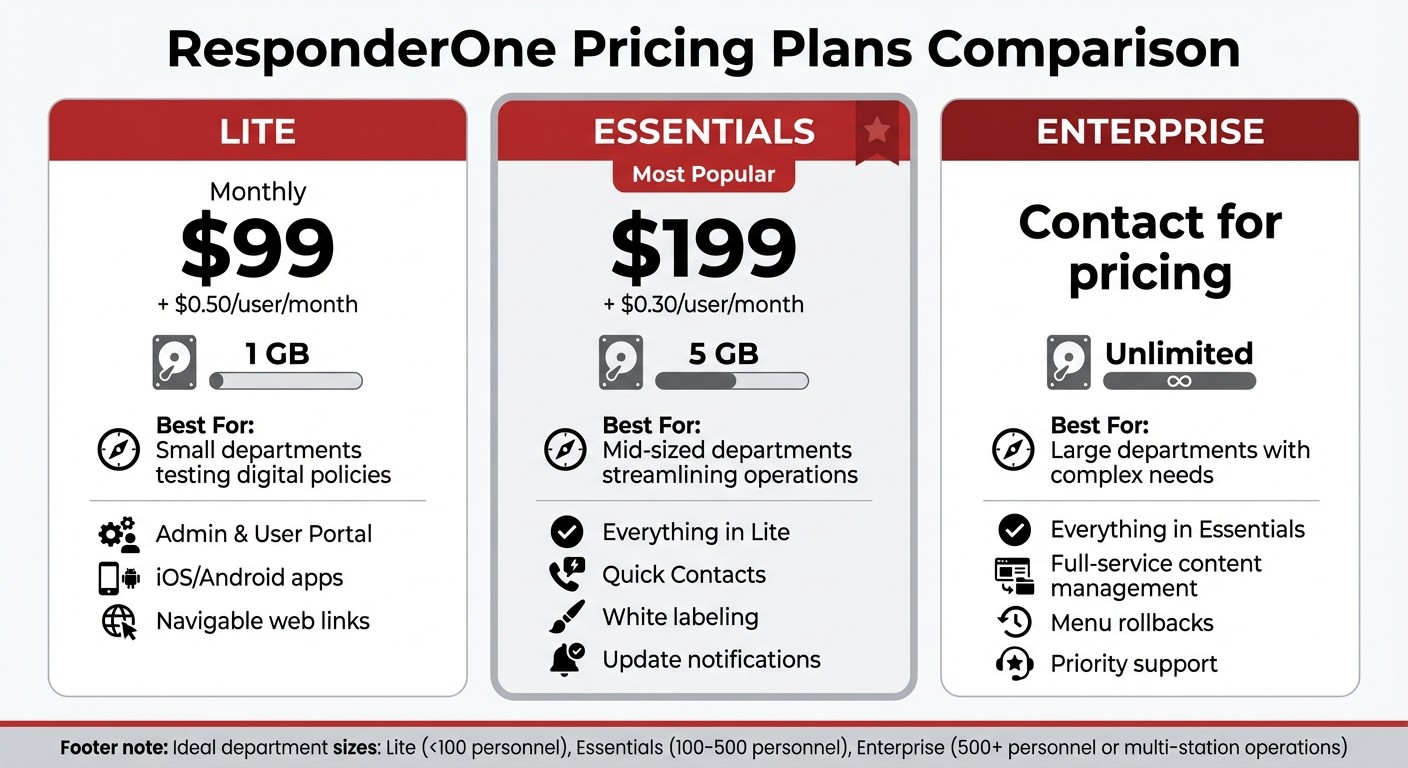
ResponderOne Fire Department Policy Management Pricing Plans Comparison 2025
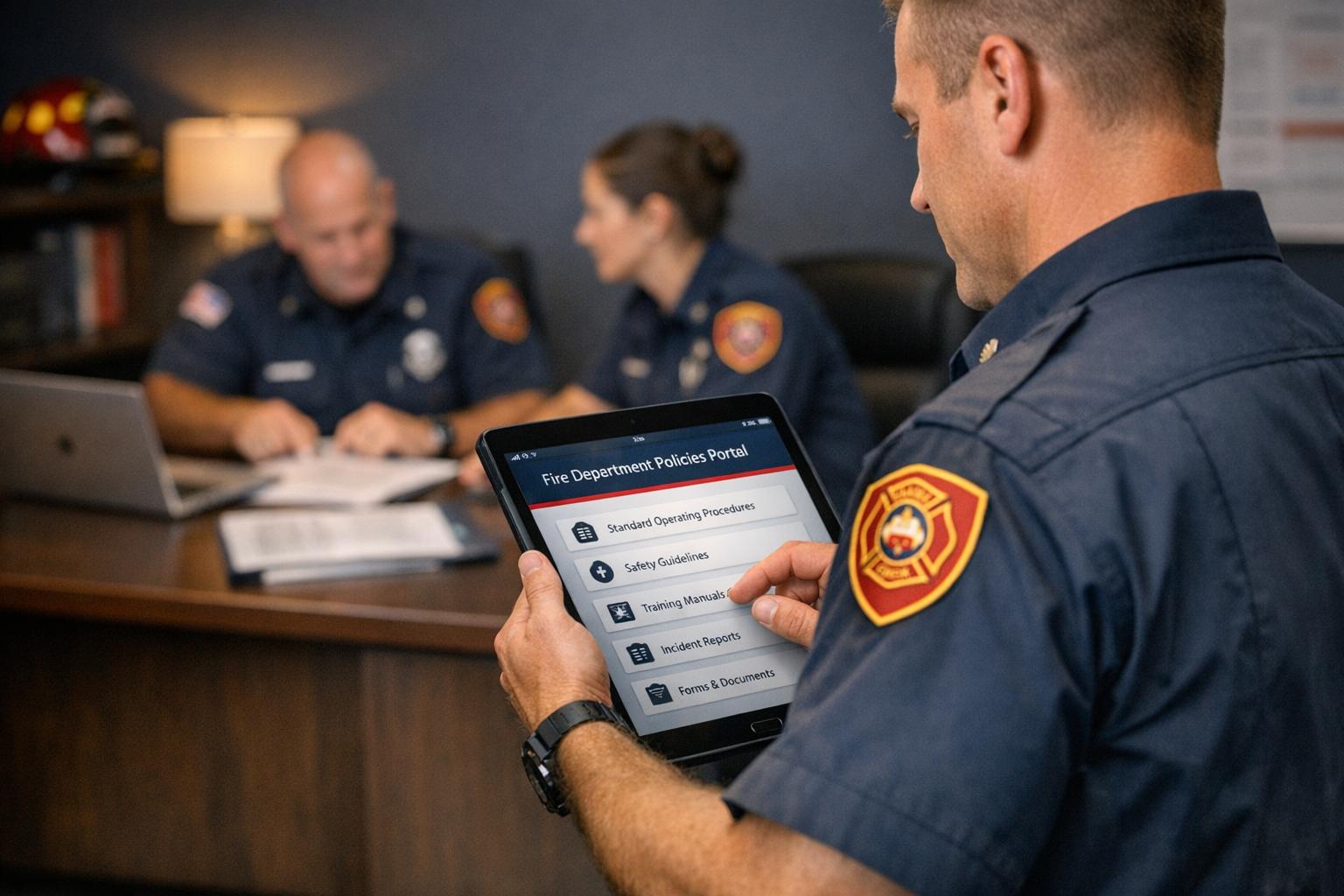
To address the challenges identified earlier, it’s time to choose a cloud-based platform that simplifies and centralizes policy management. The right platform acts as a single, secure repository, eliminating the hassle of paper-based systems and ensuring consistent access to standard operating procedures (SOPs) and manuals. With 24/7 mobile accessibility, your team can stay informed and prepared, no matter where they are.
Look for a platform that offers automated workflows for approvals and team collaboration. Features like automatic version control ensure outdated policies are archived, so staff always work with the latest updates. Digital signature tracking is another must-have, providing a clear legal record of acknowledgments.
Role-based permissions and tools for accreditation mapping, such as those linked to NFPA standards, can streamline compliance by triggering automatic alerts. Studies show that digital policy management can speed up policy workflows by up to four times, while cutting accreditation prep time by 50% or more.
ResponderOne Features for Fire Departments
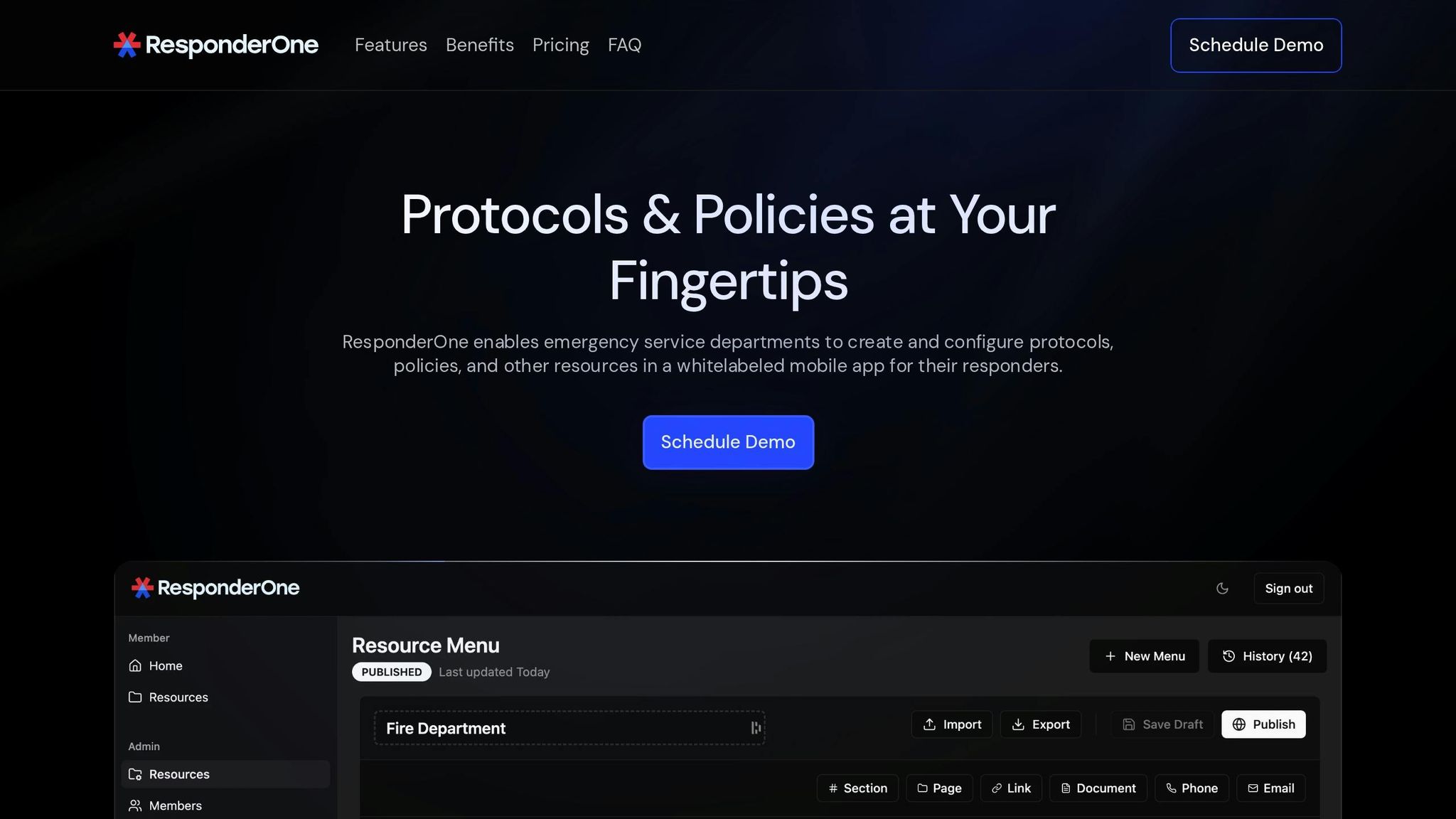
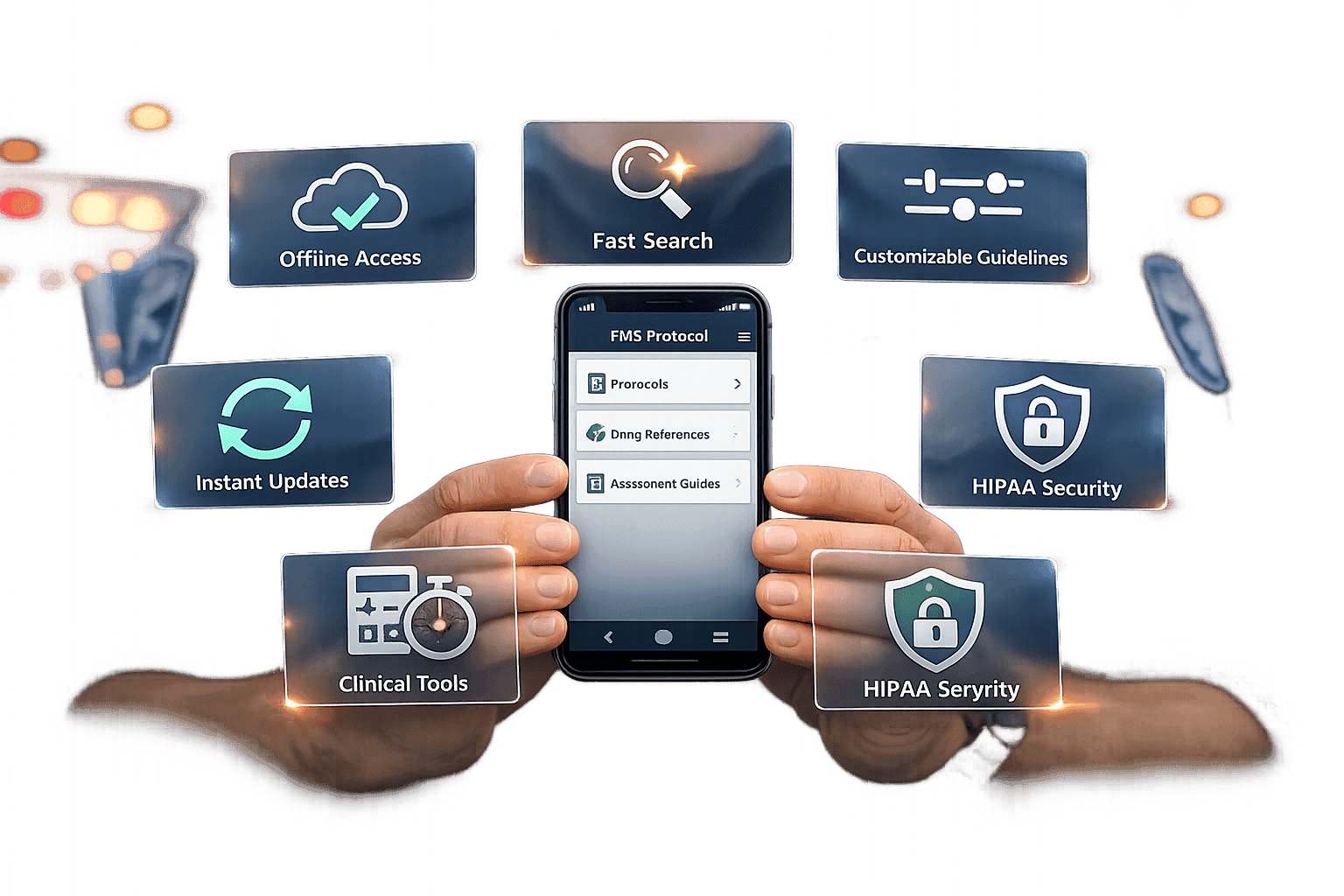
ResponderOne is a great example of a platform designed with fire departments in mind. It centralizes SOPs, training materials, and other critical documents in an easy-to-access Resource Library. Its Admin Portal helps with organizing documents, managing workflows, and setting user permissions. Plus, firefighters can access policies offline through mobile apps for iOS and Android - perfect for emergencies where internet access might be unavailable.
The platform also keeps your team in the loop with instant update notifications via email and push alerts. Customizable branding and robust role-based permissions ensure sensitive documents are only accessible to the right people. ResponderOne’s secure and user-friendly interface makes retrieving policies quick and straightforward, with features like menu history and rollback options to safeguard against accidental changes.
ResponderOne Pricing Plans Comparison
Plan | Monthly Cost | Storage | Best For | Features |
|---|---|---|---|---|
Lite | $99 + $0.50/user/month | 1 GB | Small departments testing digital policies | Admin & User Portal, iOS/Android apps, navigable web links |
Essentials | $199 + $0.30/user/month | 5 GB | Mid-sized departments streamlining operations | Everything in Lite, plus Quick Contacts, white labeling, update notifications |
Enterprise | Contact for pricing | Unlimited | Large departments with complex needs | Everything in Essentials, plus full-service content management, menu rollbacks, priority support |
The Lite plan is ideal for smaller departments with fewer than 100 personnel who want to start digitizing basic policies without a heavy financial investment. The Essentials plan offers more advanced features, like department branding and automated notifications, making it a great fit for growing organizations. For larger departments managing extensive policy libraries across multiple stations, the Enterprise plan provides unlimited storage and priority support, ensuring seamless operations.
sbb-itb-f1e5a35
Step 3: Move Your Policies to a Digital Platform
After selecting your platform, it’s time to move your policies from paper binders and static PDFs into a centralized digital system. This shift doesn’t have to disrupt daily operations. With a thoughtful approach, you can keep things running smoothly while building a more streamlined, efficient process.
Start by standardizing your file formats. PDFs work well for documents, but don’t stop there - add training videos, checklists, or maps if they’re relevant. If you’re dealing with a large number of policy manuals or hundreds of documents, it might be worth investing in professional migration services. These services can adapt your existing content for the new platform, saving your team time and ensuring a smooth transition. Once your content is ready, the next step is uploading and organizing it for easy access.
Upload Policies to Your Central Hub
With your content standardized, log in to ResponderOne's Admin Portal and navigate to the Resource Library. Upload your documents into departmental directories that reflect your organization’s structure or accreditation framework. Think of this as setting up digital filing cabinets - everything in its place and accessible with just a few clicks.
Make sure to enable menu history for tracking policy versions. This feature is crucial for legal and audit purposes, as it provides a clear record of which version of a policy was active during any given incident. When you publish an updated version, the system automatically archives the old one, ensuring your team always has the latest information. For added clarity, use the side-by-side comparison tool to view changes in a "redline" format before finalizing updates.
Set Up White Labeling and Cross-Platform Access
Once your policies are uploaded, you can personalize the platform to reflect your department’s identity. ResponderOne’s white labeling options let you add your logo, create custom URLs for public-facing documents, and embed links directly on your website. This not only strengthens your department’s professional image but also builds trust within the community by making key documents easily accessible.
To ensure everyone can access the platform, configure it for use across web browsers, iOS, and Android devices. Test push notifications to confirm that field staff receive timely updates, and enable multi-factor authentication to keep your sensitive documents secure on all devices. With these steps, your digital system will be ready to serve your team effectively, no matter where they are.
Step 4: Set Up Offline Access and Mobile Apps
Firefighters often work in environments where network connectivity is unreliable or nonexistent. In such situations, having instant access to policies and procedures is crucial. Offline-ready mobile apps turn a traditional, desk-bound policy system into a portable, always-available resource. These apps provide a searchable and current repository of information, eliminating the issues of outdated physical binders. Here's how to configure these tools to ensure uninterrupted access in the field.
Configure Offline-Ready Mobile Apps
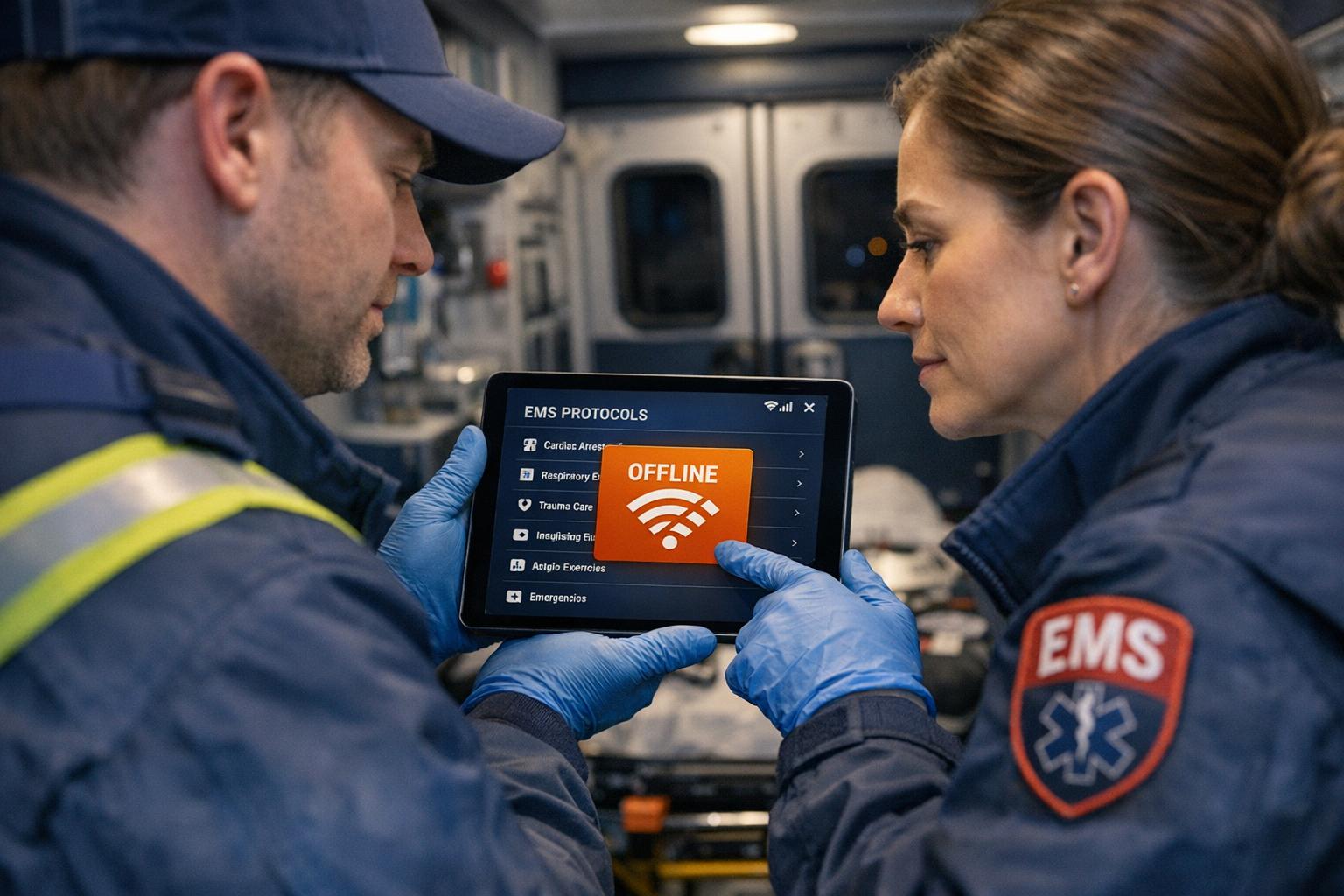
To make your digital system fully field-ready, enable offline capabilities for your mobile apps. For instance, ResponderOne's apps for iOS and Android are designed to enhance operations in the field. Start by having your team download the app using the station's Wi-Fi. During the first login, the app automatically downloads the entire policy library, creating a local copy that remains accessible even without an internet connection.
Within the app settings, you can prioritize critical documents for offline access, such as EMS protocols or technical rescue guidelines. Ensure that devices have sufficient storage to accommodate the full policy library. The app's built-in smart search feature works offline as well, allowing firefighters to quickly find procedures using natural language searches - even in remote areas where connectivity is absent.
Test Instant Update Notifications
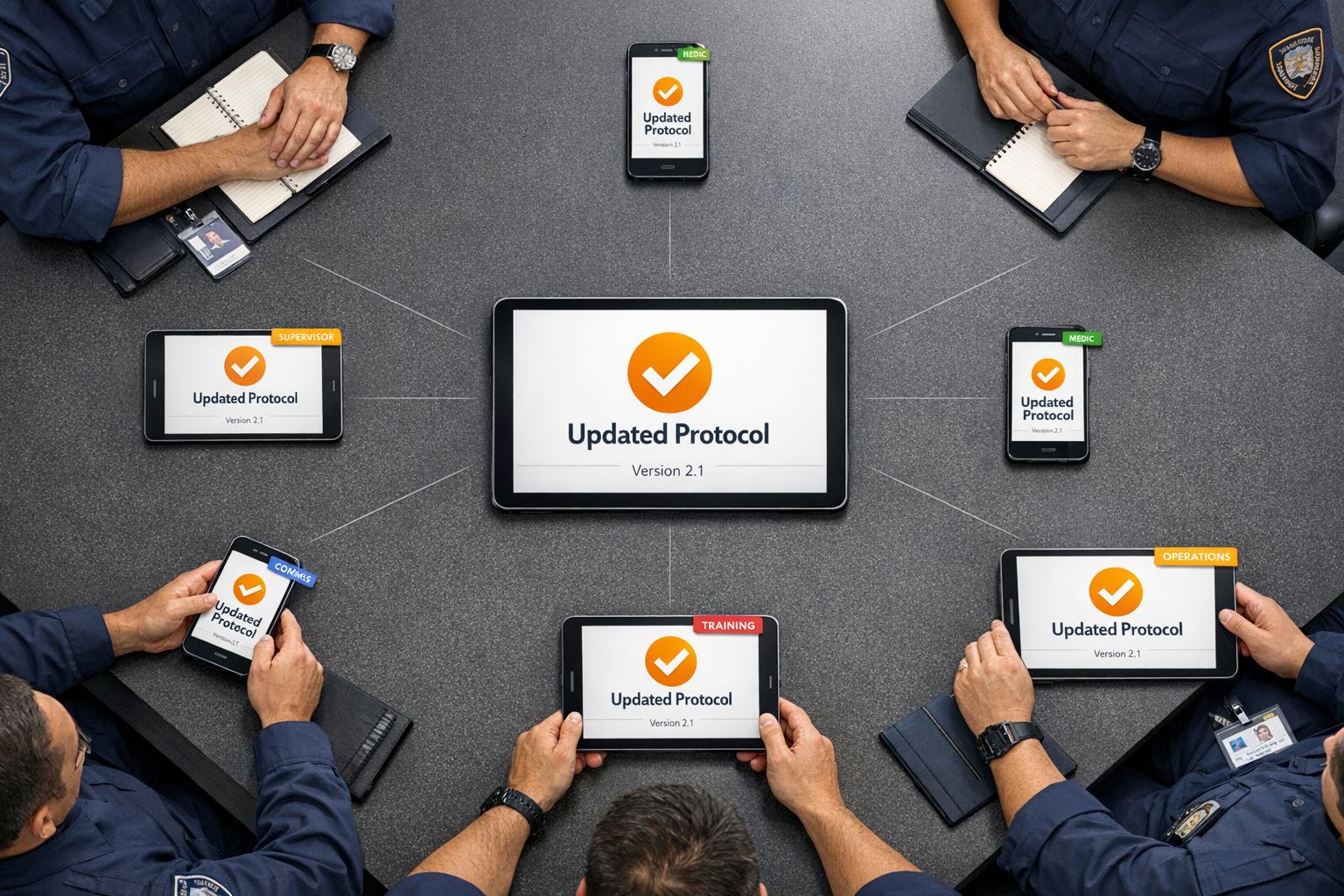
After confirming offline functionality, the next step is to ensure that update notifications work seamlessly. As discussed in Step 3, keeping policies current is essential, and reliable notifications help make that happen. Configure push notifications in ResponderOne so that any policy updates published via the Admin Portal trigger alerts directly on users' devices. This ensures all team members stay aligned, no matter their shift or location.
To test this, update a non-critical policy and verify that the alert appears instantly on mobile devices. When users reconnect to the internet after being offline, the app will automatically sync the latest updates, replacing any outdated cached versions. You can also set role-based alerts to avoid overwhelming users with unnecessary notifications. Regularly simulate real-world conditions - such as testing the app in areas with poor reception - to confirm that offline access and syncing continue to work flawlessly.
Step 5: Configure Role-Based Permissions and Security
As you move forward in the digital transition, managing access to sensitive information becomes critical. After digitizing your policies, it's time to secure them by controlling who can access what. ResponderOne's Admin Portal simplifies this process, allowing you to assign access levels based on rank, station, or specific job functions. By tailoring access to job requirements, you can ensure sensitive data stays protected. The next step is defining roles to enforce these security measures.
Assign User Roles and Permissions
Before importing personnel, set up a clear role hierarchy in the Admin Portal. Navigate to the Personnel Module and select "Manage Roles" to create categories such as Fire Chief, Battalion Chief, Captain, Training Officer, and Line Firefighter. Each role can be assigned one of three permission levels:
Admin: Full control over settings and the ability to publish policies.
Audit/Edit: Access to review and edit draft policies.
View: Read-only access with the ability to sign acknowledgments.
Assign Admin rights to chiefs and IT staff, Audit/Edit permissions to supervisors, and View access to frontline personnel. You can also group personnel by "Stations and Groups" to streamline policy distribution. For example, this ensures Engine 3's crew only receives updates relevant to their team, while Ladder 1 gets their specific updates.
Additionally, the system supports limited external access for auditors or city officials, offering visibility into specific documents without exposing your entire database. Use the "Public-Facing" settings to share non-sensitive policies with the community while keeping internal procedures private. This level of control ensures sensitive data, such as medical records or personnel files, is accessible only to HR and administrative decision-makers.
Once roles are defined, set up automated compliance tracking to ensure all personnel acknowledge updates promptly.
Track Compliance with Update Notifications
Automated compliance tracking is key to keeping everyone on the same page. ResponderOne's Admin Portal lets you create customizable approval workflows, routing new policies to specific roles for review before they’re released department-wide. Once a policy is published, the system sends push notifications or emails to the appropriate groups, creating an immediate audit trail.
To ensure accountability, enable the "To-Do List" feature, which prompts personnel to electronically sign updated policies. Each acknowledgment is logged digitally, making it easy for supervisors to monitor compliance in real-time and identify any missed acknowledgments.
The platform also includes a complete version control history, automatically archiving older policies when new ones are issued. This ensures everyone references the most current procedures and provides a clear audit trail for legal or internal reviews. Regularly auditing user permissions is equally important, ensuring that staff who change roles or leave the department no longer have access to sensitive information.
Step 6: Train Staff and Test Policy Access Speed
After setting up permissions and security, it's crucial to train your team to access the system quickly during emergencies. A digital platform only proves its worth if firefighters can retrieve critical information without delay in high-pressure situations. Training should focus on more than just login procedures - it needs to build the reflex to locate policies instantly.
Run Training Sessions for Staff
Start by involving key groups - firefighters, officers, IT staff, and HR - early in the process. Their input ensures the platform aligns with real-world needs and fosters stronger engagement. When the system is ready, conduct hands-on training sessions. Go beyond basic demonstrations by using video tutorials and live practice exercises to help staff master the platform's features, such as searching for policies and acknowledging updates.
Prioritize mobile access during training. Teach staff how to quickly retrieve standard operating procedures (SOPs) and forms on tablets or smartphones, even in areas with limited connectivity. To avoid overwhelming the team, roll out the system in phases. Begin with the most critical safety policies and gradually expand. Incorporate scenario-based exercises, like Daily Training Bulletins that simulate emergencies, so personnel can practice applying policies in real-world situations.
Address any concerns by showcasing how the digital system saves time. Highlight features like AI-powered search, which allows natural language queries to locate documents faster. Demonstrate tools such as redline comparison, which displays old and updated policies side-by-side, making key changes easy to spot.
Once training is complete, test the system under simulated emergency scenarios to ensure staff can access policies quickly and reliably.
Test the System with Simulated Emergency Scenarios
Testing under realistic conditions ensures the platform performs as expected. Build on the training sessions by running simulations where staff must quickly find specific SOPs, such as air management or door entry protocols, using mobile devices in fire apparatus. Use timed drills to measure how efficiently personnel can locate critical information with tools like ResponderOne’s search index or AI assistant. Also, evaluate how promptly they acknowledge urgent policy updates.
Check that offline access works seamlessly in areas with poor cellular reception, allowing crews to retrieve policies even in low-connectivity situations. During simulations, confirm that training videos and checklists are easily accessible within the platform, ensuring everything staff need is available in one place. Monitor features like electronic signature tracking to verify the audit trail provides solid proof of policy acknowledgment.
A great example comes from the Kannapolis Fire Department in North Carolina. Through rigorous testing and training, they achieved a Class 1 ISO rating. Assistant Chief of Administration Greg Summit credited their digital platform for helping the department track benchmarks and demonstrate readiness. Regular simulations and ongoing performance checks will ensure your team can access policies as quickly as they retrieve essential tools.
Step 7: Keep Policies Updated and Current
Keeping your policies up to date isn’t just a good practice - it’s essential. Outdated standard operating procedures (SOPs) can lead to liability risks and operational confusion. After completing your digital migration and training, the next critical step is maintaining policies that reflect the latest regulations and best practices. A digital platform makes this process smoother, turning policy updates from a reactive task into an efficient, proactive routine that keeps your department ahead of compliance requirements.
Use Instant Updates and Audit Trails
With your digital system in place, staying operationally ready becomes much easier. ResponderOne’s instant update feature eliminates the delays often associated with paper-based systems. Whenever there’s a policy update, staff are immediately prompted to review and acknowledge it. Meanwhile, an audit trail records every change, complete with time stamps, ensuring everyone is working from the most current version of the document.
The audit trail does more than track edits - it provides a detailed, time-stamped log showing who made changes, when they were made, and which staff members have reviewed them. This creates a verified record that strengthens accreditation efforts and reduces liability risks. Plus, fire departments using digital document storage save an average of $11,000 annually in paper and printing costs while maintaining better compliance records.
You can also configure your system to send alerts for regular policy reviews, ensuring that critical safety procedures never fall behind.
Meet 2025 NFPA Standards

Looking ahead, aligning your policies with the 2025 NFPA standards is a must. Key standards for fire departments include NFPA 921 (Fire Investigation), NFPA 1033 (Professional Qualifications for Fire Investigators), and NFPA 1321 (Standard for Fire Investigation Units). A modern digital platform can map your internal policies to these standards, flagging any gaps as regulations evolve.
Additionally, the fire service is transitioning from NFIRS to the National Emergency Response Information System (NERIS) in 2025. This shift will require records management systems to incorporate standardized data and geospatial elements. Ensuring your digital platform can handle these new federal reporting requirements will help your department stay compliant without disruptions.
ResponderOne also offers version control and rollback features, giving you the flexibility to revert to previous versions of a policy if needed. You can access the document’s history, compare versions using the redline tool, and republish the desired version. The system will automatically prompt staff to acknowledge the updated policy, so you can quickly respond to regulatory changes or correct errors - all while maintaining a clear compliance trail.
Conclusion
Switching to a digital system for your fire department's policies isn't just about convenience - it's about creating a safer, more effective operation for both your team and the community you serve. By replacing messy paper trails with a centralized digital platform, your firefighters can access critical standard operating procedures anytime, anywhere. Whether they're at the station or out in the field during an emergency, this kind of instant access can mean the difference between chaos and control in high-pressure moments.
The compliance advantages are just as impactful. Features like automated audit trails, electronic signature tracking, and real-time update notifications provide a clear record of accountability. These tools not only safeguard your department but also slash accreditation preparation time by up to 50%. Plus, digital systems can process policy updates up to four times faster than traditional methods, giving your administrative team more time to focus on training and operational priorities.
ResponderOne is built to meet these specific needs for fire service operations. With offline mobile access, AI-driven search tools for quick policy retrieval, and automated compliance tracking aligned with 2025 NFPA standards, the platform ensures your team is always prepared. Its white-labeling options and role-based permissions let your department maintain its identity while keeping sensitive data secure. Embracing this digital transformation not only streamlines your operations but also ensures your department is ready to face the challenges of an ever-changing emergency landscape.
FAQs
What are the advantages of using a cloud-based system to manage fire department policies?
Using a cloud-based platform for managing fire department policies brings several advantages to the table. First off, it provides real-time access to the most current policies from any device, ensuring team members can easily stay updated and follow the latest guidelines. With automatic updates and version control, there’s no more confusion about whether someone is referencing an outdated document. Plus, features like electronic signatures and audit trails make it easier to track compliance and boost accountability.
These platforms also streamline operations by keeping all policies in one centralized location, which cuts down on the chances of losing or misplacing important documents. On top of that, secure data-sharing options allow for smooth collaboration, enabling fire departments to keep their policy documentation accurate and up to date while reducing potential liability issues.
How can fire departments keep their policies up-to-date and compliant with regulations?
Fire departments can ensure compliance by using cloud-based policy management systems that simplify updates and maintain version control. These systems can automatically notify teams when new regulations are introduced, update policy language as needed, and keep a detailed record of all changes. This approach eliminates the need for manual updates and reduces the chance of relying on outdated policies.
Storing policies in a centralized, searchable digital repository ensures that staff can always access the latest version, whether they're using a desktop, tablet, or smartphone. Features like offline access, enabled through QR codes placed on equipment or in shared spaces, allow firefighters to review policies anytime, even without an internet connection. Additionally, scheduling regular compliance reviews helps track changes and ensures accountability.
With tools like automatic updates, real-time access, and electronic acknowledgment, fire departments can establish a policy system that enhances both operational safety and legal compliance.
What key features should a digital platform include to manage fire department policies effectively?
A digital platform designed for managing fire department policies should prioritize cloud-based storage with built-in version control. This ensures that the most current policies are always accessible while older versions are automatically archived. It should also feature real-time notifications for updates and offer a user-friendly, searchable interface that functions both online and offline - making it easy for firefighters to locate policies whenever they need them.
To promote accountability, the platform should include tools like electronic signature capture, audit trails, and dashboards that monitor policy acknowledgments and compliance. Adding training features, such as quizzes tied directly to specific policies, can help reinforce understanding among staff. All training and acknowledgment records should be securely stored in one centralized location for easy access.
The system should also offer role-based access and simple sharing options, such as QR codes or shareable links, allowing frontline crews to access policies instantly, whether they're at the station or out in the field. These features work together to simplify operations, boost compliance, and enhance the overall efficiency of fire department workflows.