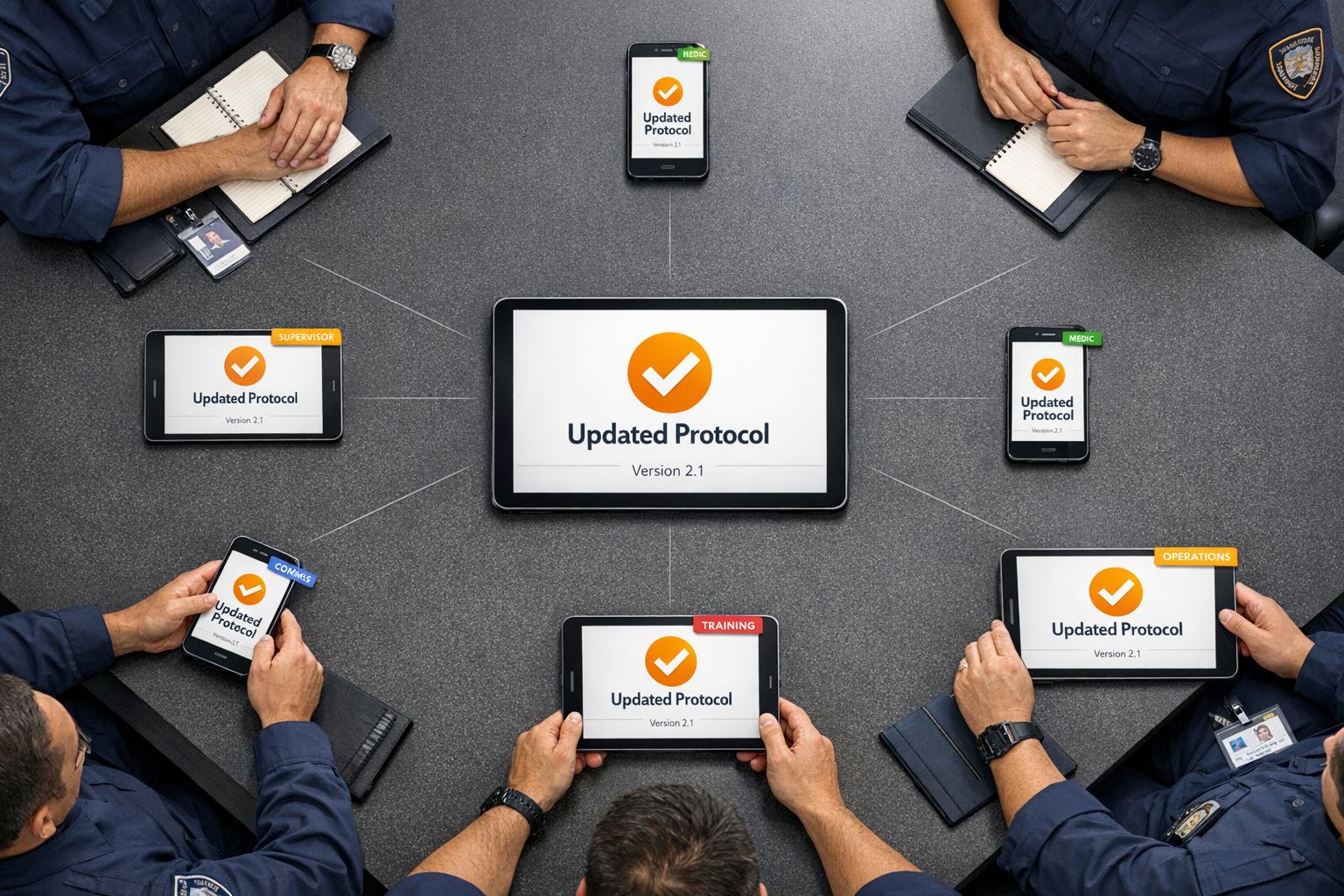
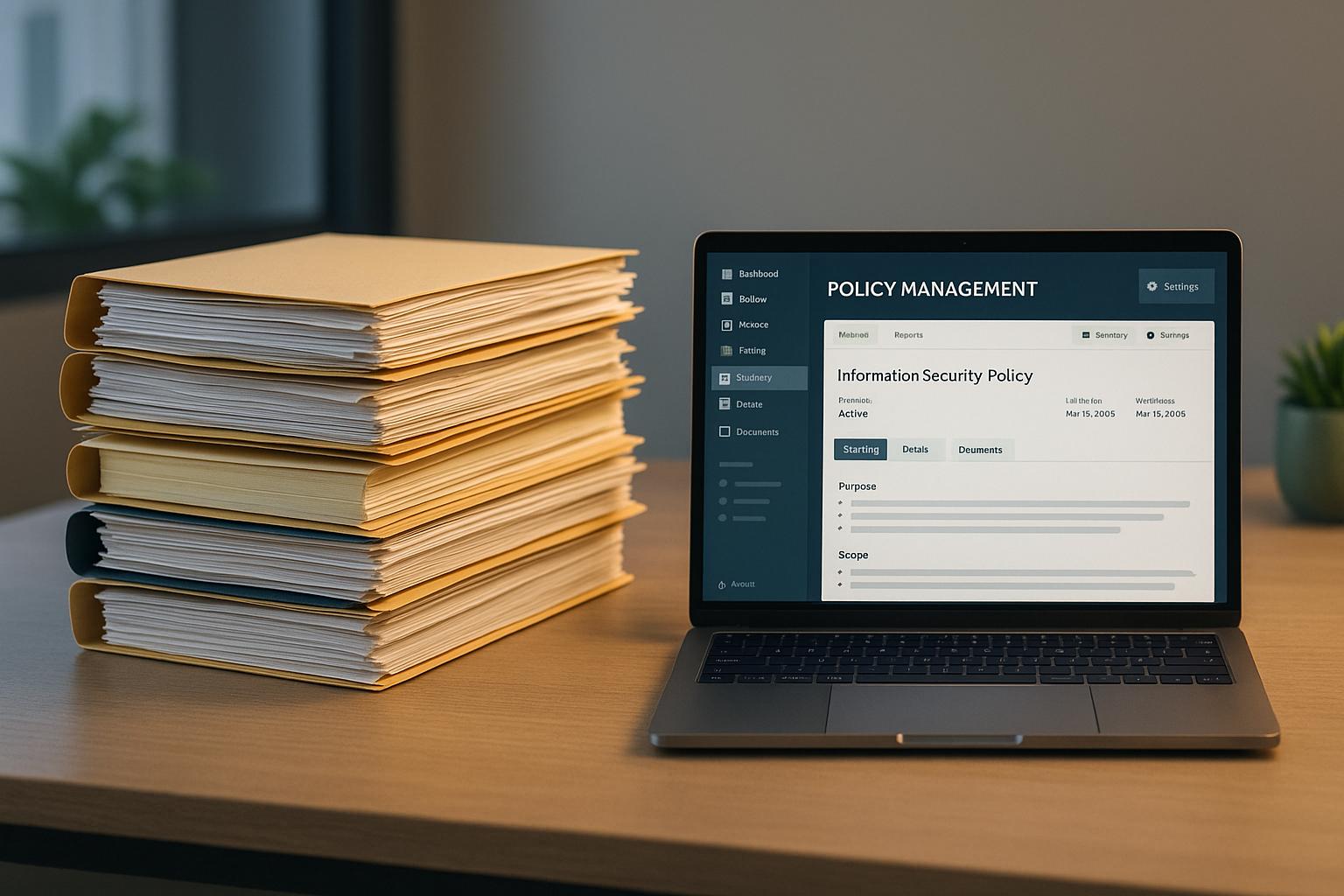
When it comes to managing policies, public safety agencies often face a choice: stick with paper files or switch to policy management software. Here's the quick takeaway: paper files are familiar but slow and inefficient, while software offers speed, automation, and better security. The right choice depends on your agency's size, budget, and needs.
Key Points:
Paper Files: Simple but prone to errors, slow updates, manual compliance tracking, and storage issues.
Policy Management Software: Instant updates, automated compliance tracking, better security, but requires upfront investment and staff training.
Quick Comparison:
Factor | Paper Files | Software |
|---|---|---|
Speed | Slow updates, manual distribution | Instant updates, automated distribution |
Compliance | Manual tracking, prone to errors | Automated tracking, easy reporting |
Access | Tied to physical locations | Accessible anywhere on devices |
Cost | Low upfront, high ongoing (paper, storage) | Higher upfront, predictable subscription |
Security | Vulnerable to fire, theft, and damage | Encryption, backups, stronger protection |
Scalability | Hard to manage as agency grows | Easily scales with users and locations |
Paper may work for small, low-complexity agencies, but software is ideal for larger teams needing efficiency, security, and growth potential.
Files: Advantages and Disadvantages
For years, many public safety organizations have leaned on paper-based systems for managing policies. While this approach might feel familiar and straightforward, there’s little evidence to suggest it offers any real benefits over modern alternatives. Some argue that paper avoids technical glitches, but these claims lack concrete support. Let’s break down the reality of using paper files.
Advantages of Paper Files
Despite their long-standing use, no strong advantages for paper-based systems have been identified.
Disadvantages of Paper Files
Relying on paper systems brings a host of challenges that can hinder operations:
Version control headaches: Updating every single paper copy manually often results in outdated versions floating around, which can lead to inconsistent or incorrect information being used.
Tracking compliance is tricky: Manually collecting policy acknowledgments is prone to errors, leaving gaps in compliance records. This can become a critical issue during emergencies when accurate records are needed fast.
Storage is a hassle: As policies pile up, the physical space required to store them becomes a burden. Finding a specific document when time is of the essence adds another layer of inefficiency.
Slow updates: Distributing updated policies takes time, which means staff might not have access to the latest information when they need it most.
Fragile and vulnerable: Paper files are at the mercy of fire, water, and other environmental risks. Losing vital documents in such events can create significant administrative and operational setbacks.
These limitations not only slow down operations but also pose risks to security and compliance - two pillars that are critical for any public safety organization’s success.
Policy Management Software: Advantages and Disadvantages
Policy management software simplifies how public safety agencies handle their policies, offering a more efficient alternative to paper-based systems. While these platforms bring clear improvements, they also come with challenges that agencies need to navigate carefully.
Advantages of Software Solutions
Modern policy management software solves many of the frustrations associated with paper systems. For starters, centralized access and search tools allow users to quickly find policies from anywhere - whether at the office, in the field, or during emergencies. No more digging through filing cabinets or making calls to confirm procedures.
With real-time updates, everyone always has access to the most current version of a policy. This eliminates confusion and ensures consistency across the board.
Automated compliance tracking is another major benefit. The software keeps a record of who has read and acknowledged each policy, creating an audit trail that's easy to access during inspections or legal reviews. This removes the need for manually collecting signatures.
The software also offers disaster resilience, as cloud backups ensure policies remain safe even in the event of fires, floods, or other physical threats.
When it comes to space, digital storage frees up room by eliminating the need for bulky filing cabinets or storage rooms. This space can then be repurposed for other operational needs.
Finally, there’s an environmental upside. By reducing paper use and cutting down on printing and distribution costs, agencies can achieve long-term savings while promoting eco-friendly practices.
Now, let’s look at the challenges these systems can bring.
Disadvantages of Software Solutions
Despite their benefits, policy management software isn’t without its hurdles. Initial setup costs can be steep, requiring a significant upfront investment. On top of that, monthly licensing fees are often higher than basic online storage services, which can strain tight budgets.
Another challenge is staff training. Shifting from familiar paper systems to a digital platform takes time and effort. Resistance to change is common, as ProcessMaker observed:
The resistance to the change (and improvement!) that we brought was enormous.
The transition process itself can be daunting. Migrating policies, setting up permissions, and configuring workflows require careful planning. Agencies without strong IT support may find this phase particularly difficult.
Cybersecurity risks are also a concern. Digital systems are vulnerable to hacking, data breaches, and other cyber threats. IT teams must stay vigilant, regularly updating security measures to protect sensitive information.
In legal contexts, authentication challenges can arise. While digital records are easier to track and access, they may be harder to authenticate in court compared to physical documents with original signatures.
Another potential issue is improper permission settings, which could result in unauthorized access to sensitive documents. This highlights the need for careful management during both setup and ongoing use.
Finally, proving return on investment (ROI) in the short term can be tricky. While the long-term benefits of digital systems are often clear, agencies may struggle to demonstrate immediate gains, making it harder to justify the expense to leadership.
sbb-itb-f1e5a35
Side-by-Side Comparison: Paper Files vs Software
Public safety agencies face critical decisions when it comes to managing operations effectively. Choosing between paper-based systems and policy management software involves weighing factors like speed, security, and cost. Below is a detailed comparison to help agencies evaluate which option aligns best with their needs.
Comparison Table
This table highlights the key differences between paper files and digital software across various operational dimensions that matter most to emergency services.
Factor | Paper Files | Policy Management Software |
|---|---|---|
Distribution Speed | Slow – requires physical printing, copying, and hand-delivery. Updates can take days or weeks to reach everyone. | Instant – updates are pushed to all users at once, ensuring immediate access to new policies. |
Version Control | Challenging – multiple versions can circulate, making it hard to confirm everyone has the latest policy. | Automatic – only the latest version is accessible, with older versions archived and clearly labeled. |
Compliance Tracking | Manual and tedious – tracking acknowledgments involves collecting and filing physical documents, often resulting in incomplete records. | Automated – logs every access, acknowledgment, and timestamp, generating compliance reports instantly. |
Accessibility | Limited – tied to physical locations, making documents hard to access during emergencies unless hard copies are carried. | Universal – accessible on desktops, tablets, or smartphones, with many systems offering offline functionality that syncs later. |
Search Capability | Inefficient – finding specific information means digging through binders or filing cabinets. | Quick – keyword searches return results in seconds, saving time during critical moments. |
Storage Space | Requires physical space – needs filing cabinets, storage rooms, and growing archives as policies accumulate. | Minimal – policies are stored digitally, freeing up office space for other uses. |
Security & Data Protection | Vulnerable – at risk of theft, fire, water damage, and misplacement. Paper records can degrade over time and are easily tampered with. | Strong – includes encryption, multi-factor authentication, role-based access, and automated backups for protection. |
Risk of Loss | High – no inherent backup system; fire, flood, or misplacement can lead to permanent loss. | Low – automated backups and disaster recovery protocols ensure data safety even during physical disasters. |
Initial Cost | Low – limited to expenses for paper, printing, and filing cabinets. | Higher – includes software licensing, setup, and training, requiring a larger initial investment. |
Ongoing Cost | Moderate – recurring costs for paper, ink, printing, storage, and staff time. | Predictable – subscription costs range from $0.30 to $0.50 per user per month, plus base platform fees. |
Scalability | Poor – expansion requires more physical copies, storage, and distribution efforts, which grow increasingly difficult as the organization expands. | Excellent – digital systems scale easily across users, departments, and locations without significant extra effort. |
Environmental Impact | High – heavy paper use generates waste and relies on resource-intensive printing. | Low – reduces paper consumption, supporting eco-friendly practices. |
Disaster Resilience | None – without offsite backups, disasters like fires or floods can permanently destroy records. | Strong – cloud backups and recovery options ensure data remains accessible even if facilities are compromised. |
This comparison underscores the benefits and challenges of each system. For instance, most document breaches stem from internal errors, highlighting the importance of strong security measures. Digital systems can alert administrators to suspicious activity in real time and keep detailed logs of every access attempt.
For agencies relying on paper, safeguarding sensitive documents is essential. This includes locking files, removing papers from printer trays promptly, enforcing clean desk policies, and shredding unneeded documents. On the digital side, robust safeguards like encryption, strong passwords, and multi-factor authentication are critical. Automation can further reduce the burden on staff by consistently enforcing these protections.
The decision between paper files and policy management software ultimately depends on an agency’s priorities, budget, and operational demands. While paper systems are straightforward and inexpensive upfront, they fall short in areas like distribution, security, and scalability. Digital solutions require more investment and training but offer faster updates, improved security, and greater efficiency. This side-by-side analysis provides a foundation for selecting the system that best suits your agency's goals.
How to Choose the Right System for Your Agency
Deciding between paper and digital systems depends on your agency's unique needs, operational challenges, and future plans. By focusing on the factors that matter most, you can choose a solution that supports your team today while preparing for tomorrow. Below, we break down the key considerations, from agency size to security.
Evaluation Criteria
Agency Size and Complexity are crucial in determining the right system. Smaller agencies with fewer than 100 employees often have simpler needs. If your team operates in a single location with straightforward policies, paper files might seem manageable.
However, as your agency grows to 100-500 employees, challenges increase. Multiple shifts, departments, and an expanding library of policies make paper systems harder to manage. Keeping track of updated procedures becomes a logistical headache. At this stage, digital systems shine by centralizing information and ensuring everyone accesses the latest version.
For agencies with over 500 employees, the complexity multiplies. Managing policies across multiple locations, specialized units, and strict compliance demands makes paper systems nearly impossible. Digital solutions with advanced tools like role-based access, compliance tracking, and analytics become essential for maintaining efficiency.
Budget Considerations go beyond upfront costs. While paper systems may seem cheaper initially - requiring only filing cabinets, paper, and ink - the hidden expenses add up. Staff spend valuable time printing, filing, and managing documents. Storage space costs money, whether on-site or in rented facilities. Over time, these costs often surpass the investment in digital systems.
Digital policy management software, like ResponderOne, starts at $99 plus user fees of $0.30 to $0.50 per month. Though the initial cost may seem higher, these systems reduce printing expenses, free up storage space, and save countless hours of manual work, offering long-term savings.
Existing Technology Infrastructure plays a bigger role than many realize. Agencies already using digital tools, such as scheduling software or communication platforms, will find it easier to transition to digital policy management. Staff familiar with technology adapt more quickly to new systems. On the other hand, if your agency relies heavily on paper and has limited experience with digital tools, the transition may take more time and training.
Integration is another key factor. Digital systems can often connect with existing tools, creating a smoother workflow. In contrast, paper systems remain isolated and disconnected from other processes.
Compliance and Regulatory Requirements are often non-negotiable. Many agencies must prove that staff have read and acknowledged specific policies. With paper systems, this involves collecting, filing, and retrieving signed forms - an arduous process during audits.
Digital systems streamline compliance tracking. Every time someone accesses a policy, the system logs it. Acknowledgments are timestamped and stored automatically, making it easy to generate reports in seconds instead of sifting through filing cabinets.
Operational Needs and Access Requirements should guide your choice. Consider how your team works. Do they need access to policies during emergencies? Are staff spread across multiple locations or working different shifts?
Paper systems tie information to physical locations, which can be limiting. For example, a paramedic on-scene might rely on memory or printed copies to reference protocols. Digital systems solve this problem by allowing staff to access policies on smartphones or tablets, even offline, with updates syncing automatically when connectivity is restored.
Transition Planning and Implementation is critical to success. Moving to a digital system isn’t just about purchasing software - it’s about rethinking workflows. Start by auditing your current processes: which policies are most critical, how often are they updated, and where are the pain points?
A phased approach works well. Begin with the most important policies or problem areas, then expand gradually. For small agencies, centralizing policies digitally, setting up acknowledgment tracking, and automating review reminders can address common challenges without overwhelming staff.
For mid-sized agencies, additional features like role-based distribution, multi-level approval workflows, and department-specific libraries become essential as complexity grows. Large organizations can take it further with analytics to identify frequently accessed policies, map compliance requirements, and generate detailed reports for audits.
Staff Training and Change Management are key to a smooth transition. A system is only as effective as the people using it. Comprehensive training ensures staff understand not just how to use the system, but why it’s important. Address resistance by showing tangible benefits like faster access to information and reduced administrative work.
Enlist early adopters within your team to champion the change. These individuals can answer questions and support colleagues during the transition.
Security and Data Protection should never be overlooked. Paper files are vulnerable to physical threats like fire, water damage, or theft. Internal errors - like leaving sensitive documents unsecured - are also common. If you stick with paper, enforce strict protocols: lock files, clear printer trays immediately, and shred outdated documents.
Digital systems, when configured correctly, offer stronger protection. Look for software with encryption, multi-factor authentication, role-based access, and automated backups. These features safeguard against both external breaches and internal mistakes. Real-time alerts for suspicious activity add another layer of security.
Scalability and Future Growth are vital, even for small agencies. If you plan to hire more staff or expand services, consider how your system will handle growth. Paper systems become increasingly burdensome as your agency grows - more employees mean more printing, filing, and storage.
Digital systems, on the other hand, scale effortlessly. Adding users is as simple as adjusting your subscription, and new locations can access the same centralized system without additional infrastructure.
For small, single-location agencies with minimal compliance needs, paper might suffice. But for most organizations, digital policy management software offers greater efficiency, scalability, and long-term savings. Use these criteria to choose the system that best supports your agency’s needs.
Conclusion
Deciding between paper files and policy management software isn’t a one-size-fits-all decision - it’s about finding what aligns with your agency’s specific needs. Both options have their strengths, and the right choice depends on your operational priorities rather than chasing industry trends.
Paper files might be ideal for agencies in areas with unreliable internet, where physical documentation is legally mandated, or when staff members are more comfortable with hard copies.
On the other hand, digital solutions tackle many common challenges. Policy management software offers instant access, automated compliance tracking, and the ability to scale operations. While the initial cost starts at $99, with additional user fees ranging from $0.30 to $0.50 per month, the long-term benefits include cutting down on printing and storage costs and simplifying administrative tasks.
FAQs
What security benefits does policy management software provide compared to paper files?
Policy management software brings strong security benefits compared to old-school paper filing systems. By centralizing document storage in a secure digital space, it protects sensitive policies from risks like physical loss, theft, or damage.
Key features like version control add another layer of protection by keeping a detailed record of edits and preventing unauthorized changes. On top of that, audit trails track who accessed or modified a document and when, offering clear visibility into compliance efforts and helping pinpoint potential problems. Achieving this level of security and oversight is nearly impossible with paper-based methods.
How can an agency assess if investing in policy management software is financially worthwhile over time?
When considering whether policy management software is worth the investment, agencies should weigh the potential savings and efficiency gains it offers. Some key advantages include cutting down on paper and printing costs, saving time by automating manual tasks, and ensuring better compliance, which can help sidestep expensive mistakes or penalties.
Switching to a digital system often leads to long-term financial benefits. It simplifies workflows, makes documents easier to access, and reduces the need for physical storage space. Although the upfront cost might seem high, the boost in efficiency and the ability to scale operations usually deliver a solid return on investment over time.
What are the key steps to transition from paper-based files to digital policy management software seamlessly?
To make the switch from paper files to a digital policy management system as seamless as possible, start by getting your existing documents in order. Organize and digitize them so they’re ready for bulk import into the new software. This step will save time and ensure everything is where it needs to be once you’re up and running.
Once your documents are in place, set up workflows that match your organization’s processes. Customizing these workflows helps simplify tasks and keeps everything running smoothly.
Don’t forget to train your team! Make sure they’re comfortable with the software’s features, like setting reminders, assigning due dates, and generating audit reports. The more familiar they are, the easier the transition will be.
Finally, take full advantage of the software’s tools. Features like centralized repositories with full-text search and built-in communication options can boost collaboration and make accessing information a breeze. By following these steps, your organization can embrace digital policy management while enhancing both security and efficiency.